
Photo restoration service
Photo Restoration Service
Faithfully restore the family photo you thought was too faded, scratched, or worn to share.
No card required. Start with one photo.
Try before paying
Start with one free restore on the web.
Faithful by design
Repair the damage while keeping the person recognisable.
Free redo promise
If it does not look like them, tell us and we will redo it free.
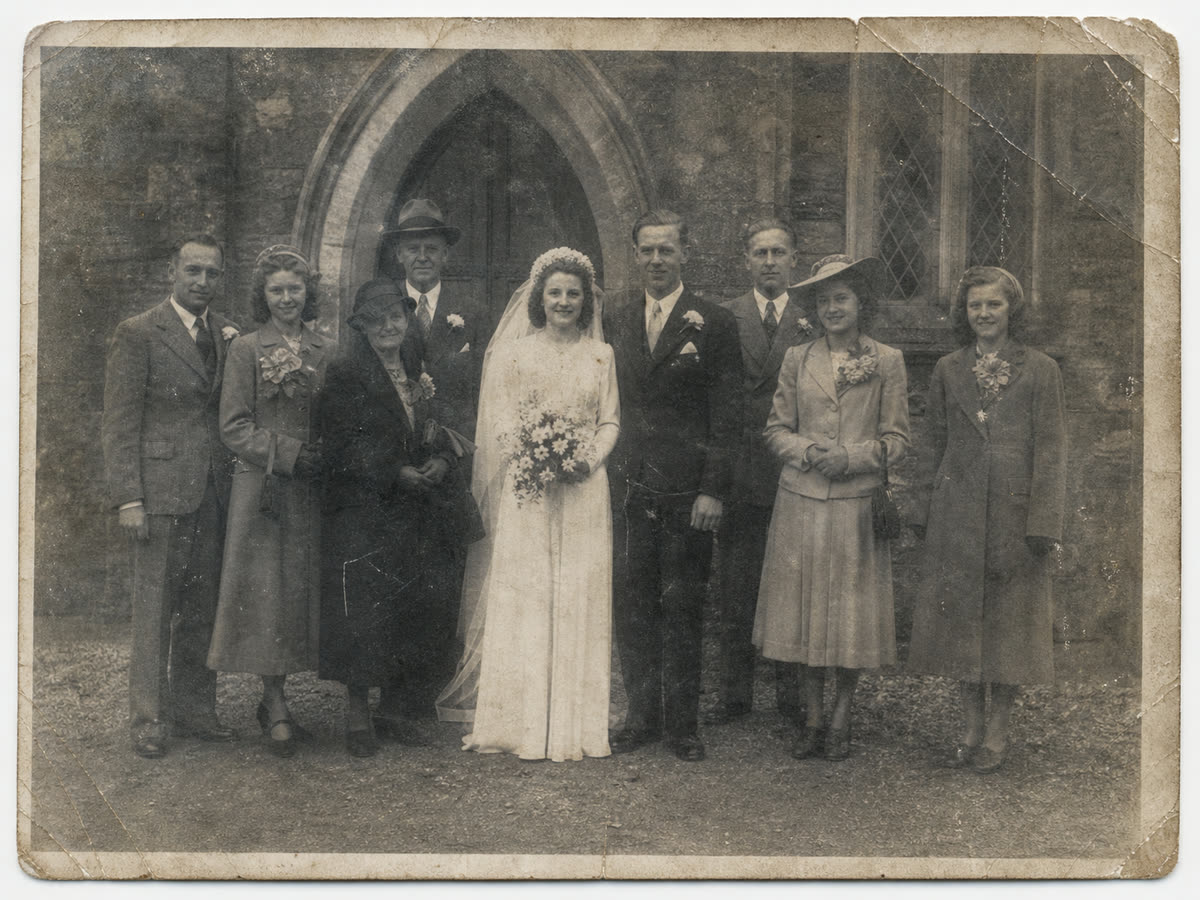
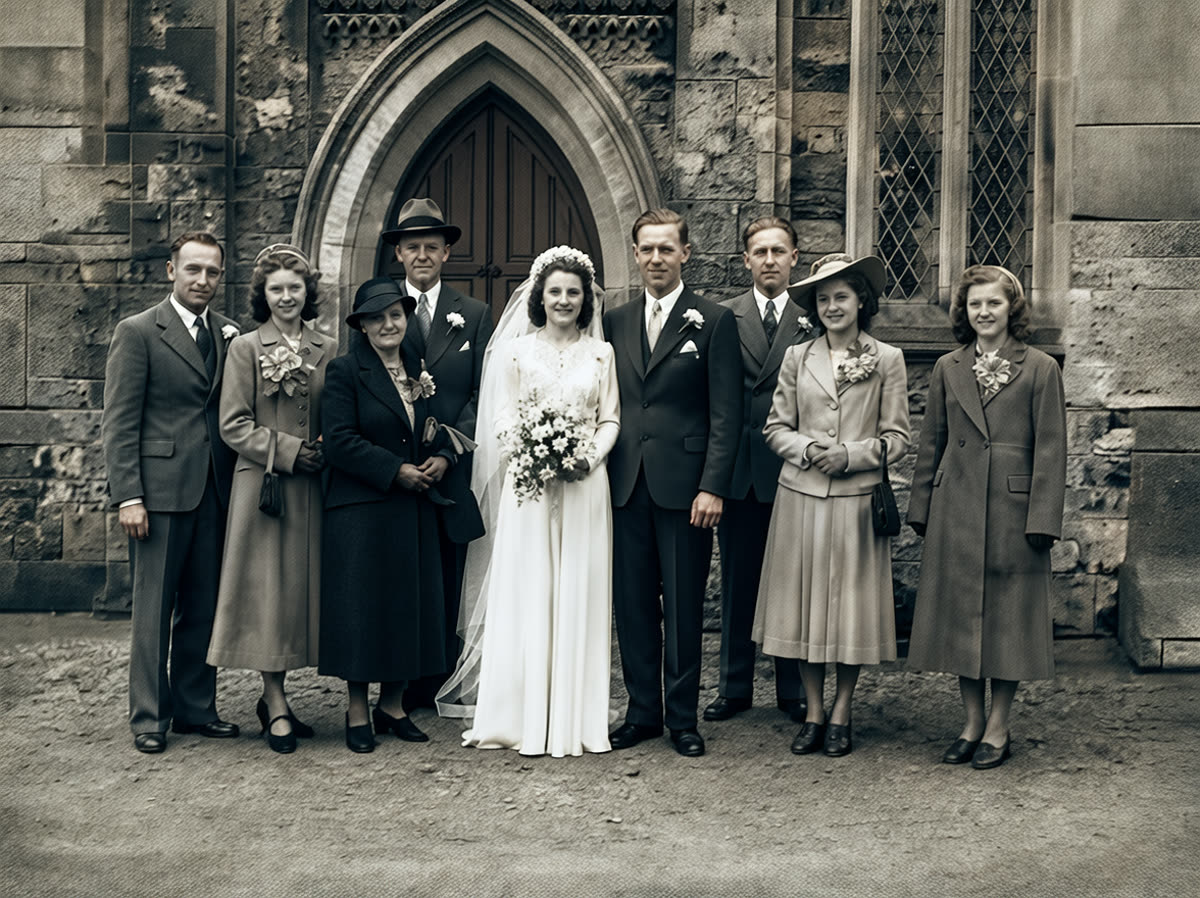
Direct answer
PhotoScanRestore is an online photo restoration service for old family photos that are faded, scratched, torn, blurry, or losing color. Start with the one your family still talks about, compare the restored version with the original, and only pay if it still feels true to the people and place. It is not museum conservation or hand retouching, but it is a fast way to repair everyday prints, portraits, wedding photos, school photos, and archive images for sharing, printing, and passing around again.
Real examples
Restore old photos online without mailing the originals
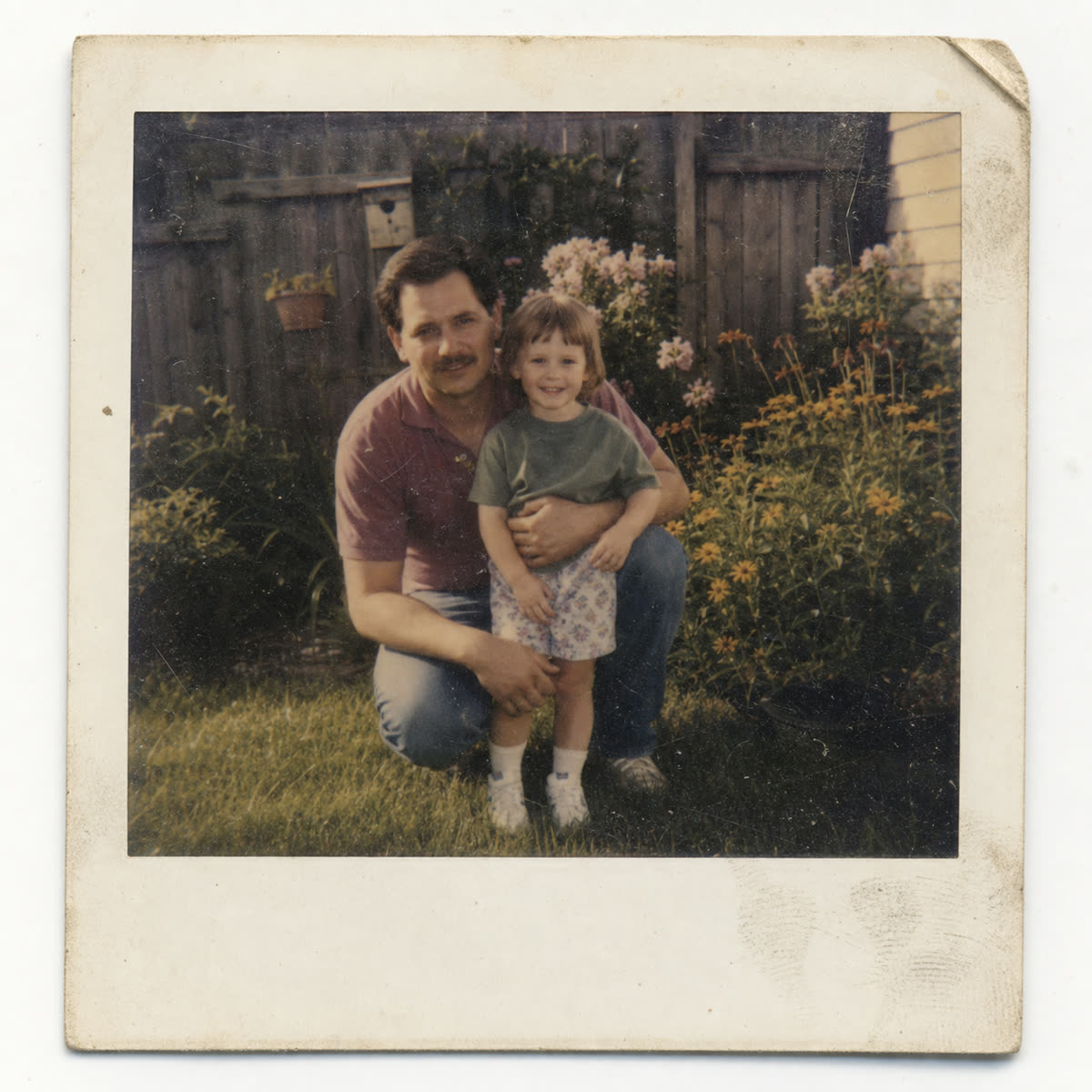
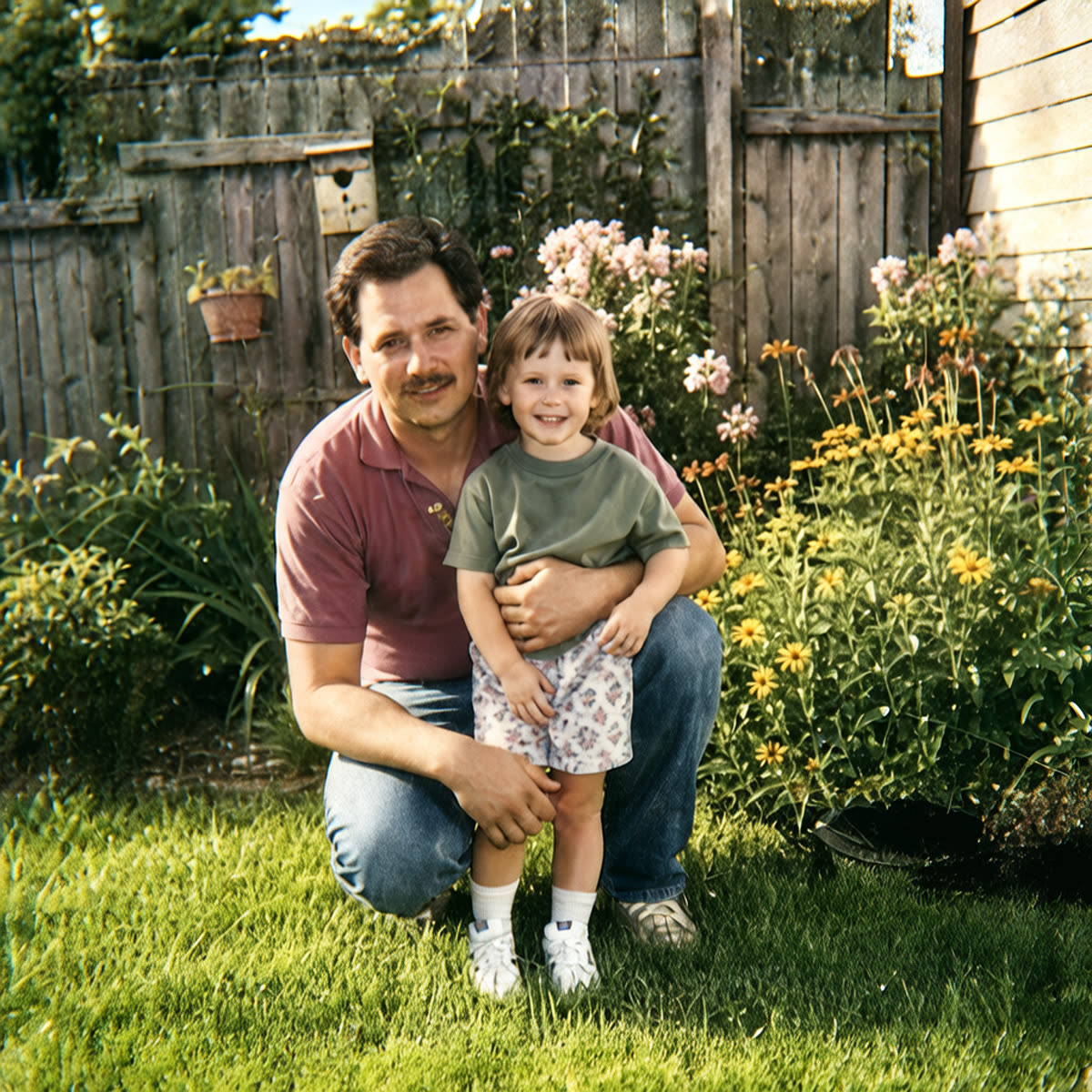
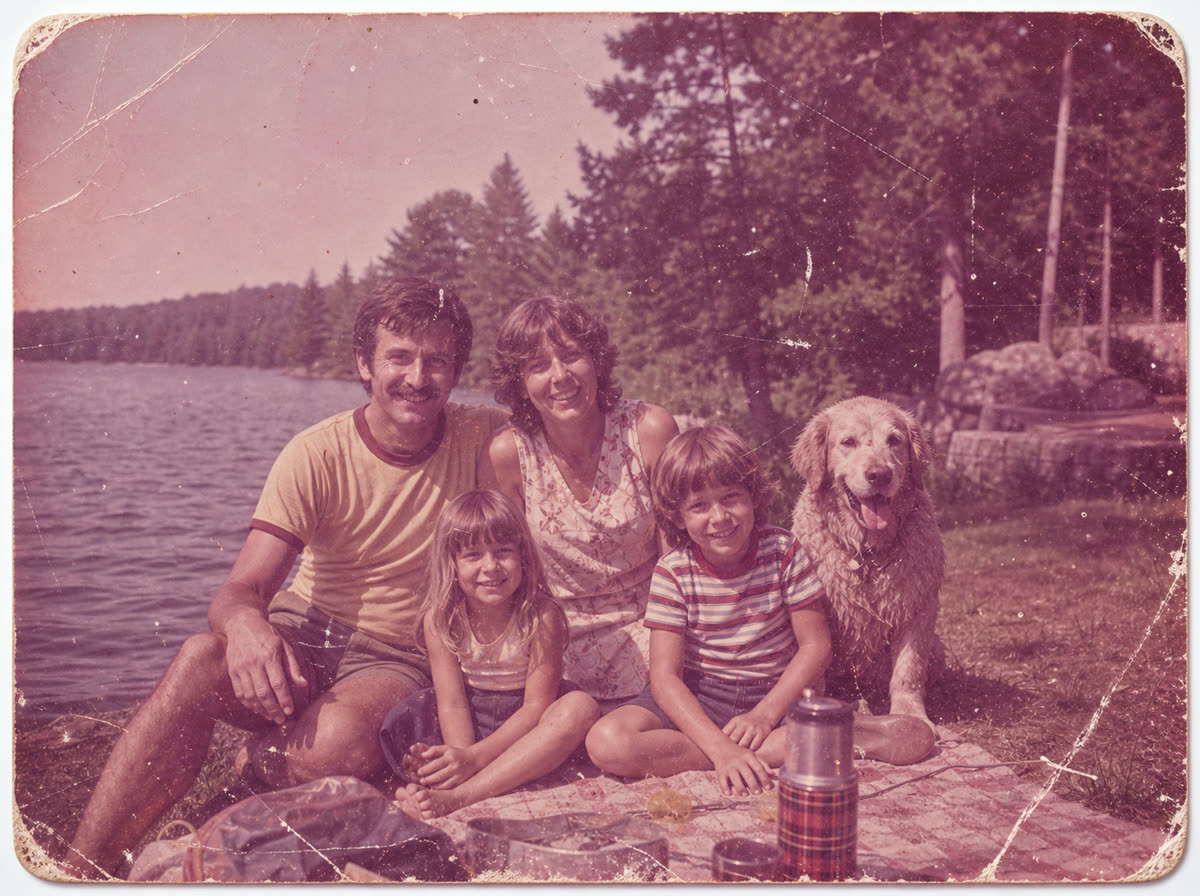
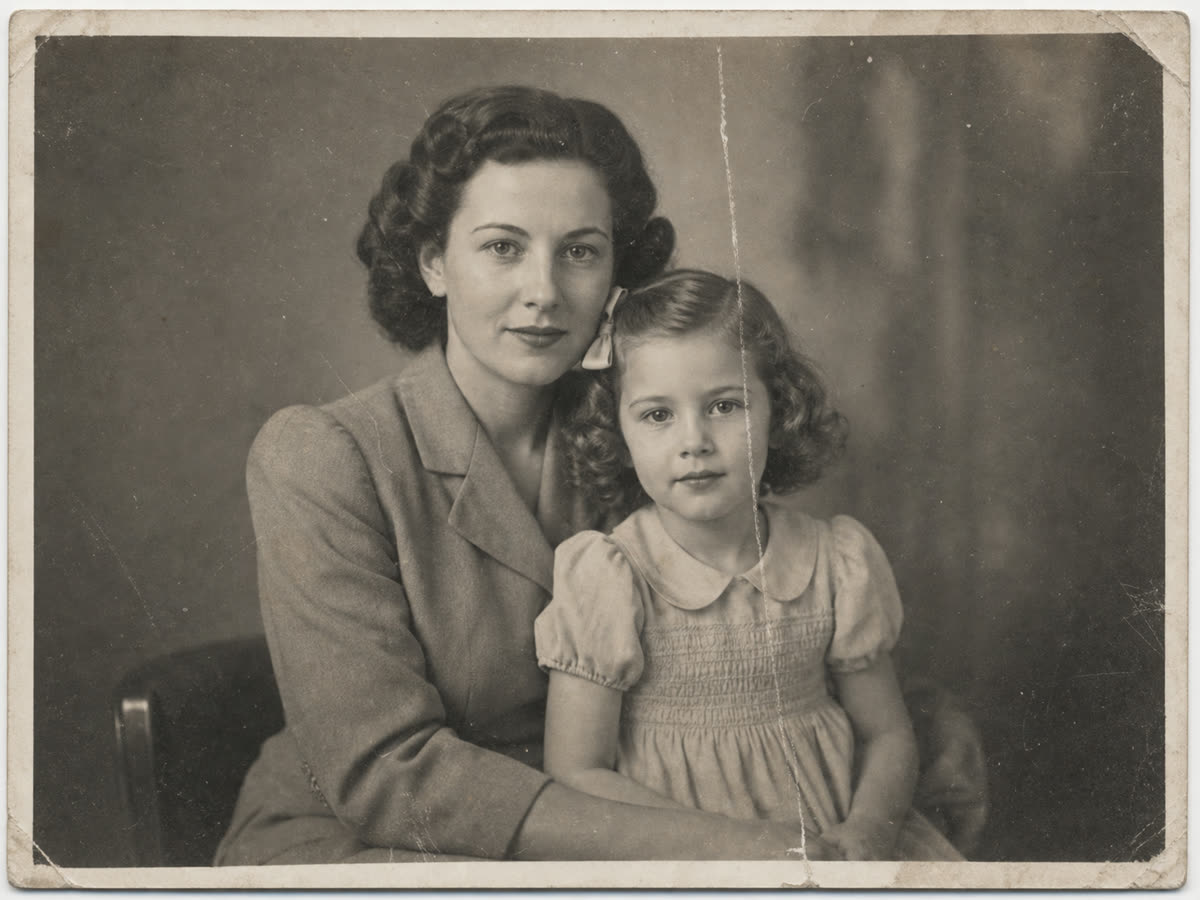
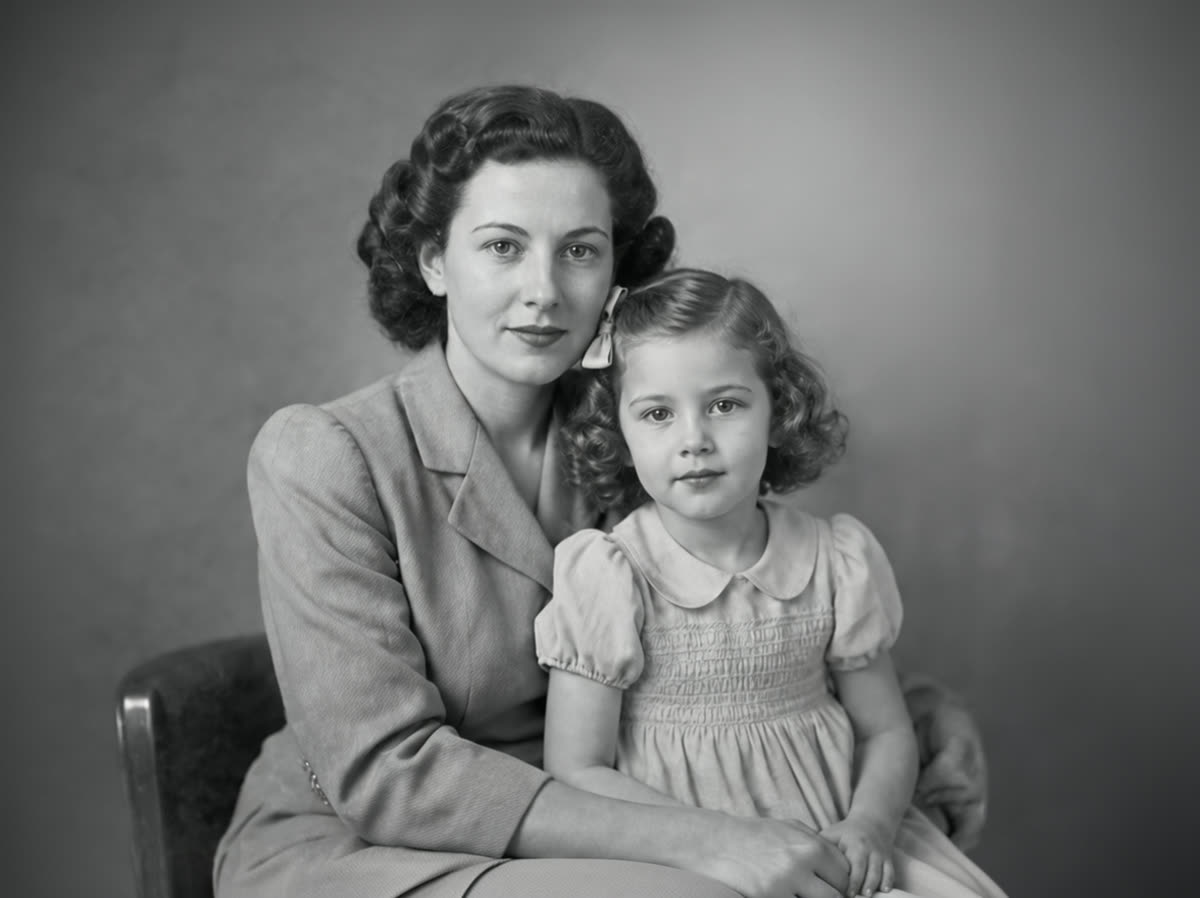
These restorations show the kinds of old family photos people hesitate to send away: wedding portraits, birthday tables, soft garden prints, and scratched snapshots. Start with one photo before paying for the rest.
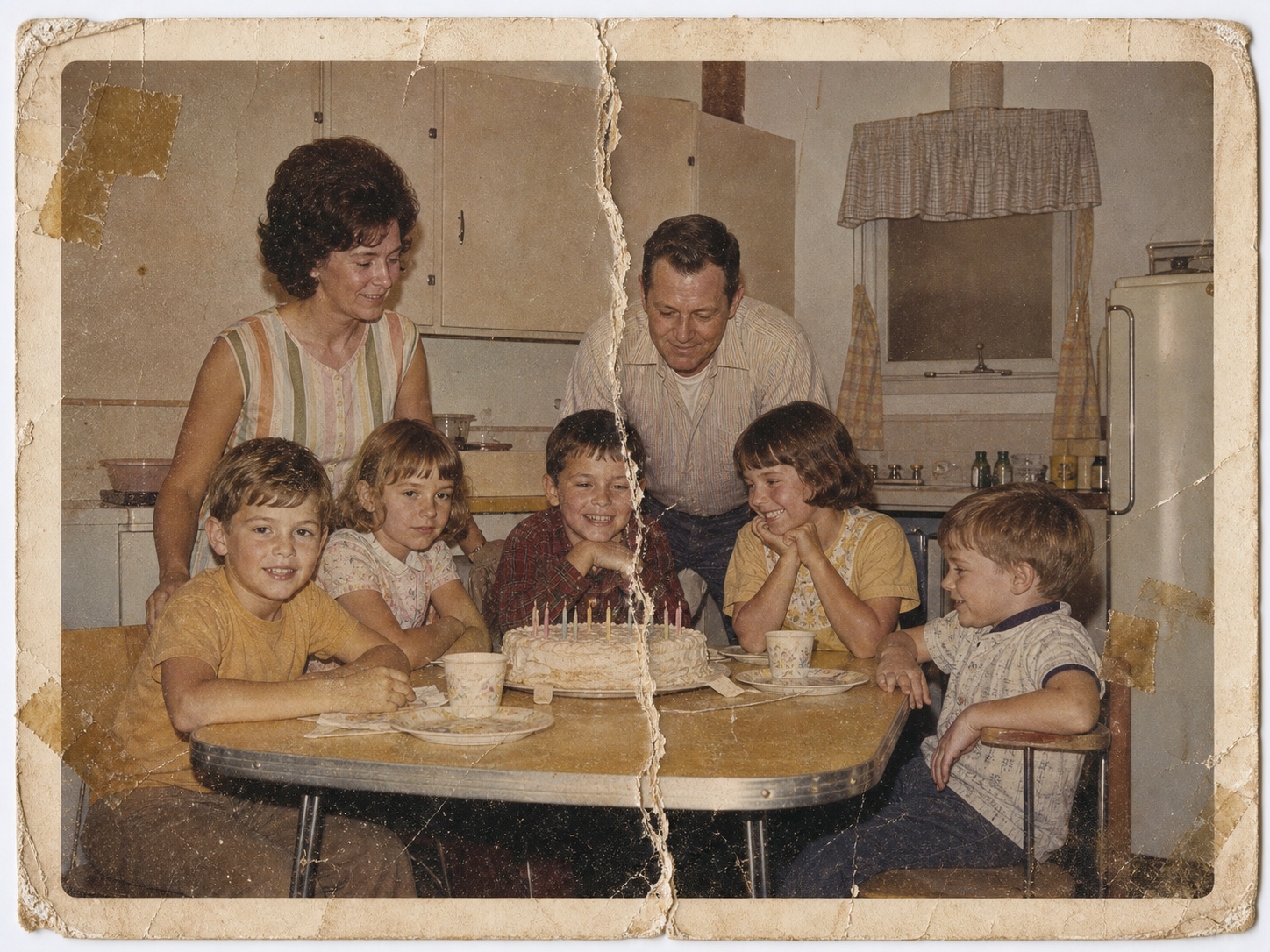
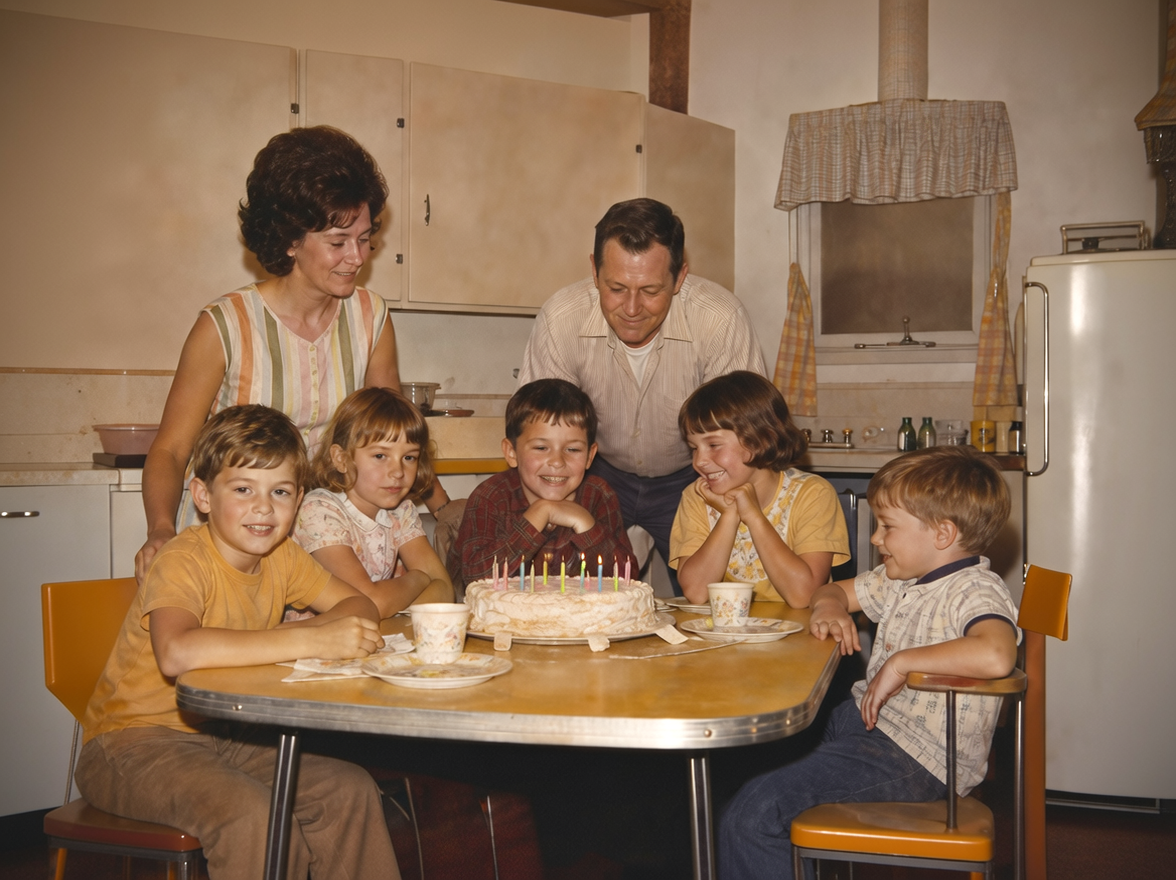

How it works
Repair old photos online: fading, scratches, tears, and soft scans
Upload
Choose the old print, phone photo, or scan you most want your family to see again.
Restore
PhotoScanRestore repairs fading, scratches, tears, soft scans, color, and contrast where the original still has enough visible detail.
Keep both versions
The original stays untouched beside the restored image. Use Photo credits or a membership only for the keepers you choose next.
Photo credits and plans
Photo restoration service pricing: start with one free photo
Try the first photo before paying for the rest. Then choose a Keeper Pack or Album Project or a Family Archive plan when you have a larger family archive to restore.
One-off packs
$14.99
10 Photo credits that never expire, for a few keepers.
Before you upload
Know what is worth trying.
What if it does not work?
Try your photo free first. If the result does not feel worth keeping, you learn that before paying for a pack. If it changes the person, clothing, body shape, or era, tell us and we will redo it free.
Will it change faces, clothing, or bodies?
That is not the goal. PhotoScanRestore is designed to repair damage while preserving identity, expression, clothing, body shape, and the time period of the photo.
Is this as good as a human retoucher?
No. This photo restoration service is fastest for everyday family photos. For museum-grade repair, missing faces, or fragile originals, a specialist conservator or retoucher may be the better choice.
Do I need to mail my photos?
No. Restore old photos online from a digital file, phone picture, scanner, or another scanning app without shipping the original.
Can I print the result?
Good source scans can produce printable results. Very small or compressed uploads may still look soft when printed large.
Can it fix every damaged photo?
No. Severe missing detail, mold, stuck-together prints, or heavy water damage can be beyond an automated restore. The page shows examples so you can judge the likely fit.
Do I need an iPhone?
No. The free web restore works on desktop and mobile. The iPhone app is the best route when you want to scan a whole album, save every print untouched, and restore the keepers from one device.
FAQ
Photo restoration questions.
What does a photo restoration service do?
A photo restoration service repairs age damage in a digital photo or scan, such as fading, scratches, stains, softness, and color loss. PhotoScanRestore does this online so you can test one image before choosing a paid Photo credit pack.
Will the photo look obviously AI-restored?
The goal is a natural family-photo result, not a plastic or over-sharpened portrait. Some source photos need more restraint than others, so always compare the restored version with the original before restoring a full batch. If it does not look like the person, we will redo it free.
Will AI change my relative's face, clothing, or body?
It should not. The restoration flow is meant to repair visible photo damage while keeping the person, expression, clothing, body shape, and era intact. If a result changes those things, choose Not quite in the demo or contact support so we can redo it.
Can it restore photos with missing pieces?
Small cracks, marks, and worn areas can often be improved. Large missing faces, hands, text, or background areas may need a human retoucher because the original information is not there.
What resolution do I get?
The final quality depends heavily on the file you upload. A well-lit phone scan or flatbed scan gives the restoration more detail to work with than a small compressed screenshot.
Can I print the restored photo?
Yes, when the source file is strong enough. For best print results, upload the highest-resolution scan you have and avoid screenshots or heavily compressed files.
How much does PhotoScanRestore cost?
You can try one restore free. Paid options are simple: a $14.99 Keeper Pack with 10 Photo credits, a $34.99 Album Project with 30 Photo credits, Personal Monthly at $9.99 with 5 Photo credits each month, or Personal Annual at $59.99 with 80 Photo credits a year. Pack credits never expire.
Can I use a photo from Photomyne, Google PhotoScan, or a flatbed scanner?
Yes. PhotoScanRestore works with digital files from phone cameras, scanner apps, flatbed scanners, and saved image exports.
Is PhotoScanRestore better than mailing photos to a service?
It depends on the project. For one to a few treasured photos, online restoration is faster and avoids shipping originals. For thousands of raw scans, a bulk scanning service can still make sense.
Next steps
Helpful next steps.
guide
Old photo repair guide
See how cracks, stains, fading, and worn prints can be approached.
service
Restore old photos
See how old family photos can move from scan to restored keepsake.
service
AI photo restoration app
Restore old photos from iPhone or browser with one free first restore.
comparison
Best apps to restore old photos
Compare app options before choosing where to restore the photos that matter.
calculator
Photo restoration cost calculator
Estimate one photo, a small batch, or a larger family archive before paying.
guide
Local or online photo restoration?
Choose between a nearby studio, mail-in service, online restoration, or a photograph conservator.
guide
Where to get old photos restored
Compare online tools, local specialists, mail-in services, retail counters, and conservators before handing over a photo.
guide
Our restoration principles
How PhotoScanRestore approaches faithful old-photo repair.
problem
Water damaged photo restoration
Specific first steps for leaks, floods, damp albums, stains, and stuck photos.
pricing
Photo credit pricing
Compare Keeper Pack, Album Project, Personal Monthly, and Personal Annual.
Ready when you are
Start with the photo you most want to save.
Upload one real family photo, check the result, and only keep going if the restoration feels worth it.