
AI photo restoration app
AI Photo Restoration App
Faithfully restore the old photo your family still talks about, right from your phone.
Free to download. Scan or upload one photo to start.
iPhone and web
Use the app or restore from your browser.
Faithful by design
Repair damage without trying to modernize the person.
Free redo promise
If it does not look like them, tell us and we will redo it free.
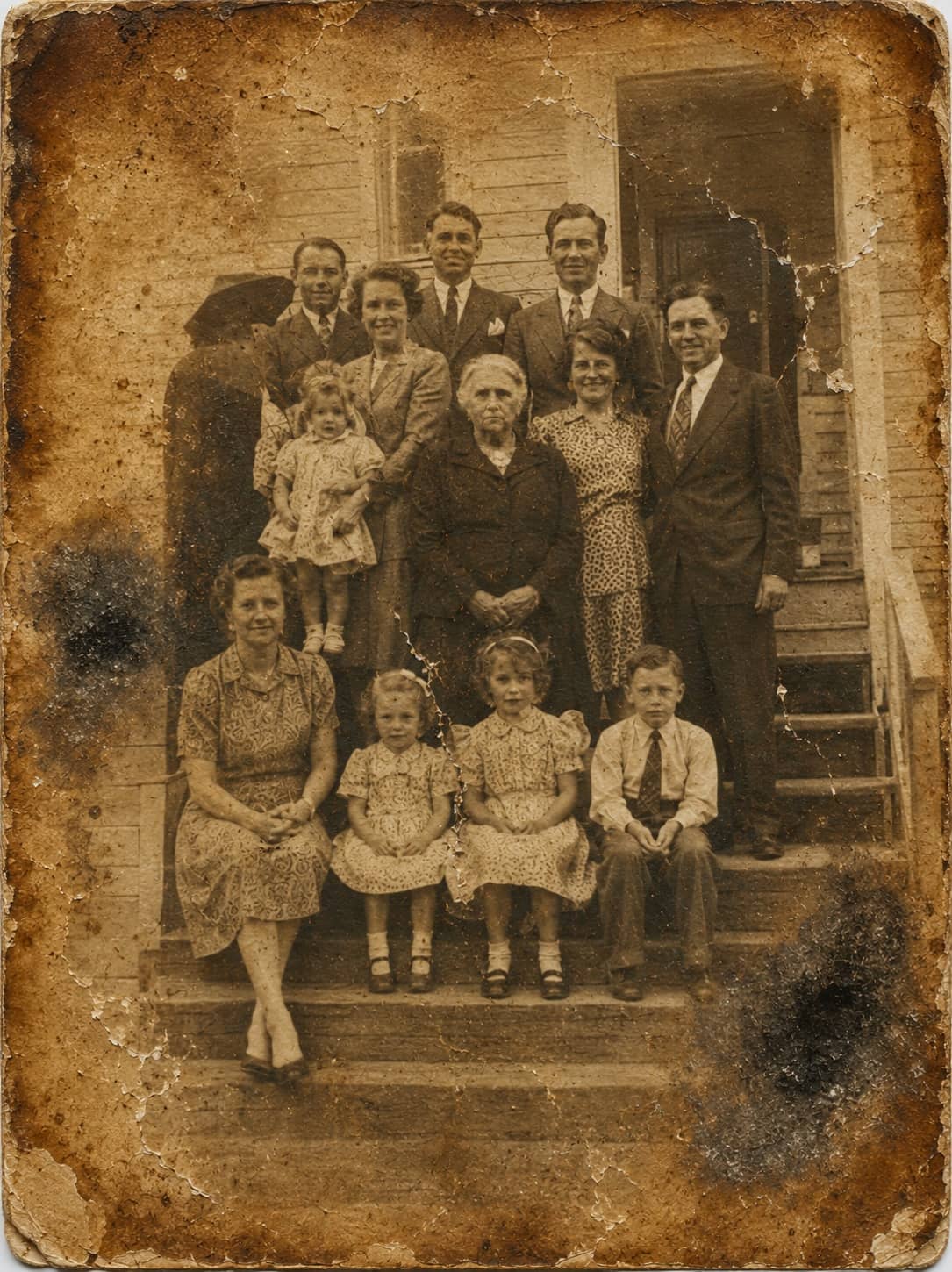
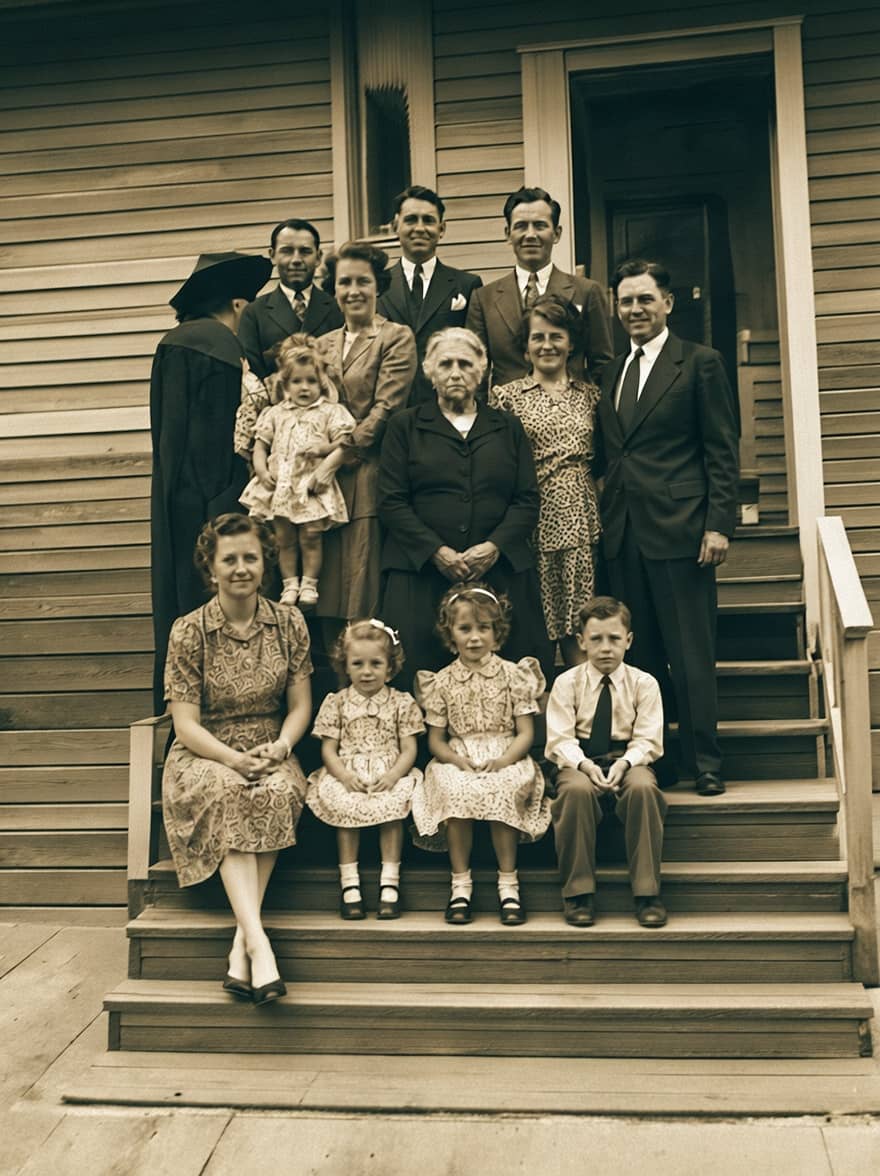
Choose the right path
Use the app when the photo is in your hand. Use web when the file is already digital.
The best starting point depends on where the memory lives today. The result should feel simple either way.
Photo in a frame or album: open the iPhone app and scan it.
Photo already on desktop: upload it in the browser.
Android phone today: use the web restore while the Android app is not live.
Large family archive: test one photo first, then choose credits or a membership.
Direct answer
PhotoScanRestore is an AI photo restoration app for families with old prints, damaged scans, faded color photos, black-and-white portraits, and pictures that feel too important to leave in a box. It works save-first: scan a print in the iPhone app and it is kept untouched in your private collection, so restoring is a photo-by-photo choice and you always keep both versions. Start in your browser instead if the photo is already on your computer or Android phone — the first web restore is free, so you can compare it with the original and decide whether it still feels natural before choosing credits or a membership for the rest.
Real examples
AI photo restoration examples for real family-photo problems
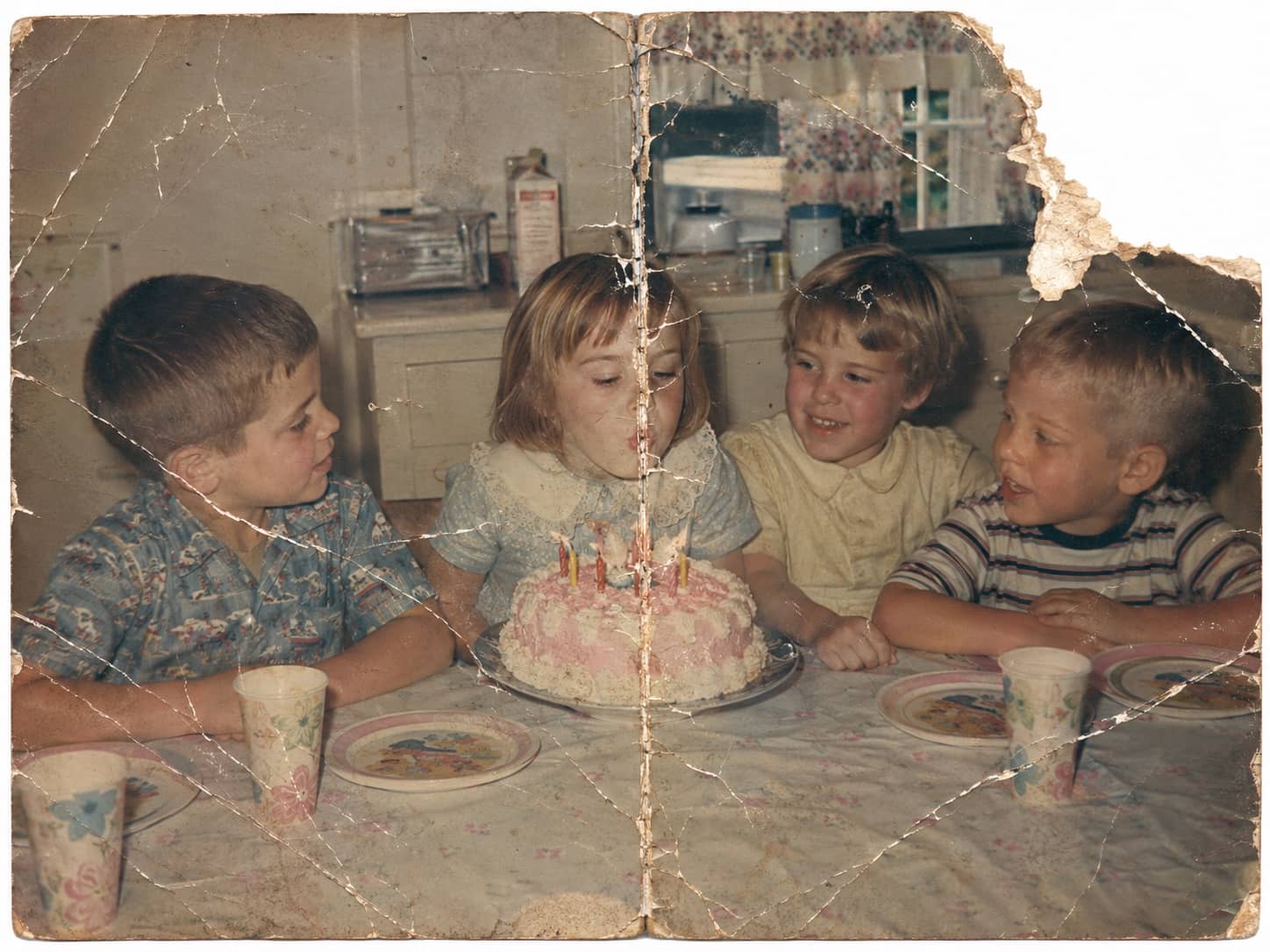
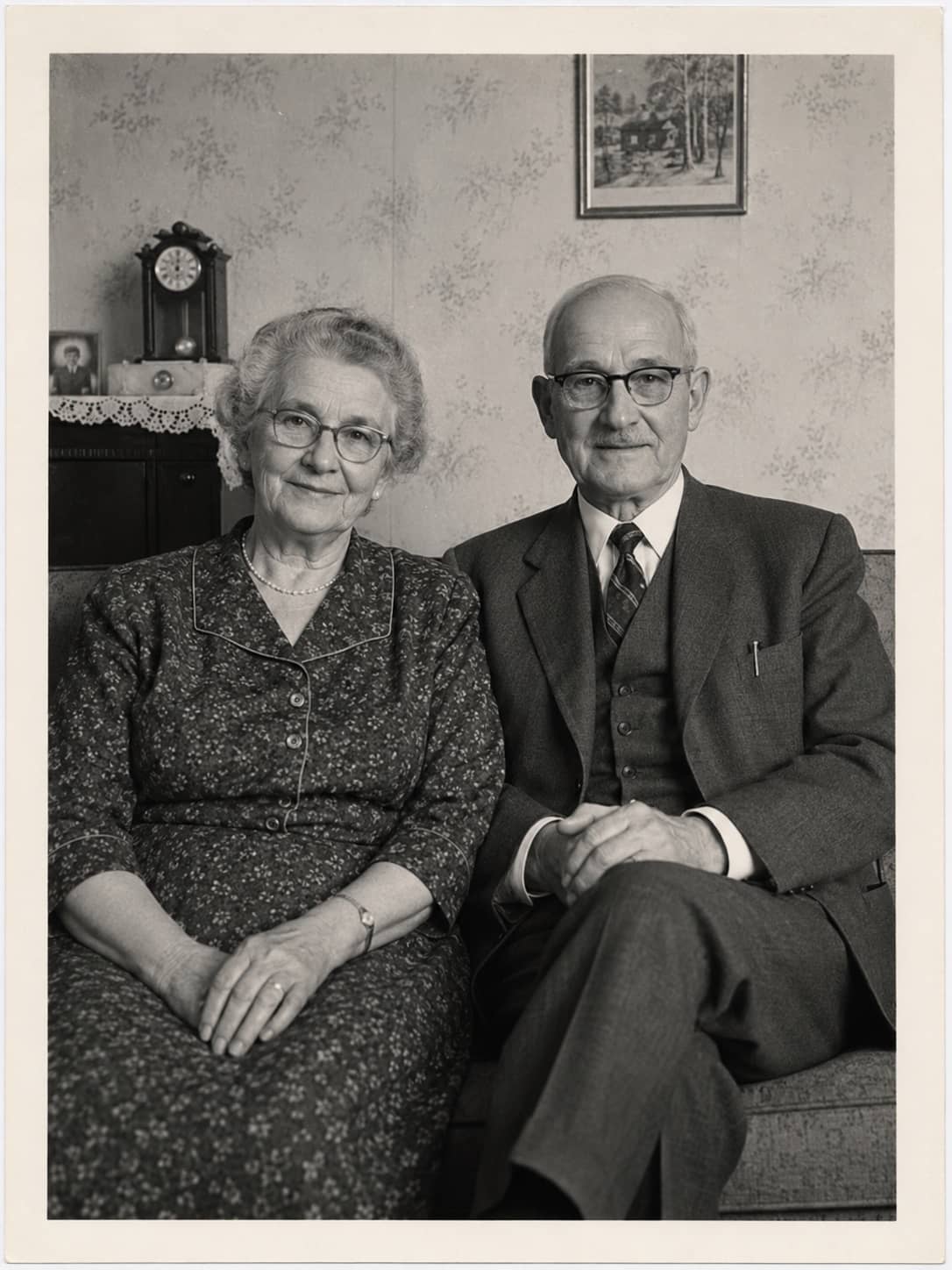
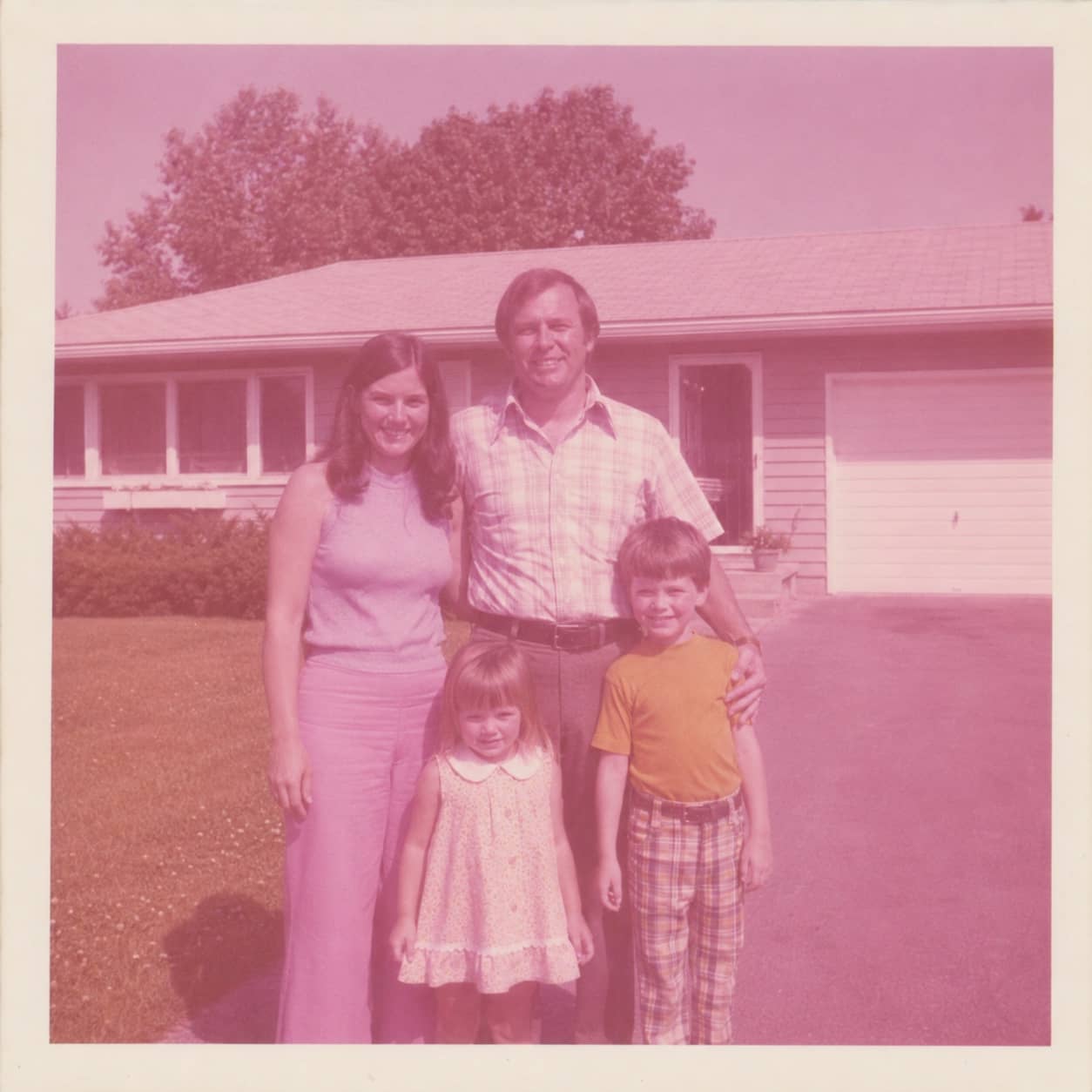
These examples show the kinds of photos people try first: stains, tears, black-and-white portraits, faded color, and soft detail. The safest way to judge quality is to restore one photo before paying for the rest.



How it works
How the AI photo restoration app works
Scan or upload
Scan the print with the iPhone app — it is saved untouched first — or upload the scan or camera-roll image you already have.
Restore the keeper
Bring back fading, stains, scratches, tears, colour, and soft detail where the source still has enough information.
Keep both versions
The untouched original stays beside the restored photo. Then decide whether the rest of the archive is worth restoring.
App pricing
Saving scans is free. Credits are for the photos you restore.
Scanning and saving in the app never spends a credit, and one free web restore lets you judge the quality first. Paid options are simple: one-off Photo credits for a small batch, or Family Archive plan for steady archive work.
One-off packs
$14.99
10 Photo credits that never expire, for a few keepers.
Before you upload
Know what the app can and cannot do.
Will it make old photos look fake?
The goal is a natural family-photo result, not a plastic portrait. Very damaged photos can still show limits, which is why the first restore is free. If it changes the person, tell us and we will redo it free.
Will it change faces, clothing, or bodies?
It should not. The restoration path is designed to keep identity, expression, clothing, body shape, and era intact while repairing visible damage.
Is this only for iPhone?
No. The iPhone app gives the smoothest scan-and-restore flow, but the browser restore works on desktop, Android, iPad, and other modern browsers.
Can it fix torn or stained photos?
Small and moderate damage can often be improved. Severe missing faces, heavy mold, or fragile physical originals may need a specialist retoucher or conservator.
Can it colorize black-and-white photos?
Yes, when the source image has enough detail. Colorized results should still be checked by the family because clothing, rooms, and objects may not have known original colors.
What if the photo is already a scan?
Upload the scan in the browser or app. A sharper scan usually gives the restoration more detail to work with than a compressed screenshot.
Do I have to subscribe?
No. You can start with one free restore and use one-off Photo credits if you only have a small batch.
FAQ
AI photo restoration app questions.
What is an AI photo restoration app?
An AI photo restoration app helps repair old or damaged photos by improving fading, scratches, stains, softness, colour, and contrast in a digital image.
Is PhotoScanRestore available on iPhone?
Yes. PhotoScanRestore has an iPhone app, and you can also use the browser restore if your photo is already on desktop, Android, or another device.
Can I restore one old photo free?
Yes. Start with one free restore so you can see whether the result feels natural before choosing a paid Photo credit pack or membership.
Will AI change how the person looks?
It should not. PhotoScanRestore is built for faithful old-photo restoration: repair fading, scratches, stains, and tears while preserving identity, expression, clothing, body shape, and era. If a result does not look like them, report it and we will redo it free.
Does the app scan printed photos?
Yes. The iPhone app scans prints with your camera and saves each one untouched into your private collection — restoring is then a separate, photo-by-photo choice. You can also upload existing scans or camera-roll photos.
Is AI photo restoration as good as a professional retoucher?
Not always. PhotoScanRestore is faster and simpler for everyday family photos. Severe missing detail, museum-grade work, or fragile originals may need a professional.
How much does PhotoScanRestore cost?
You can try one restore free. Paid options are simple: a $14.99 Keeper Pack with 10 Photo credits, a $34.99 Album Project with 30 Photo credits, Personal Monthly at $9.99 with 5 Photo credits each month, or Personal Annual at $59.99 with 80 Photo credits a year. Pack credits never expire.
Can I use it on Android?
Use the browser restore on Android for now. The iPhone app is the native app currently promoted on the site.
What kind of photo should I test first?
Start with one meaningful photo that has fading, stains, scratches, a tear, or soft detail but still has visible faces and enough information to restore.
Next steps
Helpful next steps.
service
PhotoScanRestore iPhone app
See the full iPhone app page and App Store handoff.
service
Photo restoration service
Restore faded, scratched, torn, or soft family photos online.
problem
Old photo repair
Fix cracks, tears, stains, fading, and worn detail.
calculator
Photo restoration cost calculator
Estimate credits and project cost before restoring a batch.
guide
Best apps to restore old photos
Compare restoration apps before choosing the right fit.
guide
Our restoration principles
How PhotoScanRestore keeps repair focused on the photo, not changing the person.
Ready when you are
Try the photo you keep thinking about.
Start with one restore on iPhone or web. If the result feels right, you can keep going with the rest of the family archive.