
Water damaged photo restoration
Water Damaged Photo Restoration
Start with the safest copy of the photo before paying to restore the rest.
No card required. Start with one photo.
Start carefully
Dry first, scan second.
Try one free
Check the result before paying.
Honest limits
We say when a pro is safer.
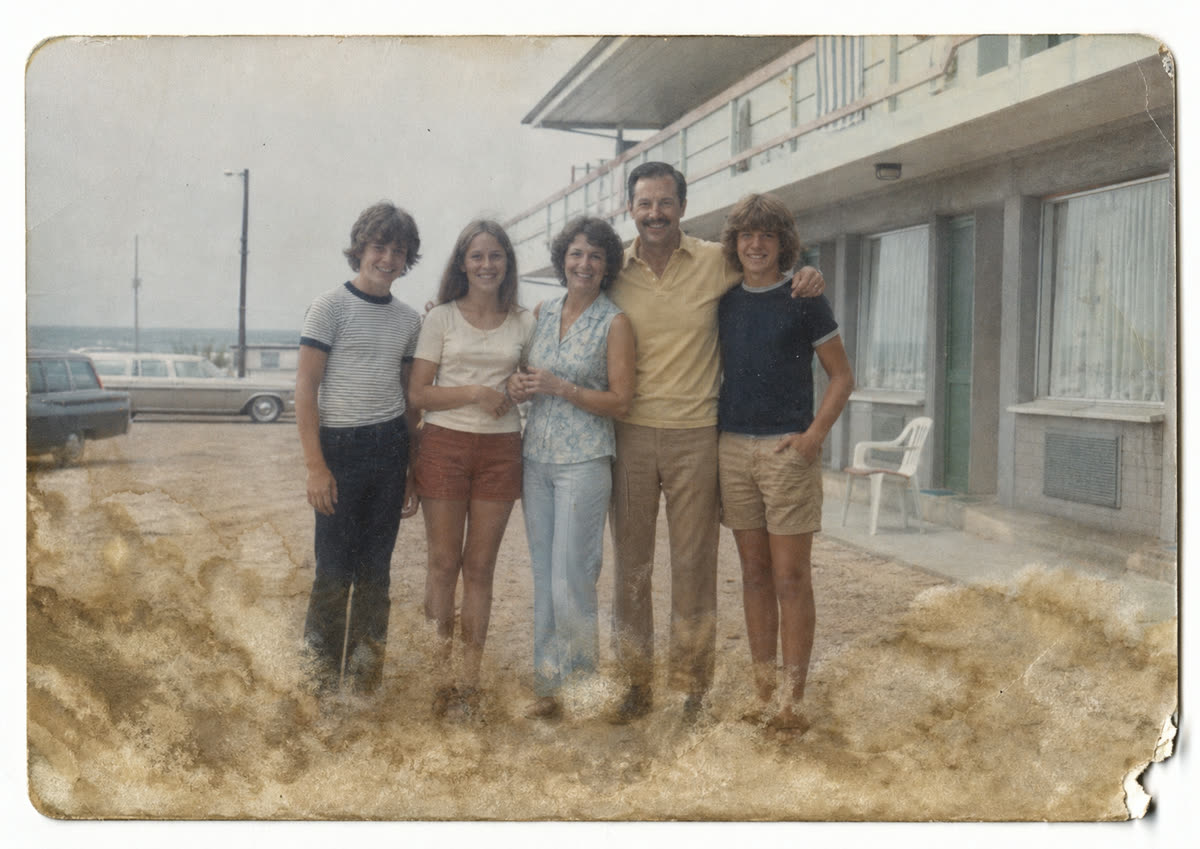

If the photo is wet right now
What to do before you scan a water damaged photo
The restoration should happen from a safe digital copy. If the print is still wet, the priority is reducing further physical damage, not rubbing or editing the original.
Lay the photo flat on clean absorbent paper and let it air dry. Do not rub the image surface.
If photos are stuck together, do not pull them apart dry. Separate gently only when safe, or ask a conservator.
Scan or photograph the print once it is stable, then upload the digital copy for your free restore.
Direct answer
Water damaged photo restoration can often improve stains, muddy contrast, faded color, and soft detail after a spill, leak, flood, or damp storage. The safest first step is to dry the print carefully, make a clear digital copy, then try restoration on the copy instead of touching the original again. PhotoScanRestore can help with many light-to-moderate water marks, especially when faces are still visible. It cannot bring back detail that has fully washed away or repair fragile emulsion like a paper conservator. Try your photo free first, compare the result, and decide whether the rest of the box is worth restoring.
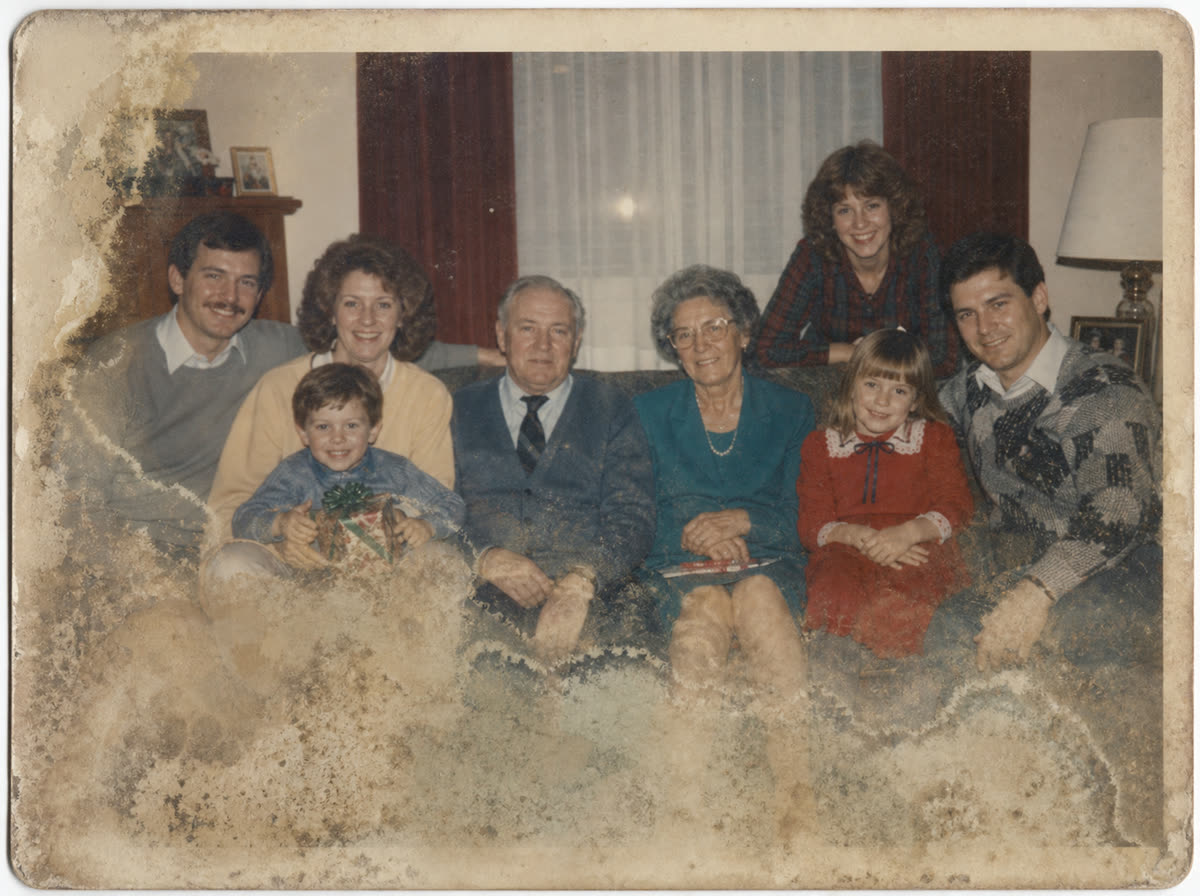
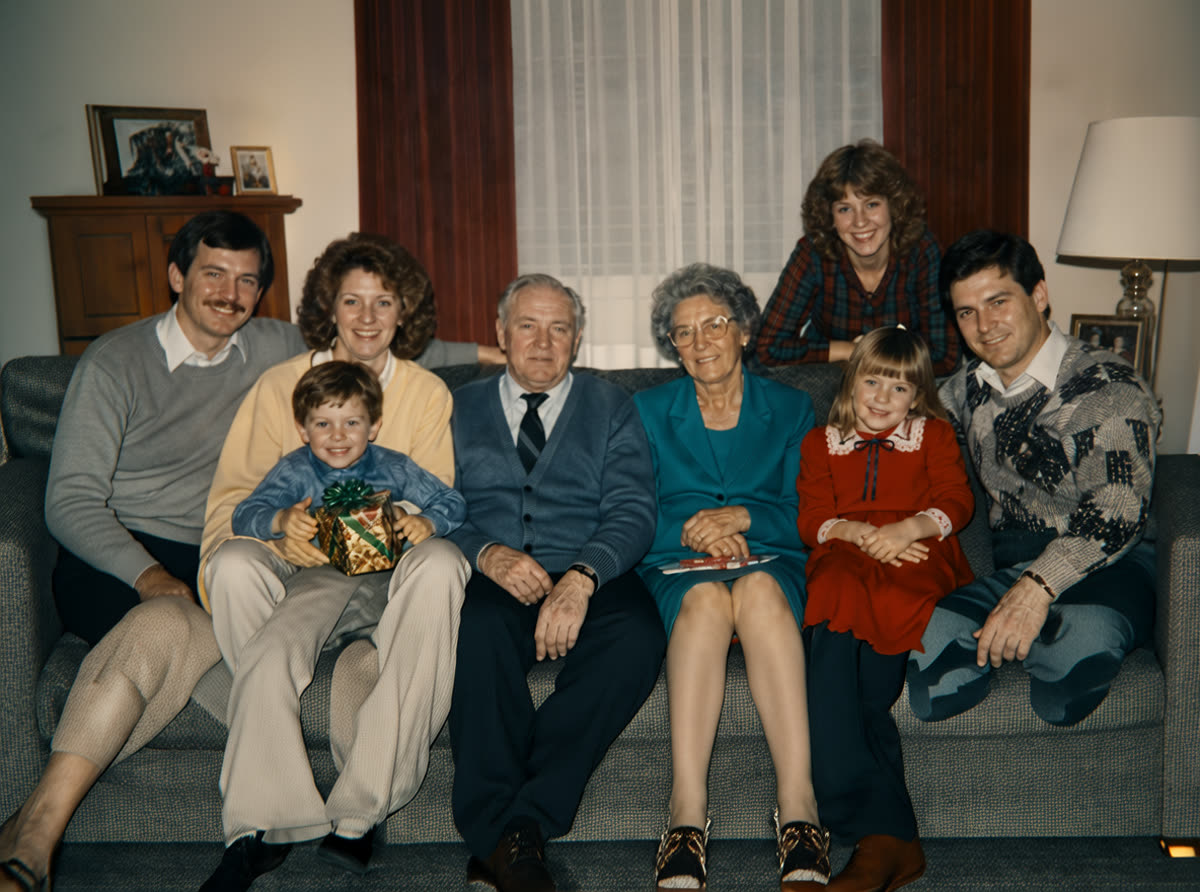
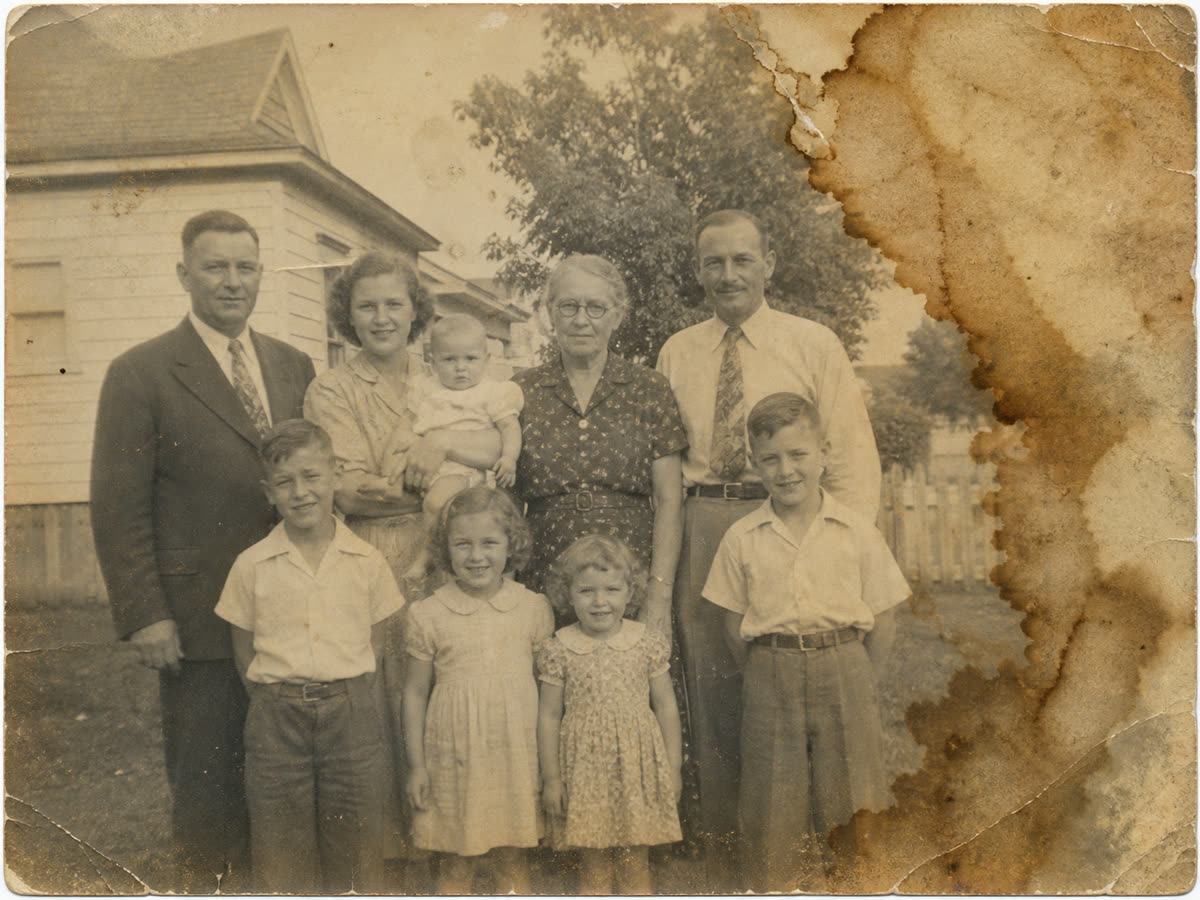
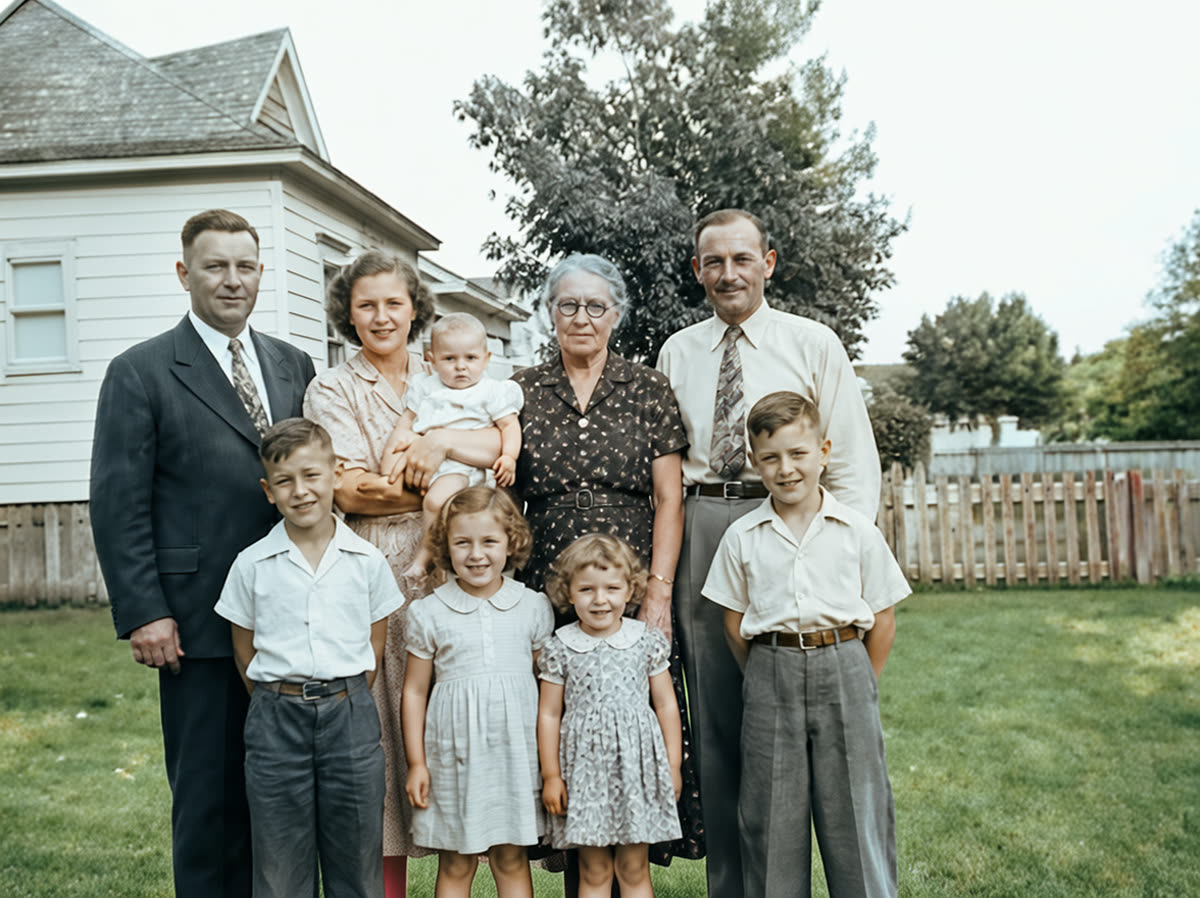
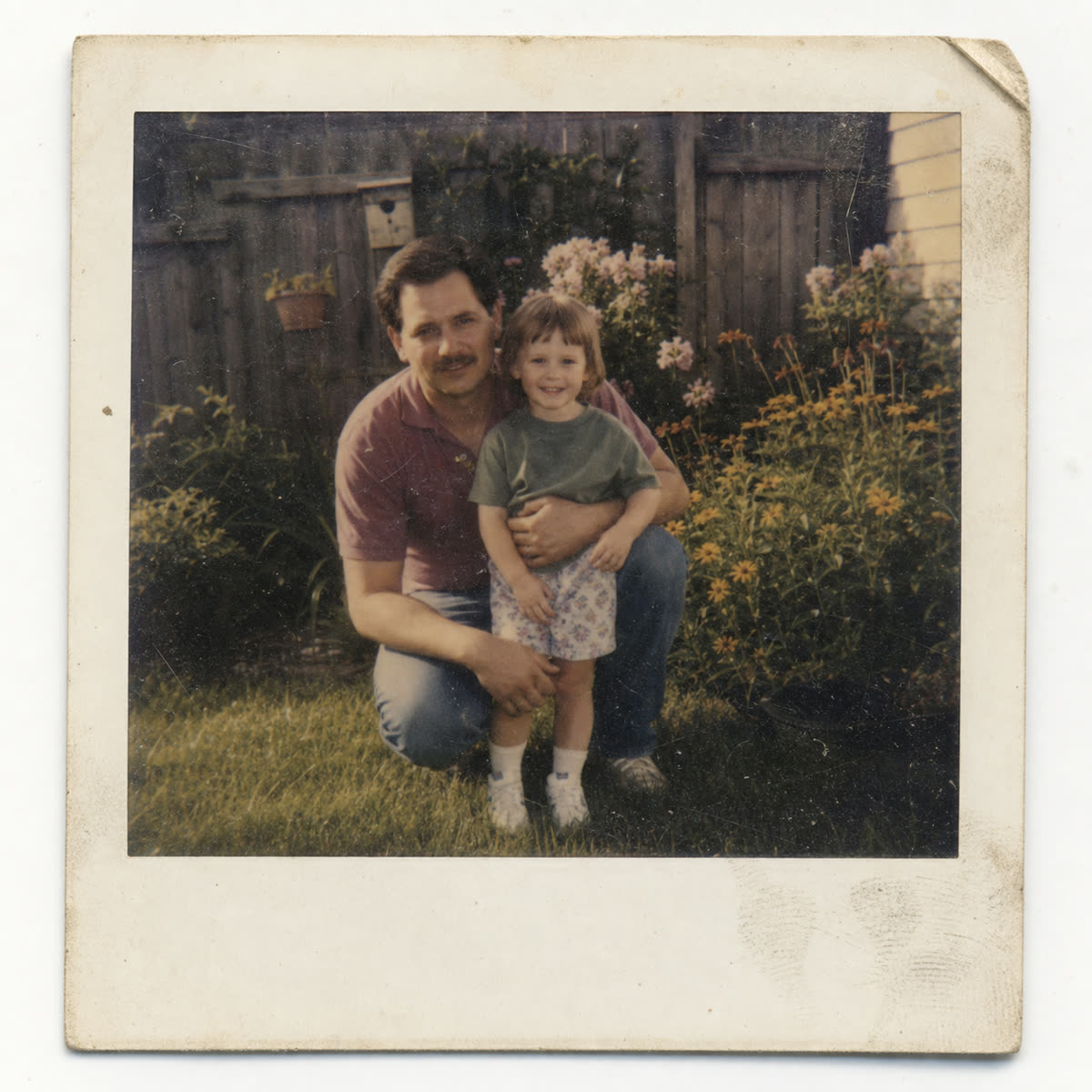
Water damage examples
Restore water damaged photos after floods, spills, and damp storage
These restorations show water marks, damp-storage haze, and uneven staining on the kinds of photos families try to save after a leak or flood. Missing faces, peeled emulsion, mold, and stuck-together prints may still need a conservator.

How it works
When water damaged photo restoration can help, and when a conservator is safer
Stabilize
Let the print dry flat and avoid rubbing, heat, sunlight, or peeling stuck photos apart.
Copy
Make a clear phone photo or scan once the water damaged photo is stable enough to handle safely.
Restore
Upload the copy and compare the free restore before using credits on the rest of the album.
Simple Photo credits
Try the first water damaged photo free, then continue only if it helps.
Water damage is unpredictable. Use the free restore as a quality check, then choose one-off Photo credits or a membership if you have more photos from the same box, album, or flood.
One-off packs
$14.99
10 Photo credits that never expire, for a few keepers.
What can be saved
Know when to try restoration and when to stop.
My photo is still wet.
Do not rush the original if it is unsafe to handle. Dry it flat first, then make a clean digital copy for water damaged photo restoration.
The photos are stuck together.
Do not force them apart. If the image layer is sticking or peeling, a conservator may be safer than automated restoration.
There are shiny silver patches.
Silver mirroring can sometimes be reduced in a digital copy, but severe reflective patches may not fully disappear.
There is mold or a musty smell.
Avoid spreading mold in your home or scanner. Photograph carefully if safe, and consider professional conservation for important originals.
Half the photo is missing.
Automated restoration can clean surviving detail, but it cannot reliably reconstruct missing people or important features.
I have a whole damaged album.
Start with the most important photo first. If that result is useful, then credits or a membership make sense for the rest.
FAQ
Water damaged photo restoration questions.
Can water damaged photos be restored?
Often, yes, if the main faces and detail are still visible in a scan or phone copy. Stains, faded contrast, and color shifts can usually improve. Fully missing image layers, peeled emulsion, and severe mold may need a conservator.
What should I do first if my photo is wet?
Lay it flat on clean absorbent paper, let it air dry, and do not rub the image surface. Once it is stable, make a clear digital copy and restore the copy.
Should I dry water damaged photos in the sun?
No. Sunlight and heat can curl paper and worsen surface damage. Air drying flat in a clean, shaded place is safer.
My photos are stuck together. Can PhotoScanRestore fix them?
PhotoScanRestore can only restore the digital image you upload. If prints are stuck together, do not force them apart. A professional conservator is safer for valuable originals.
Can you restore photos with mold?
A digital copy of a mold-marked photo can sometimes be improved, but handling moldy originals has health and preservation risks. Photograph carefully if safe, and consider conservation help.
How much does water damaged photo restoration cost?
You can try one restore free. Paid options are simple: a $14.99 Keeper Pack with 10 Photo credits, a $34.99 Album Project with 30 Photo credits, Personal Monthly at $9.99 with 5 Photo credits each month, or Personal Annual at $59.99 with 80 Photo credits a year. Pack credits never expire.
Is this as good as professional conservation?
No. PhotoScanRestore works on digital copies. If the physical print is fragile, historically important, moldy, or peeling, conservation is the safer route.
Can I use a phone photo instead of a scanner?
Yes. Use even light, avoid glare, keep the phone parallel to the print, and upload the clearest copy you can make.
Next steps
Next steps for damaged family photos.
problem
Old photo repair
Repair cracks, tears, stains, fading, and worn family prints.
guide
Read the old photo repair guide
Practical repair advice for damaged prints before restoring a batch.
service
Photo restoration service
See the broader online restoration service and pricing path.
calculator
Photo restoration cost calculator
Estimate whether one photo, a small batch, or the whole damaged album is worth restoring.
pricing
Photo credit pricing
Compare one-off credits, packs, Monthly, and Annual Membership.
Try the copy, not the original
Upload the safest copy of the photo first.
Start with one water-damaged image. If the result is useful, restore the rest of the album with credits or a membership.