Save the whole album. Restore the photos that matter.
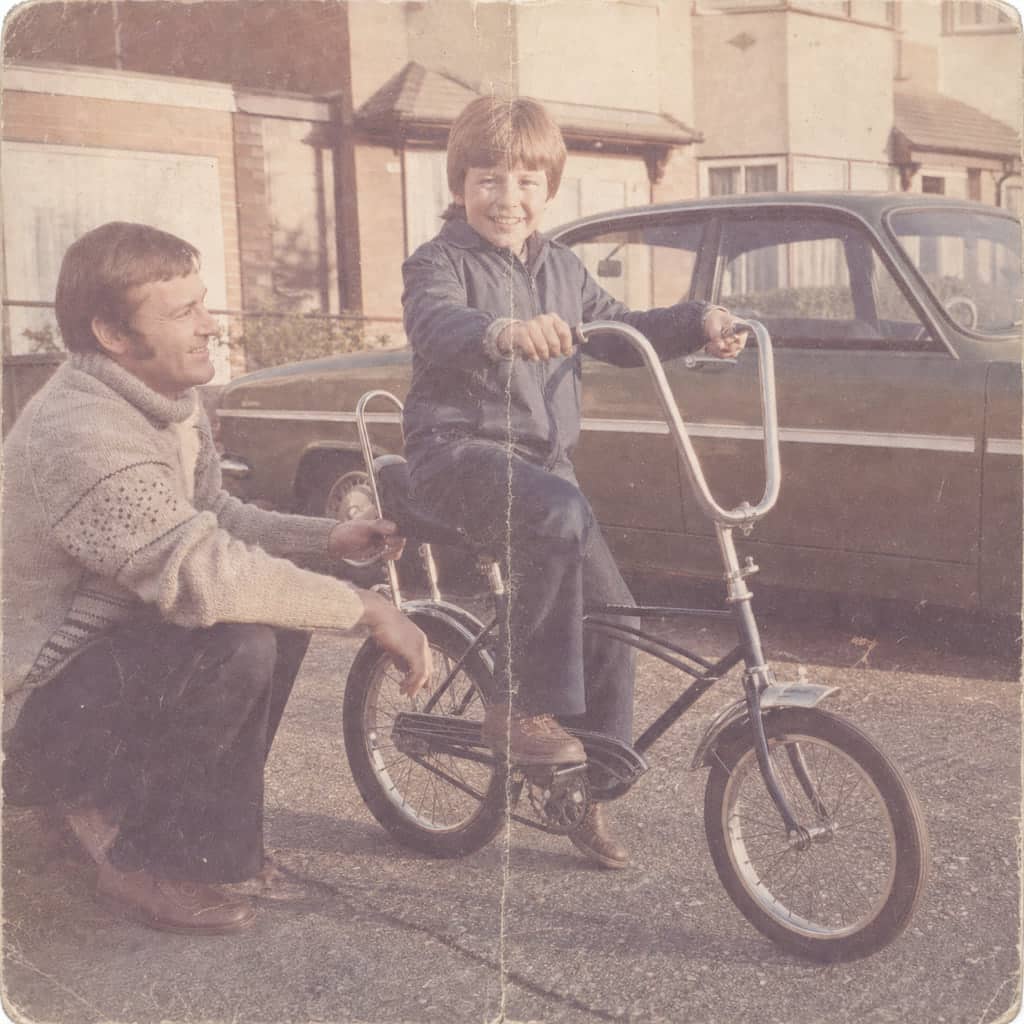
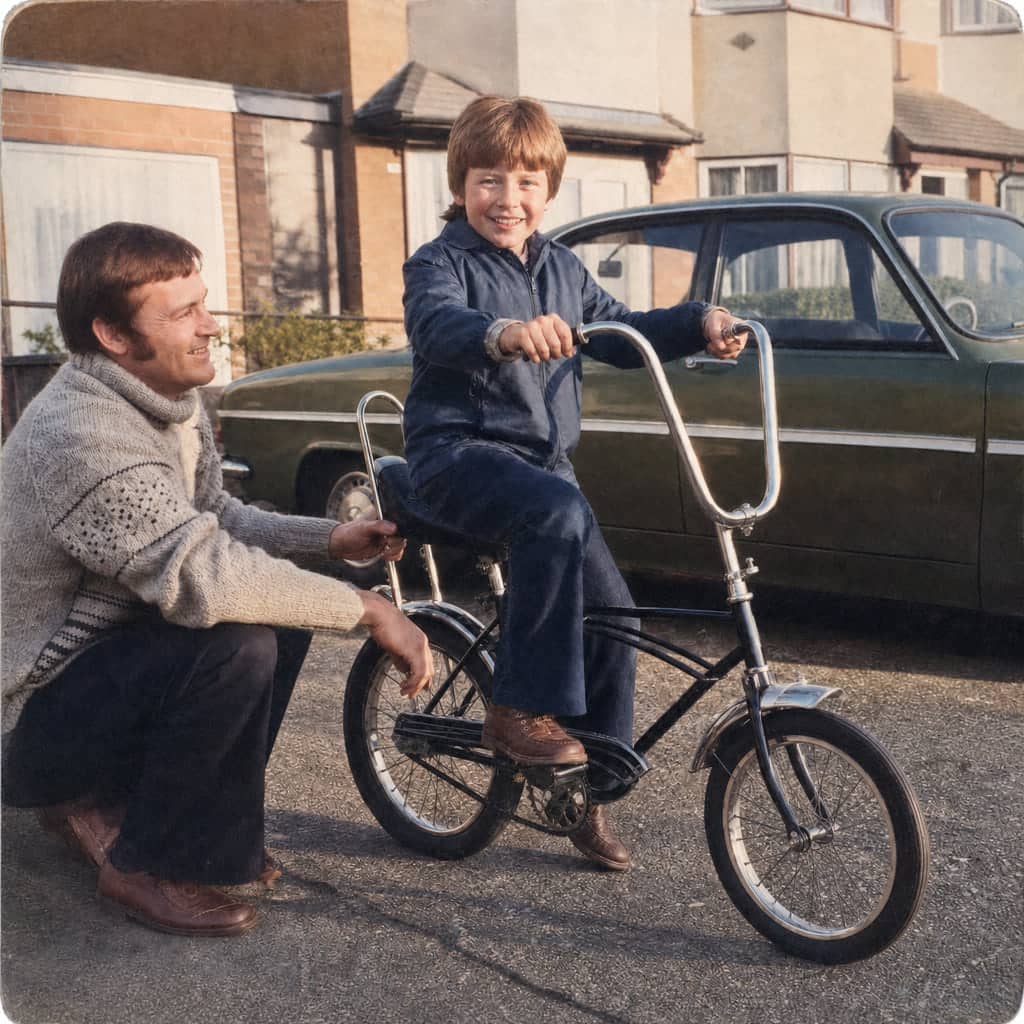
Before
After
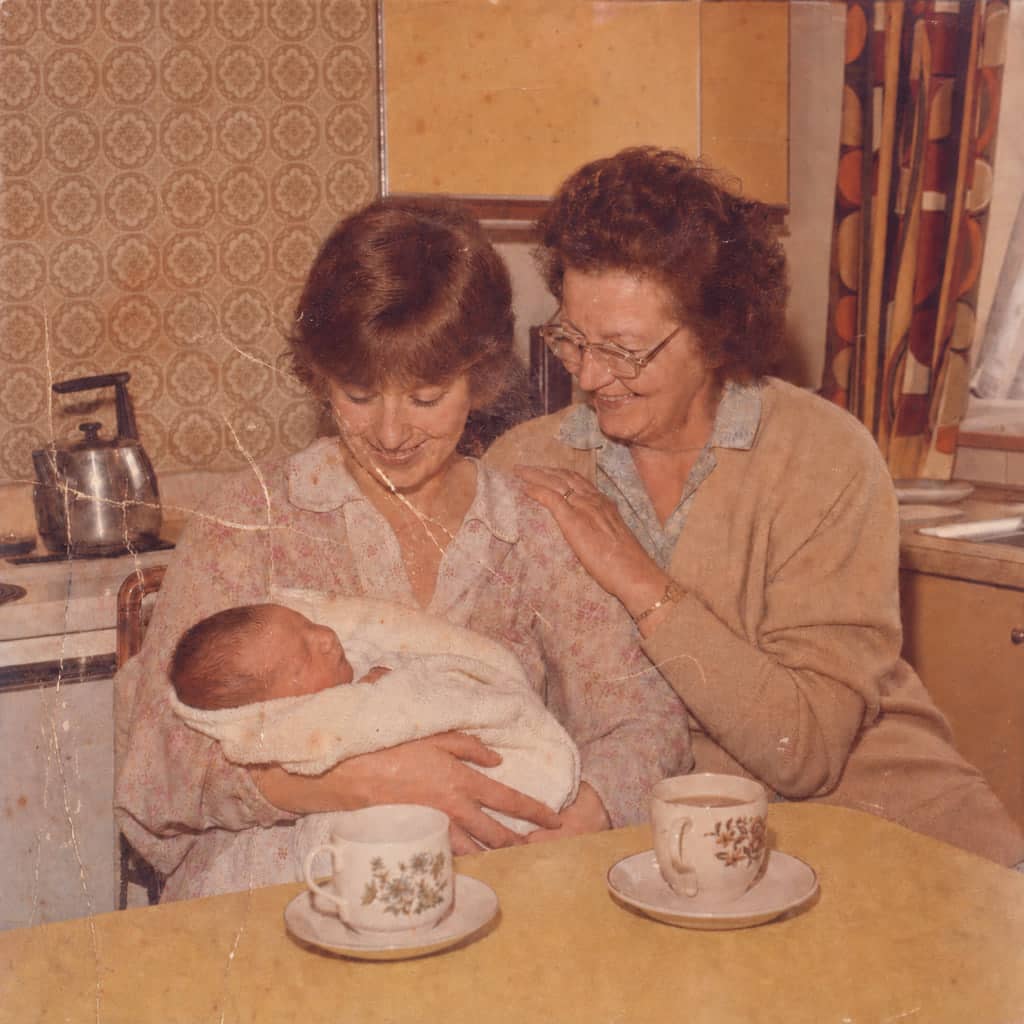
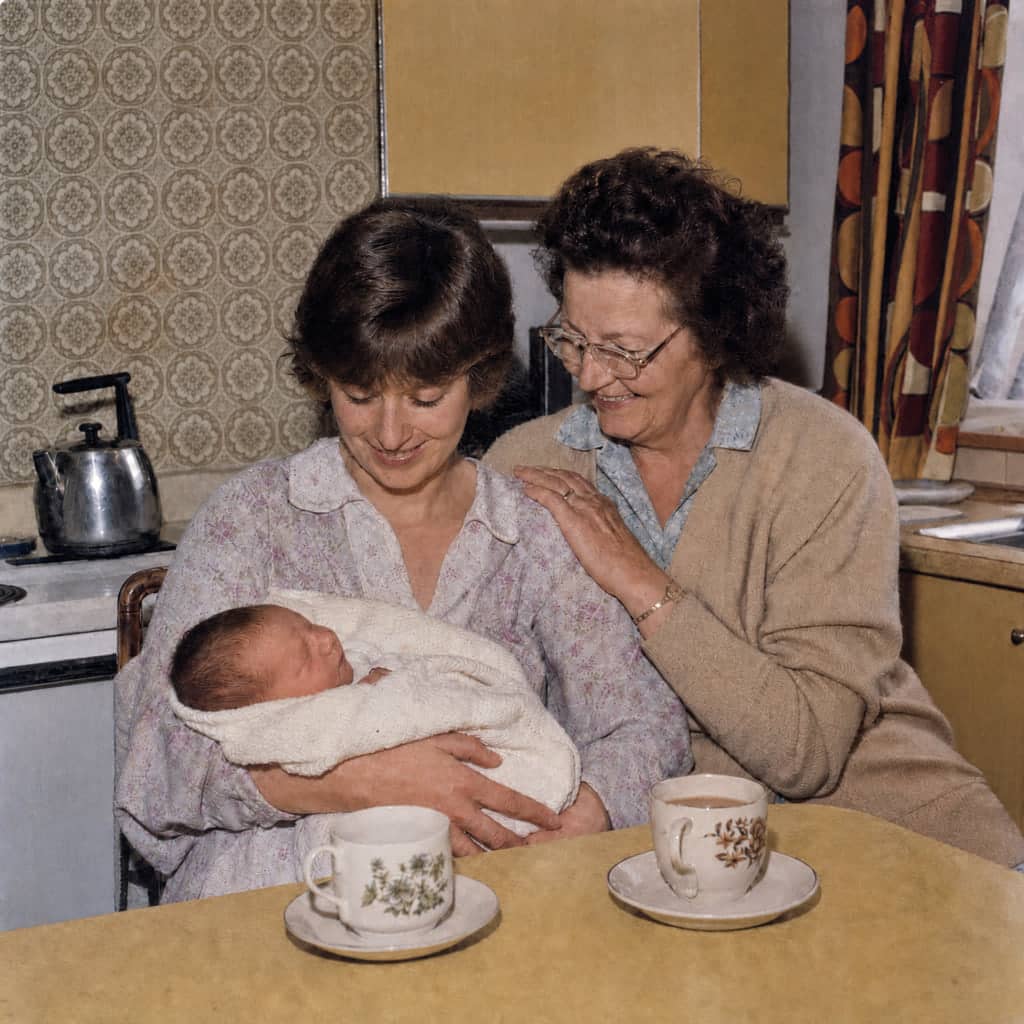
The kitchen photoDrag to compare
The creases and scuffs go, and the orange cast lifts. Her face, her mother's glasses and the baby stay just as they were.
Save every print untouched, then restore only the ones that matter. The creases and fading lift; the person stays the person. If it ever stops looking like them, we redo it free.
Until now the choice was all or nothing: pay to restore everything, or close the lid and feel the quiet guilt of another year passing. Most albums lose to the cupboard.
PhotoScanRestore separates the two jobs. Every print you scan is saved untouched — a faithful record kept before any repair begins. Restoring is a deliberate choice, made photo by photo, for the ones worth framing and passing on.
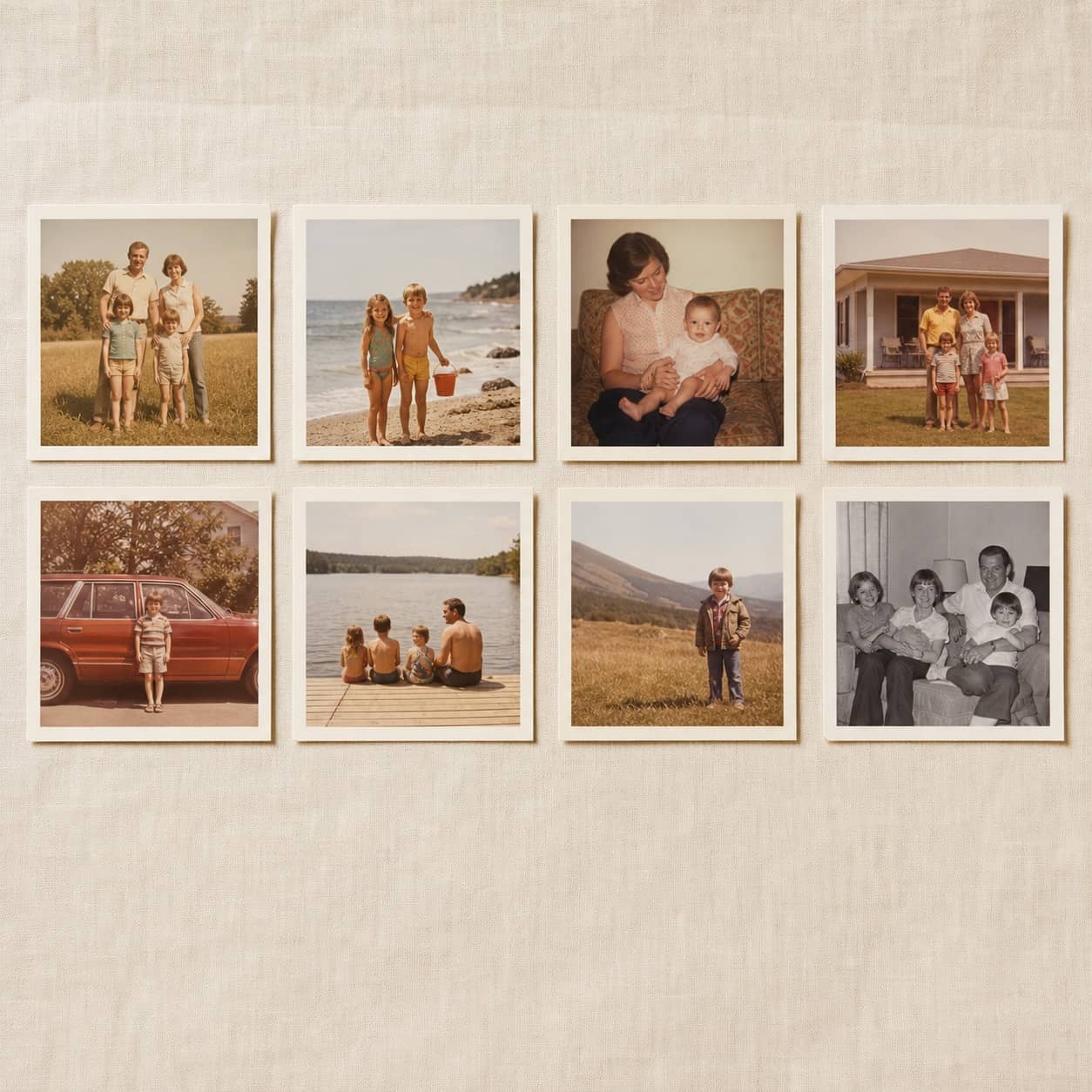
A saved collection — originals untouched
How it works
Fromthecupboardtoacollection.
Four calm stages, and you stay in control of every one.
Stage 1 of 4
Save the album
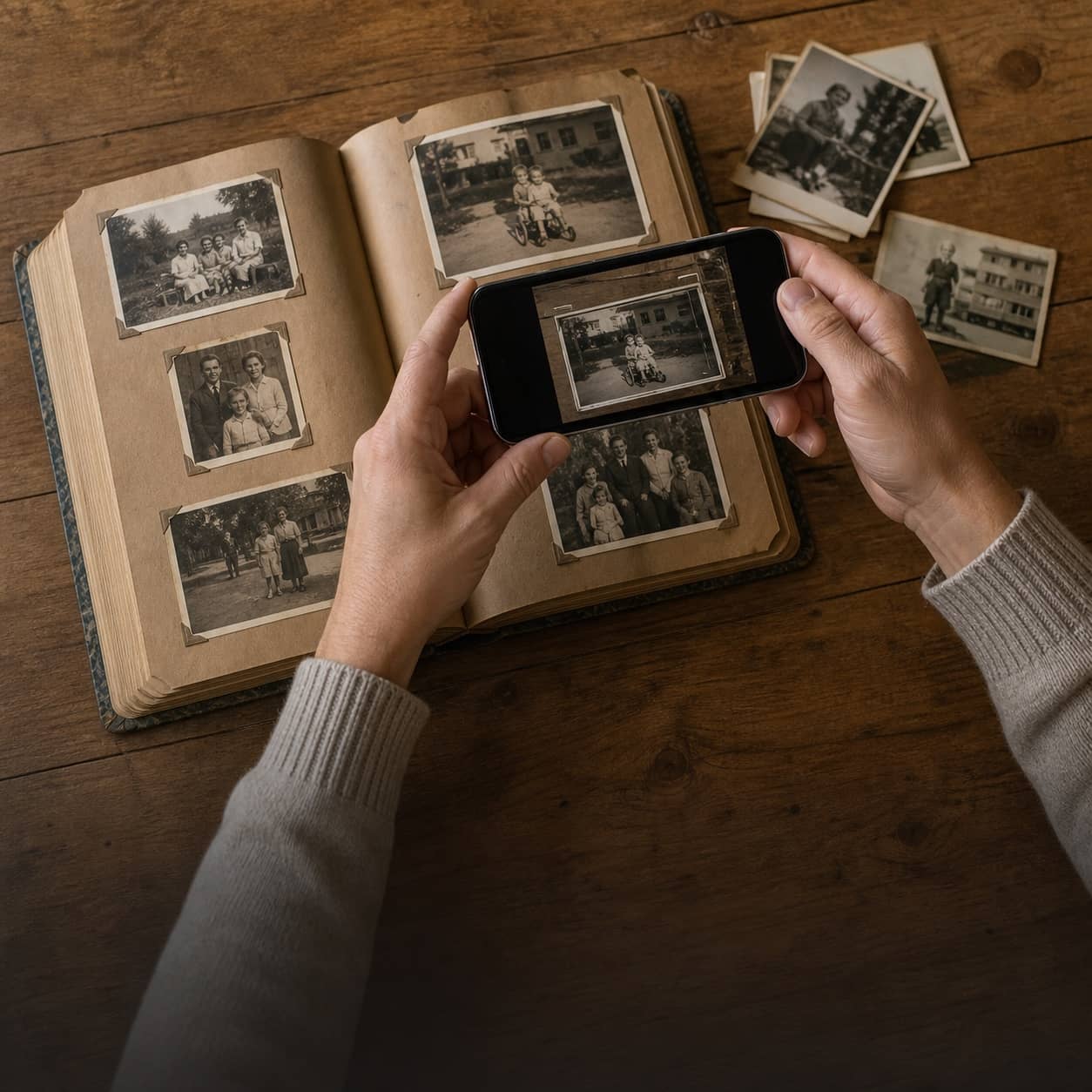
Scan each print with your phone. The untouched original is saved to your collection before anything else happens.
The album, saved as it is
Stage 2 of 4
Choose your keepers
Browse what you’ve saved and mark the photos that hold the story — the wedding, the kitchen, the one everyone asks about.
Stage 3 of 4
Restore with care
We repair fading, tears and scratches — restoration built to keep the person recognisably themselves. One credit per photo, spent only when you say so.
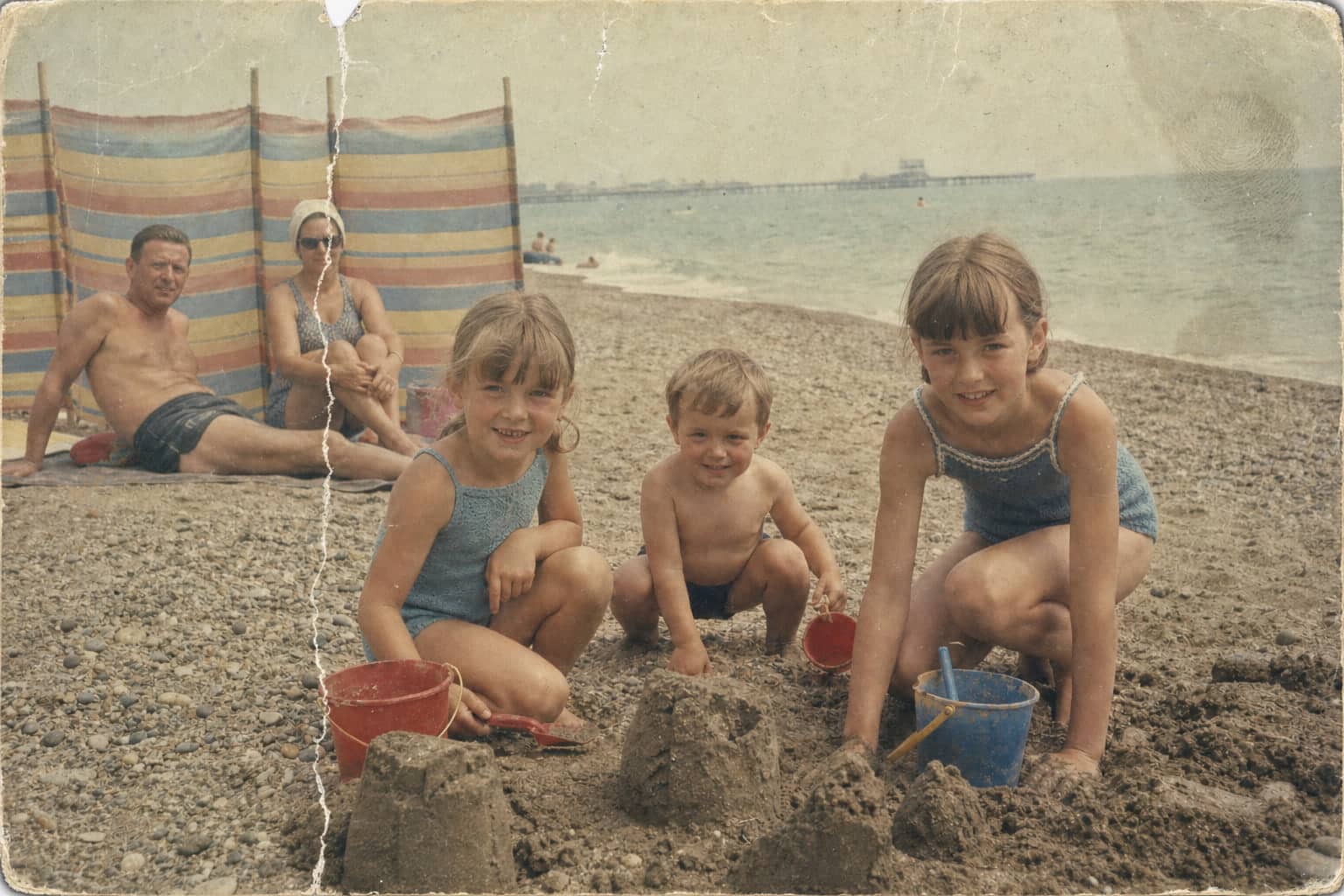
Before
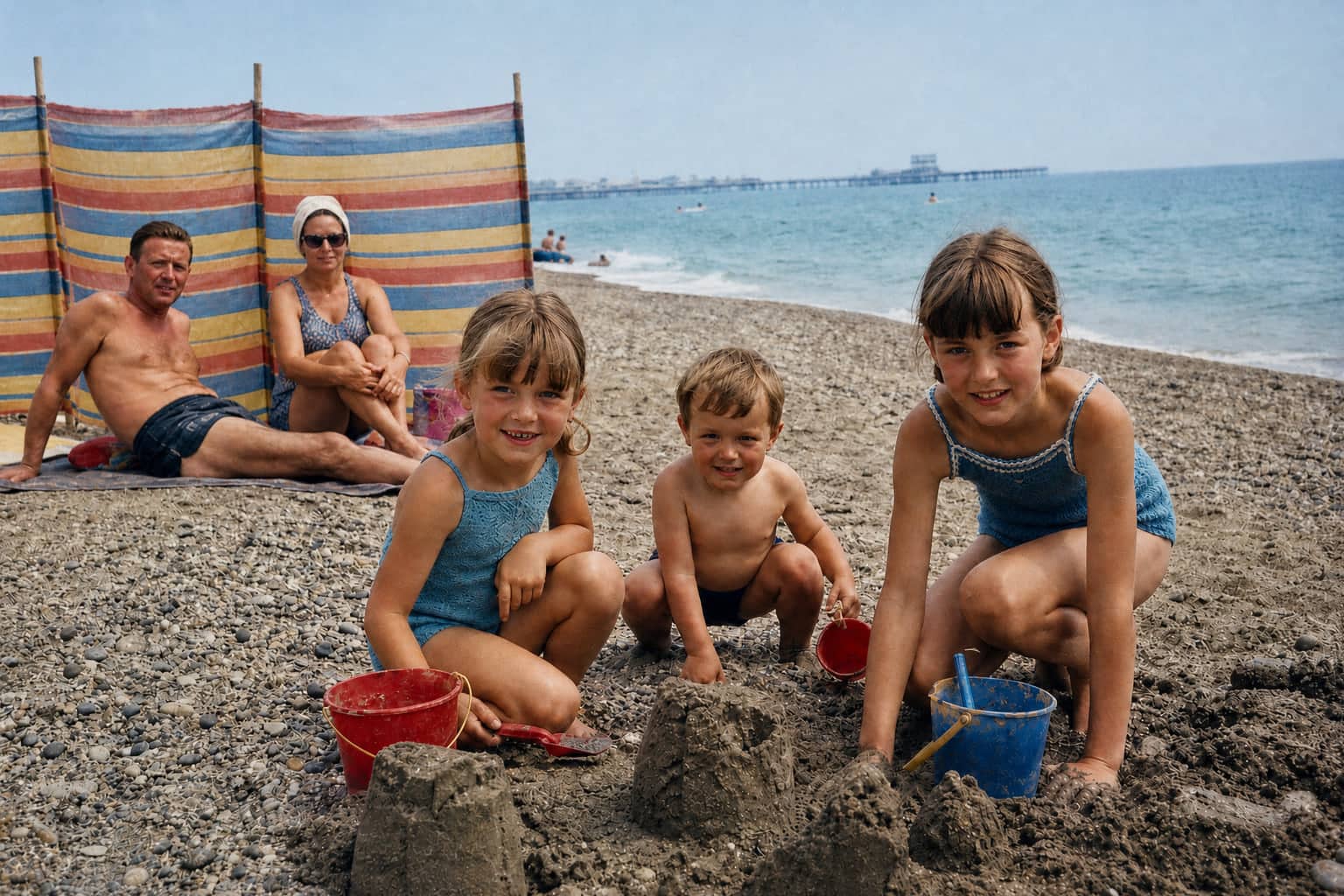
After
The beach photoDrag to compare
Stage 4 of 4
Keep both versions
The original stays as you scanned it. The restored version sits beside it — ready to print, share privately, or simply keep.
Original · kept
Restored · kept
Scanning happens in the iPhone app. Prefer the web? Upload scans you already have — and either way, our iPhone scanning guide shows how to capture prints without glare.
The restorations
Somephotosdeservemorethanascan.
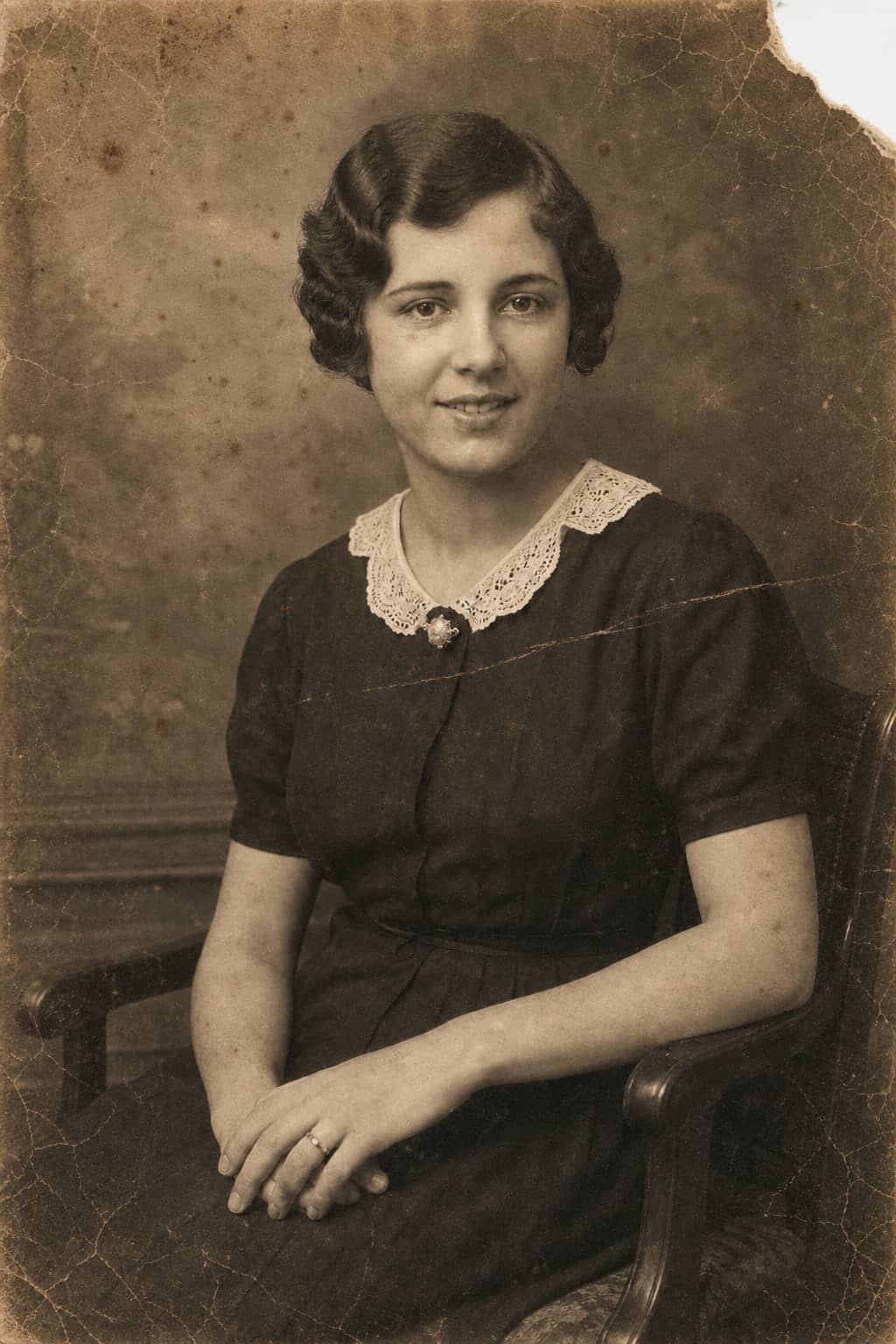
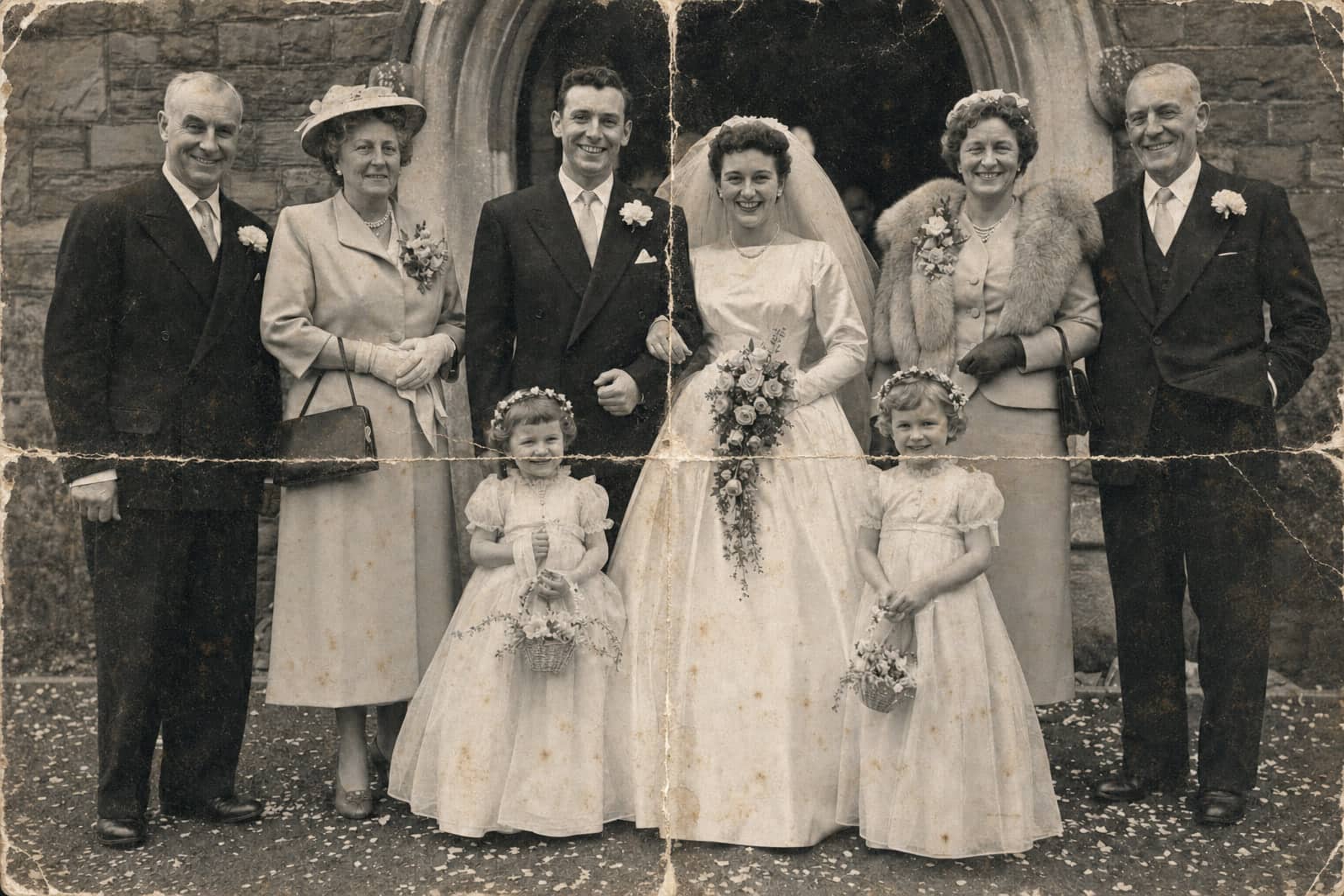
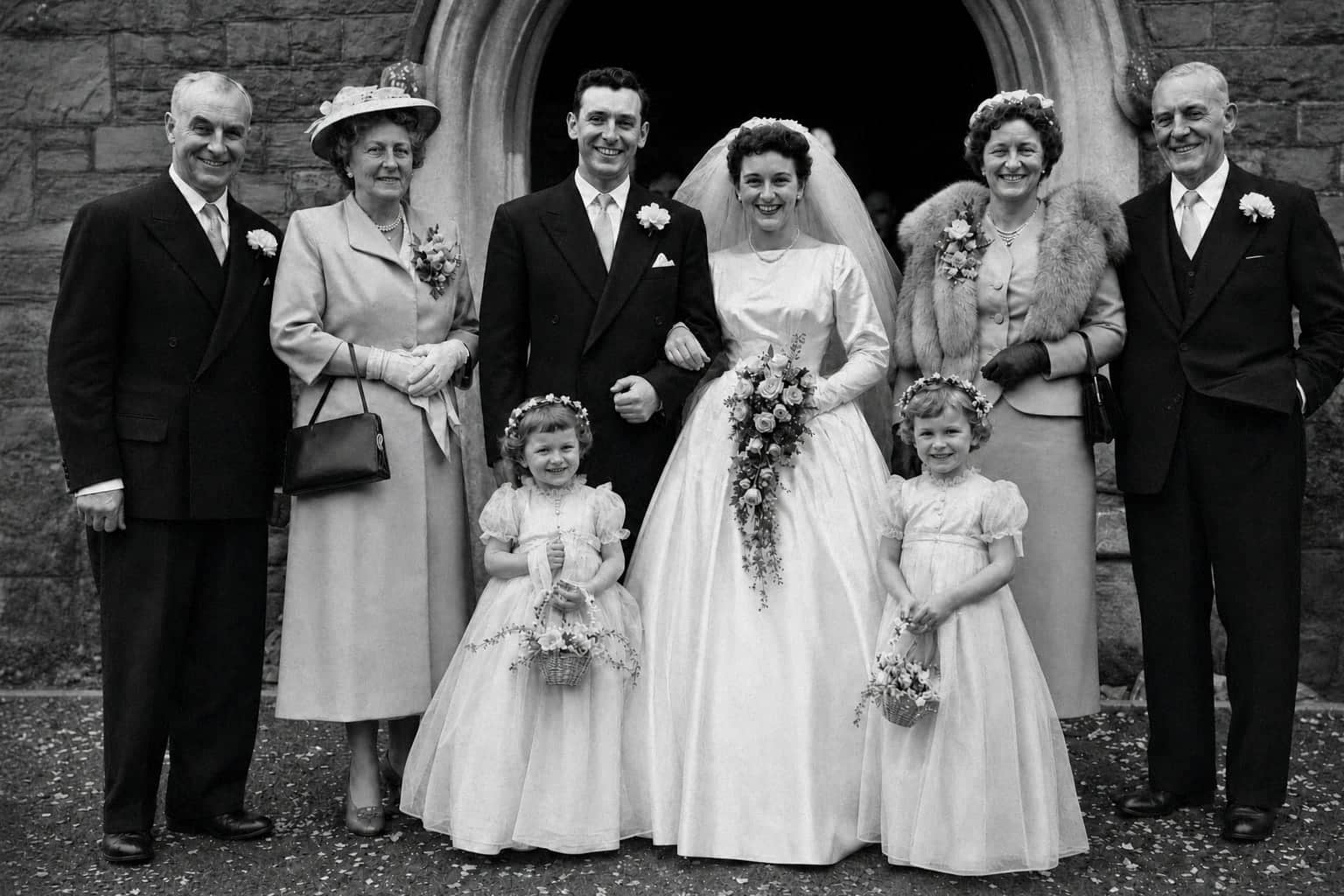
Every after here is exactly what our restoration returned for the print beside it. Drag the handle and study the faces — in every one, the damage lifts and the person remains.
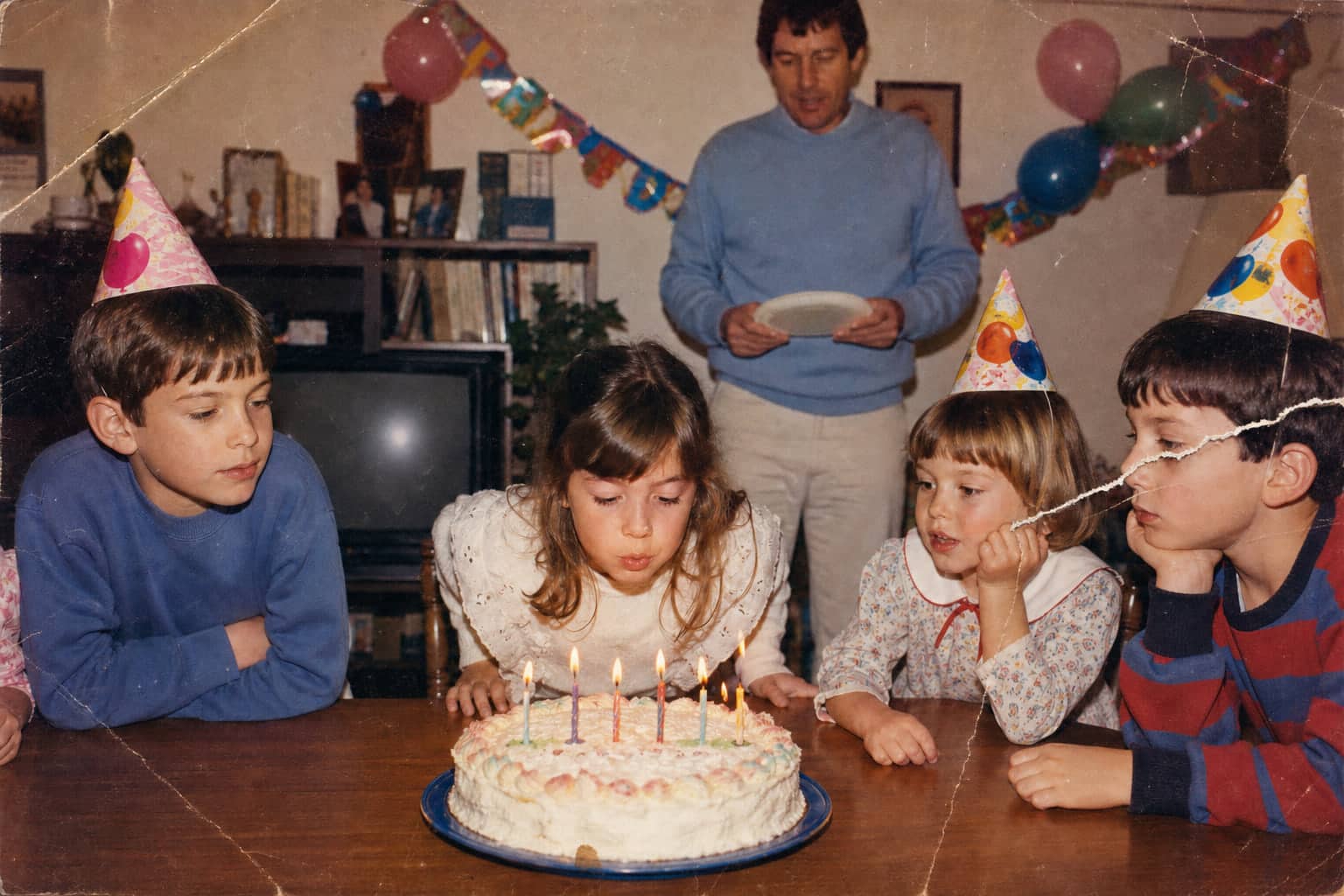
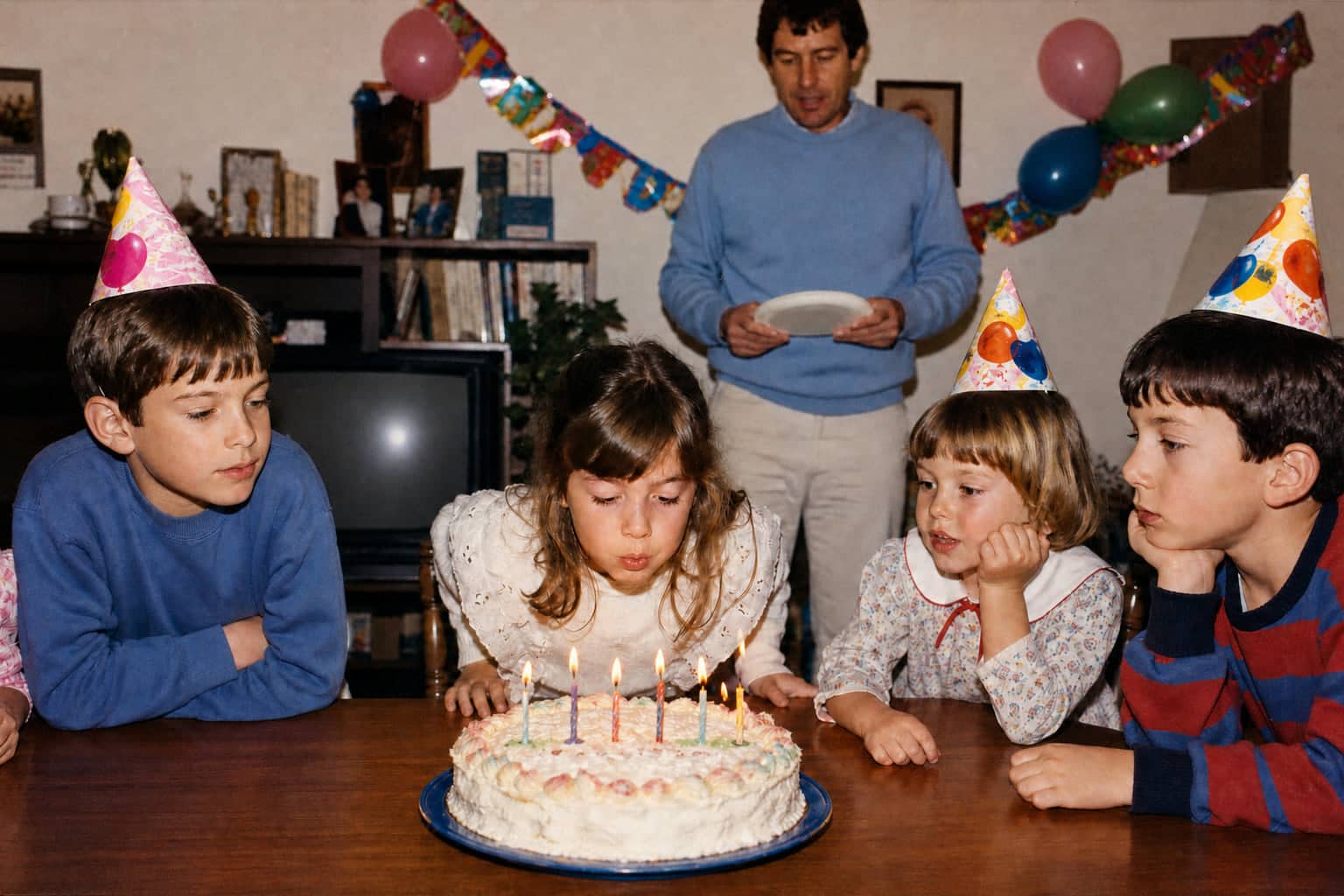
The cake photo
The tear across the table and the boy's face is repaired and the yellow cast lifts. All four of them are still exactly themselves.
Before
After
The cake photoDrag to compare
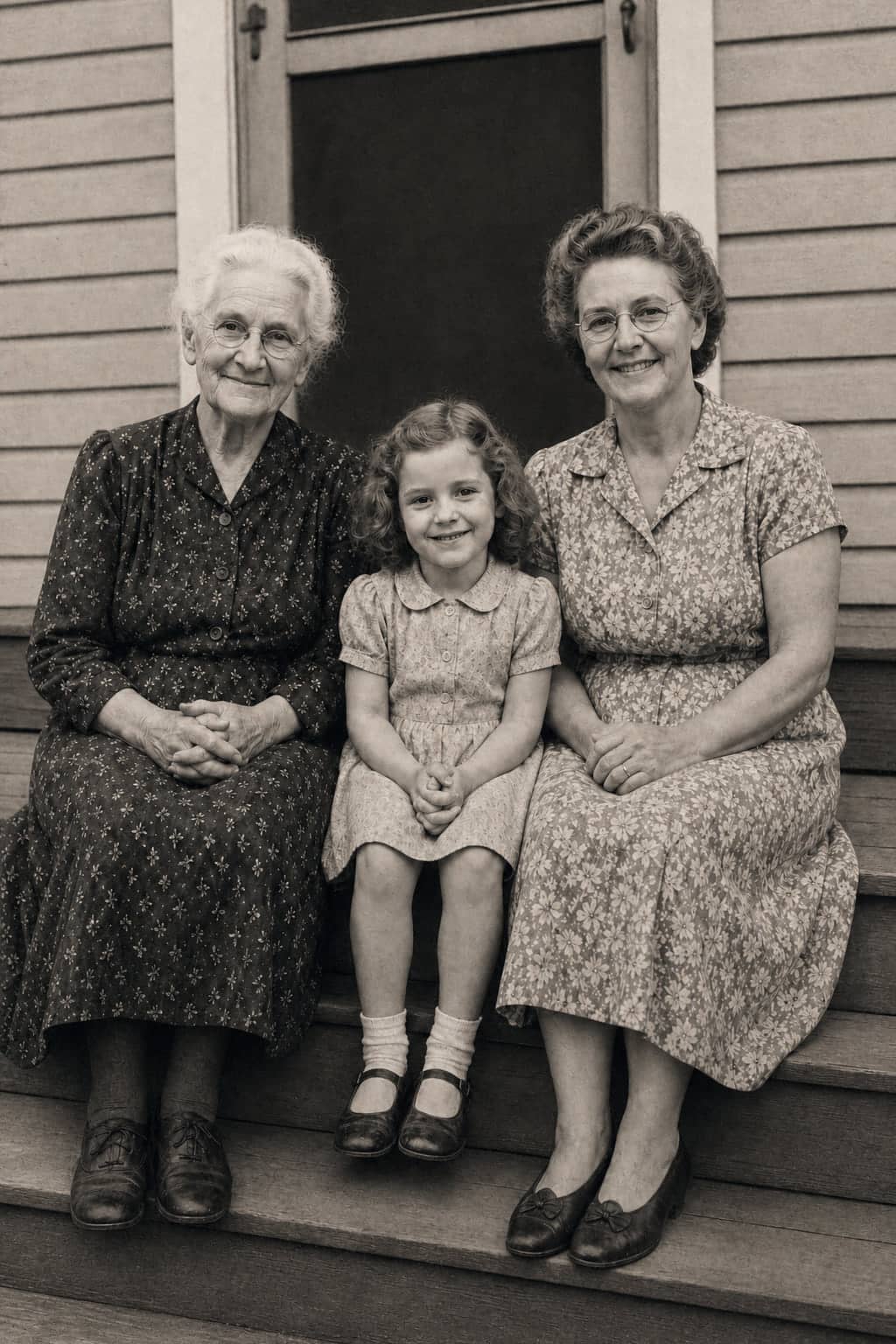
Look closer.
Three generations on one step. Move the lens over each face: the grain is still there, the expressions are still theirs. That is the whole promise in one gesture.
Move over the photo, or touch and drag.
Magnifier. Move over the photo, or tap it, to look closer.
Feedback from early users who started with one meaningful photo.
“
Seeing these memories clearer again... honestly, I'm just so happy we did this”
“
Managed to digitize four generations of albums in a weekend. Such a huge weight off my shoulders.”
Pricing
Scanningisfree.Restorationisthecraftyoupayfor.
Capture and save your scans first, then decide which photographs deserve the work. Each restoration uses one Photo credit — current packs and plans are on the pricing page.
Start on your iPhone
Scan the prints where they live, save the album as you go, and restore your keepers from the sofa.
Every restoration is covered by the free-redo promise and a 7-day refund on paid plans.
Family Archive Together
The photos are spread across the family. The archive doesn’t have to be.
You and up to five relatives each sign in with your own account and add the photos only you have. Only the photos you choose to add to family albums are shared; the rest of each person’s library stays private.
Your phone is enough. Capture prints in bright, even light with the phone held flat and parallel, and avoid flash. A flatbed scanner only earns its place for delicate, curled or very small prints.
Is every photo I scan restored automatically?
No — and that is deliberate. Every scan is saved untouched to your collection, and restoration only happens on the photos you choose, one credit at a time. You never pay for the whole box.
What happens to my originals?
The scan you save is not edited or overwritten by restoration. A restored photo is created as a separate version alongside it, so you keep both — the print as it survived, and the finished restoration.
Will the restored photo still look like my relative?
That is the whole point. Restoration is designed to repair photo damage while preserving identity, expression, clothing, body shape and era. If the result does not look like them, tell us and we will redo it free.
Is my family's collection private?
Yes. Your library is private by default. Share albums or single photos only with the people you invite, and you can revoke access or delete your photos at any time.
How much does it cost?
Scanning is free. Restoration is the paid craft: each restored photo uses one Photo credit, and current credit packs and plans are on the pricing page. Paid plans include a 7-day refund window.
What devices does it work on?
PhotoScanRestore runs as an iPhone app and in any modern browser. Scanning printed photos with the camera is an iPhone feature; on the web you can upload scans you already have. There is no Android app yet.

 Magnifier. Move over the photo, or tap it, to look closer.