
Photo scanning service alternative
Photo Scanning Service Alternative
Scan and save the whole album at home with your iPhone — originals never leave the house, and you restore only the keepers.
Free to download. Scan at home; originals never leave the house.
Originals stay home
Scan at home; nothing is mailed away.
Saved untouched
Every scan is kept as it is before any repair.
Restore only keepers
Credits are spent photo by photo, by you.

Which route fits?
Save the album at home. Send away only what truly needs a lab.
The mistake is treating every old photo the same. Most families need a safe way to save everything, and a separate, selective restoration step for the pictures that carry the memory.
Best for albums, shoeboxes, and loose prints: scan and save them at home with the iPhone app.
Best for thousands of slides or negatives: compare mail-in scanning services.
Best for fragile originals: talk to a conservator before shipping or scanning.
Best for already-scanned photos: restore the keepers on the web, one free to start.
Direct answer
A mail-in photo scanning service is useful when you have thousands of slides or negatives and want someone else to digitize them. PhotoScanRestore is the at-home alternative for the albums and shoeboxes most families actually have. The iPhone app scans each print and saves it, untouched, into a private collection — no shipping, no waiting, no strangers handling the only copy. Restoration is then a separate, deliberate choice: you spend Photo credits only on the few photos your family will actually keep, print, and share, and you keep both versions. If you just want to test the restoration quality first, one free web restore does that before you commit to anything.
Real examples
Restore scanned photos at home before choosing a mail-in service
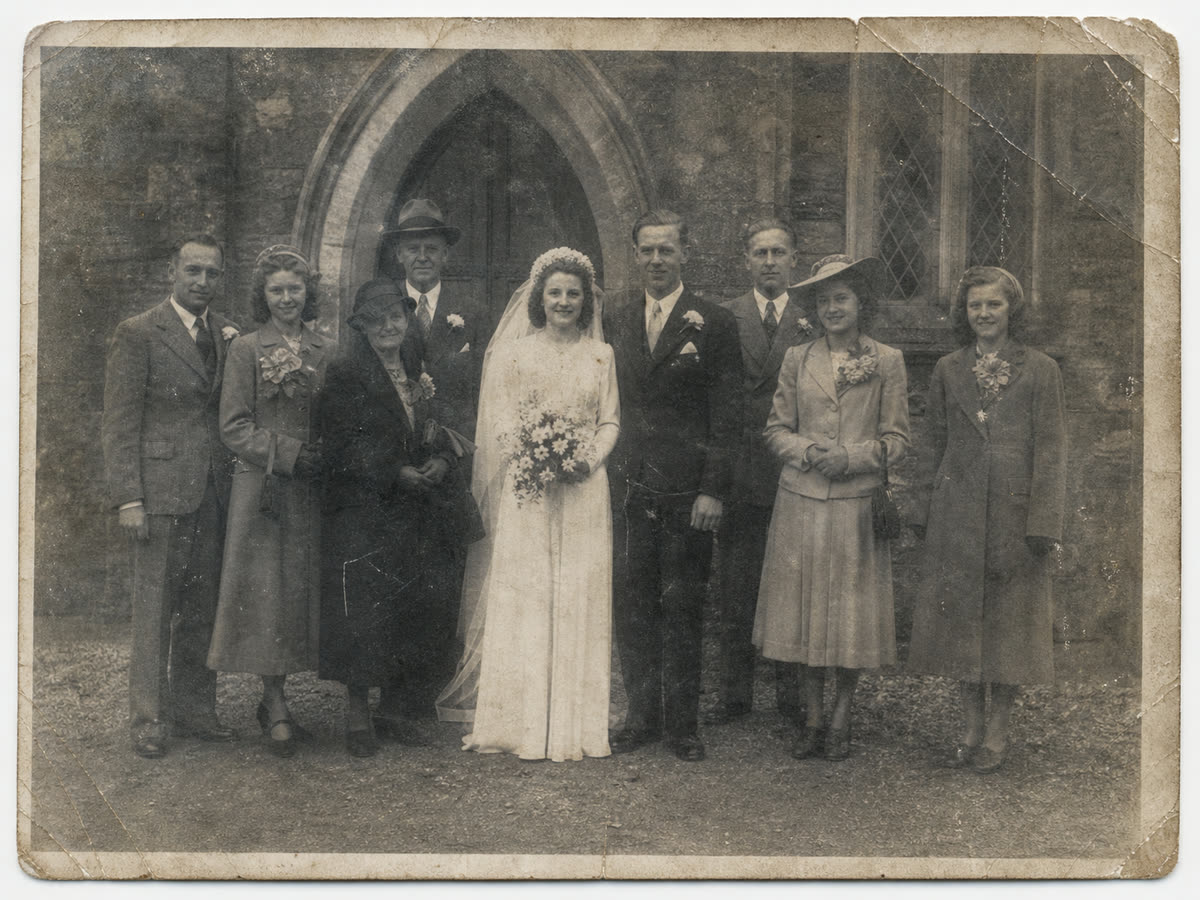
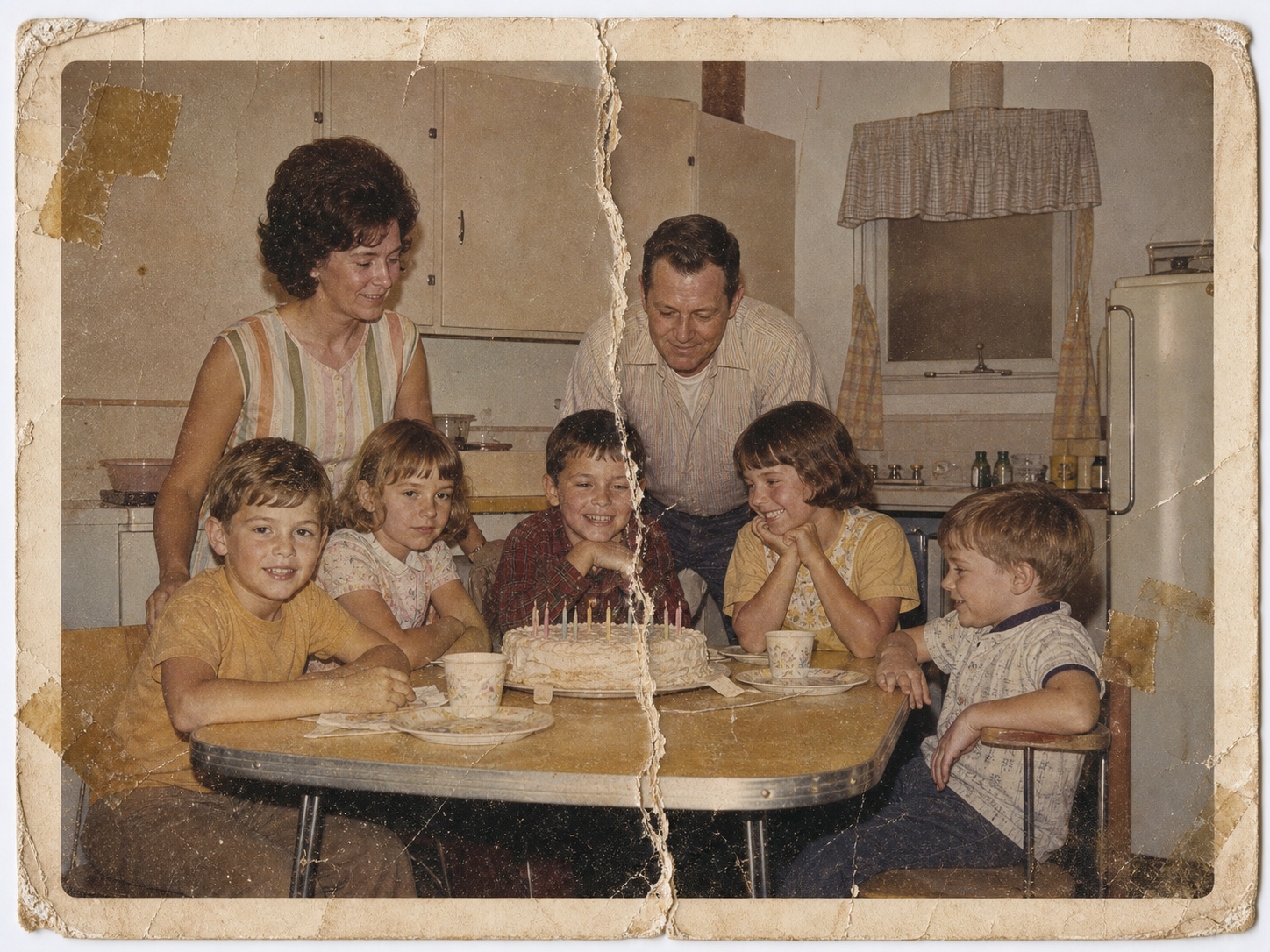
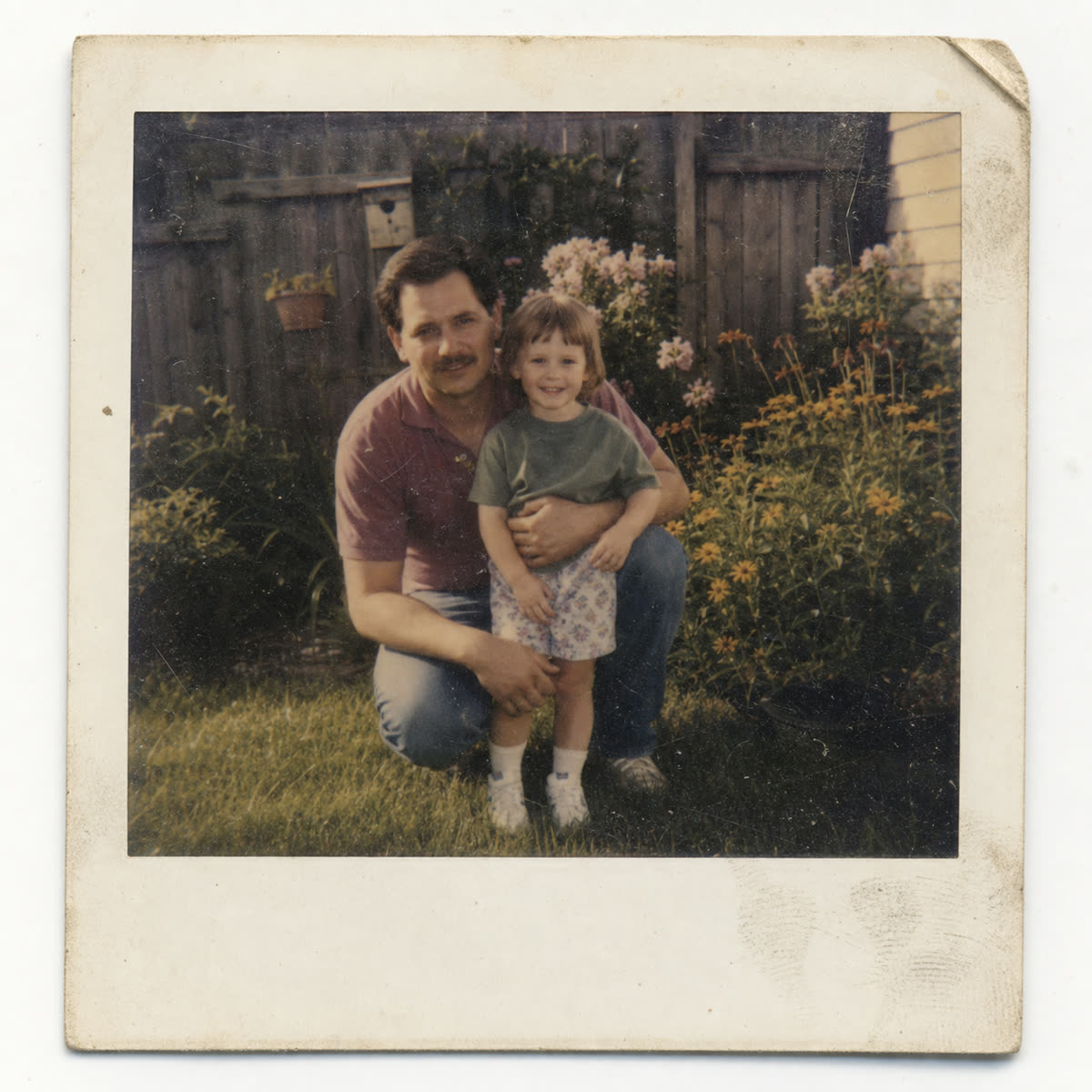
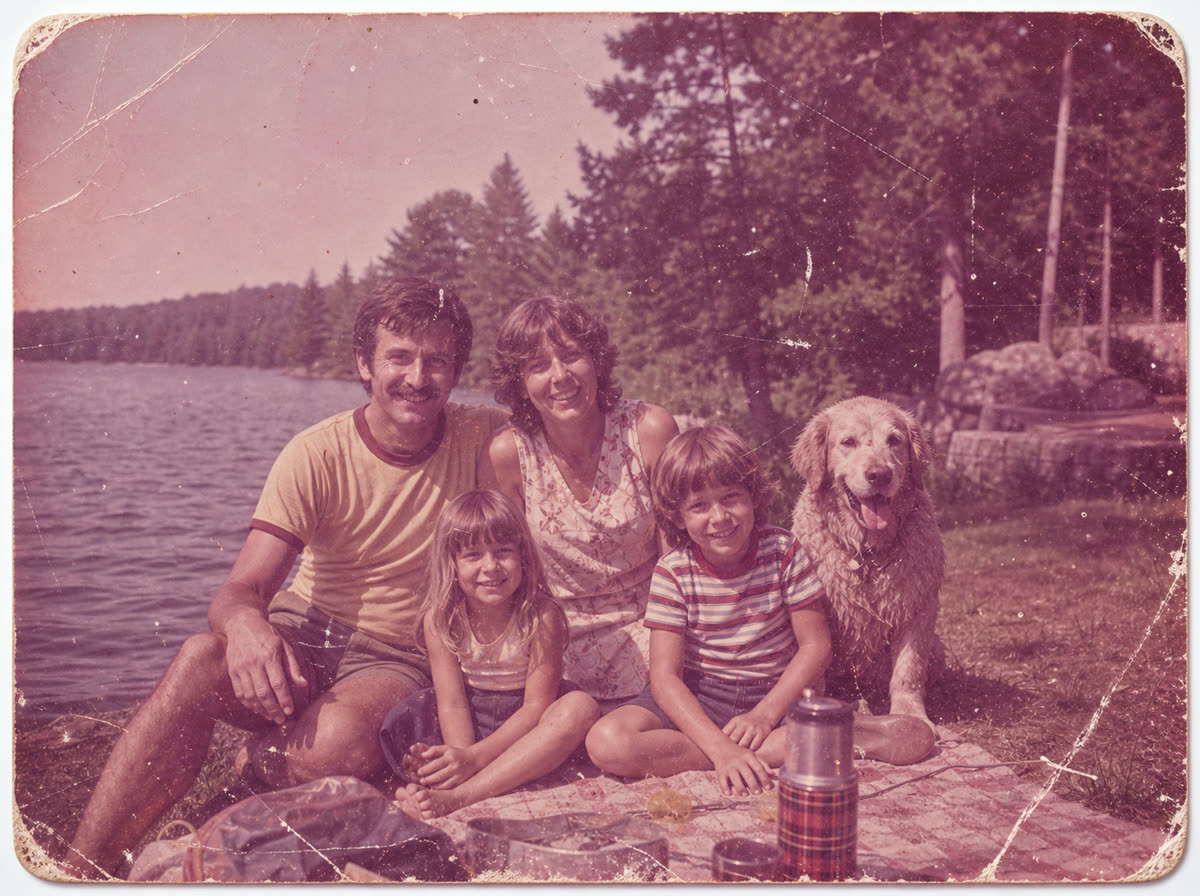
These examples show the selective restoration step: fading, tears, scratches, soft detail, and color loss. Saving the scans costs nothing — restoration is the deliberate choice you make for the keepers.



How it works
How the at-home alternative works
Scan and save at home
Photograph each print with the iPhone app — or use a flatbed scanner or another app. Every scan is saved untouched, and originals never leave the house.
Choose the keepers
Browse the saved collection and pick the photos that carry the memory. Most photos only need to be safe; a few deserve real restoration work.
Restore selectively
One Photo credit restores one chosen photo, and you keep both versions. Try one free on the web before spending anything.
Restoration pricing
Saving is free. Pay only for the photos you restore.
Scanning and saving your album in the app costs nothing. When a photo deserves real care, one Photo credit restores it — choose a one-off pack or a membership only if the keepers are worth continuing.
One-off packs
$14.99
10 Photo credits that never expire, for a few keepers.
Before you upload
Know what is worth trying.
Is this a replacement for ScanCafe or Legacybox?
For albums and shoeboxes at home, yes — you can scan, save, and restore without shipping anything. For thousands of slides or negatives, a bulk mail-in service can still make sense.
What if I have slides or negatives?
You still need to digitize them first. Use a slide scanner, phone setup, or scanning service, then restore the digital keepers in PhotoScanRestore.
Is mailing originals risky?
Any mail-in service requires trust, packaging, tracking, and waiting. If the original is irreplaceable, test a photo or talk to a specialist before shipping the only copy.
Can a phone photo be good enough?
Often, yes, for a first quality test. Use soft light, avoid glare, keep the phone parallel, and upload the clearest copy you can make.
What if I only want raw scans?
That works too. Scanning and saving in the app is free and every original is kept untouched — restoration is optional, photo by photo, whenever you are ready.
How do I budget the project?
Use the cost calculator to compare one-off credits, memberships, and typical professional restoration ranges before you commit to a larger archive.
FAQ
Photo restoration questions.
What is the best photo scanning service alternative?
For albums, shoeboxes, and loose prints, scanning at home with the PhotoScanRestore iPhone app is the simplest alternative: every print is saved untouched to a private collection, originals never leave the house, and you restore only the keepers. For thousands of slides or negatives, a mail-in service can still be the right tool.
Do I need to mail my old photos to restore them?
No. Scan them at home with the iPhone app, or upload a phone photo, scanner file, or export from another scanning app and restore the digital copy online.
When is a mail-in photo scanning service better?
A mail-in photo scanning service can be better when you have thousands of prints, slides, or negatives and the main job is creating digital files, not restoring a few favorites.
Can PhotoScanRestore work with ScanCafe or Legacybox scans?
Yes. If a scanning service gives you digital files, you can upload the best ones to PhotoScanRestore for restoration, color recovery, careful face clarity, or upscaling.
What if my photo is torn or water damaged?
Try a digital copy first if the photo is dry and safe to handle. Severe physical damage, stuck photos, mold, or fragile originals may need a conservator before scanning.
How much does PhotoScanRestore cost?
You can try one restore free. Paid options are simple: a $14.99 Keeper Pack with 10 Photo credits, a $34.99 Album Project with 30 Photo credits, Personal Monthly at $9.99 with 5 Photo credits each month, or Personal Annual at $59.99 with 80 Photo credits a year. Pack credits never expire.
Next steps
Helpful next steps.
app
The PhotoScanRestore iPhone app
Scan each print, save it untouched, and restore the keepers from your phone.
guide
ScanCafe reviews
A fair guide to when ScanCafe fits and when restoring one keeper first is safer.
calculator
Photo restoration cost calculator
Estimate credits, memberships, and typical manual restoration costs.
service
Photo restoration service
Restore faded, scratched, torn, or soft family photos online.
problem
Old photo repair
Fix cracks, tears, stains, fading, and worn detail after scanning.
problem
Water damaged photo restoration
Use this path when a leak, flood, or damp album caused the damage.
guide
Slides and negatives guide
Read the safer educational guide before choosing a slide-scanning method.
guide
How to scan old photos
Capture a clean digital copy before deciding what to restore.
Ready when you are
Before you ship the box, save it at home.
Scan the album with the iPhone app and keep every original untouched. Restore a keeper only when one earns it — or test the quality with one free web restore first.