Family archive
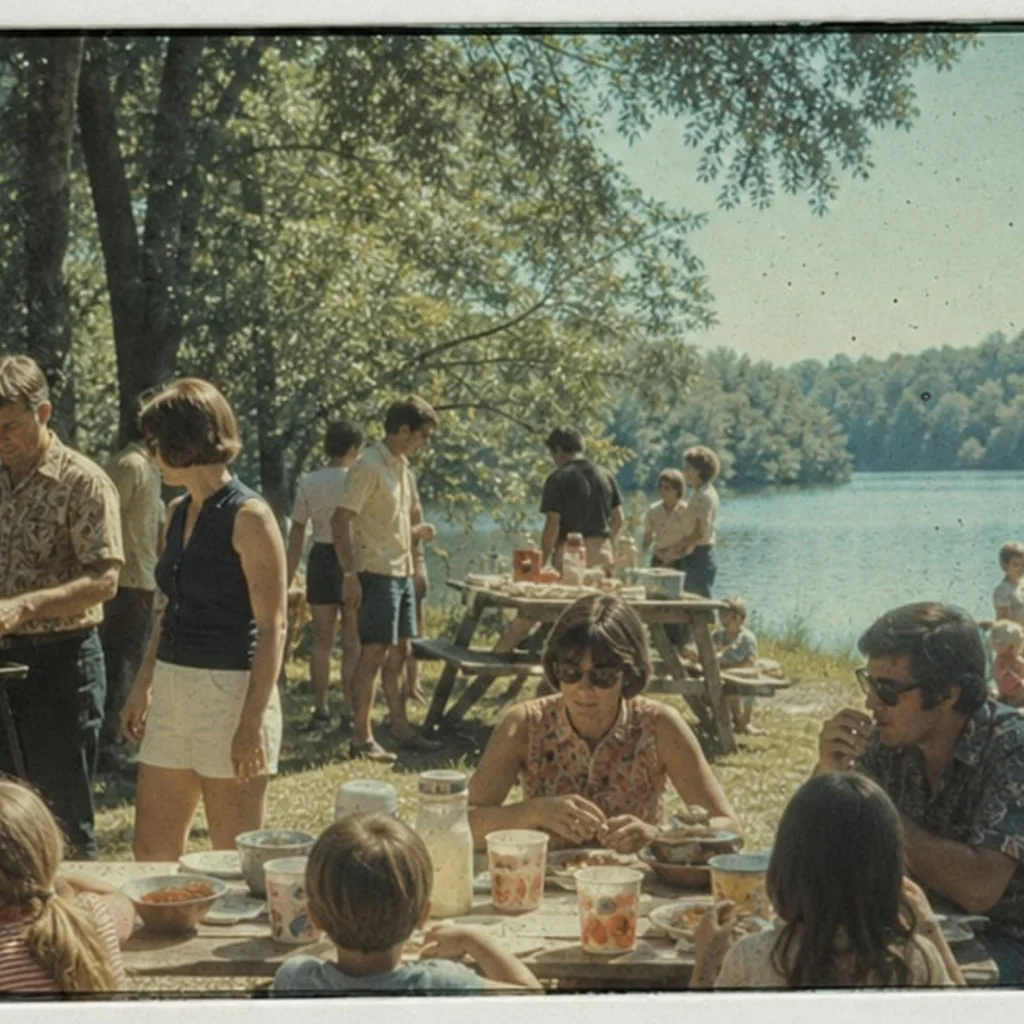
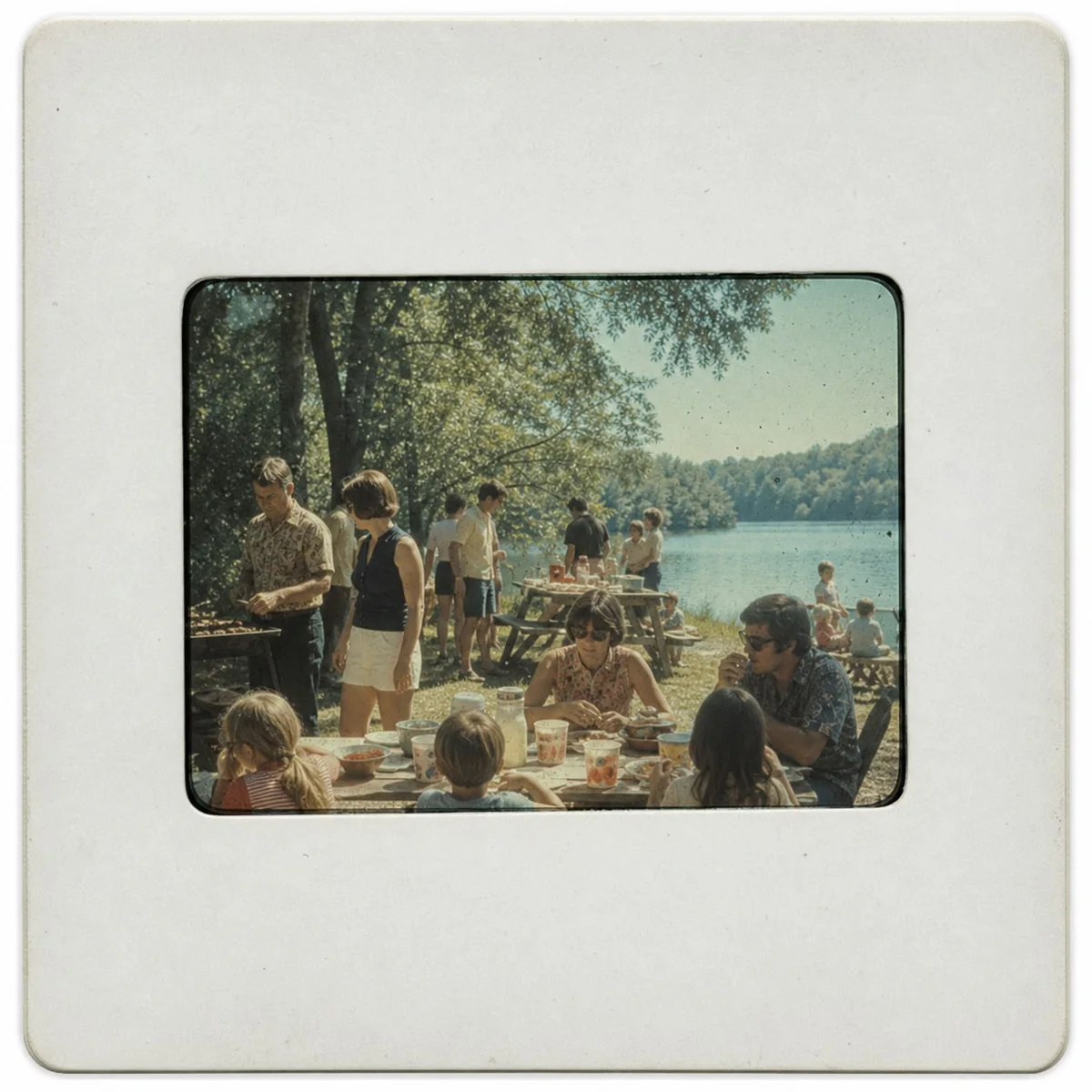
Lake picnic slide
Lift green slide haze, dust, and soft lake detail while keeping the 1970s color feel.
Slide Restore
PhotoScanRestore does not scan physical slides by mail. It restores the digital image you already captured from a mounted slide, helping rebalance faded color, reduce dust and haze, and clarify visible detail before you share or print it.
Best for positive slides, not film negatives.
Scan
Use a scanner or steady phone capture first
Restore
Faithful cleanup for color, haze, and visible detail
Decide
Test one frame before a bigger archive job
Capture the slide first
Use a scanner, a slide adapter, or a steady light-table phone setup.
Upload the digitized frame
PhotoScanRestore restores the photo file, not the physical slide mount.
Save the keeper
Download the restored image and decide which slides deserve more work.
Restored examples
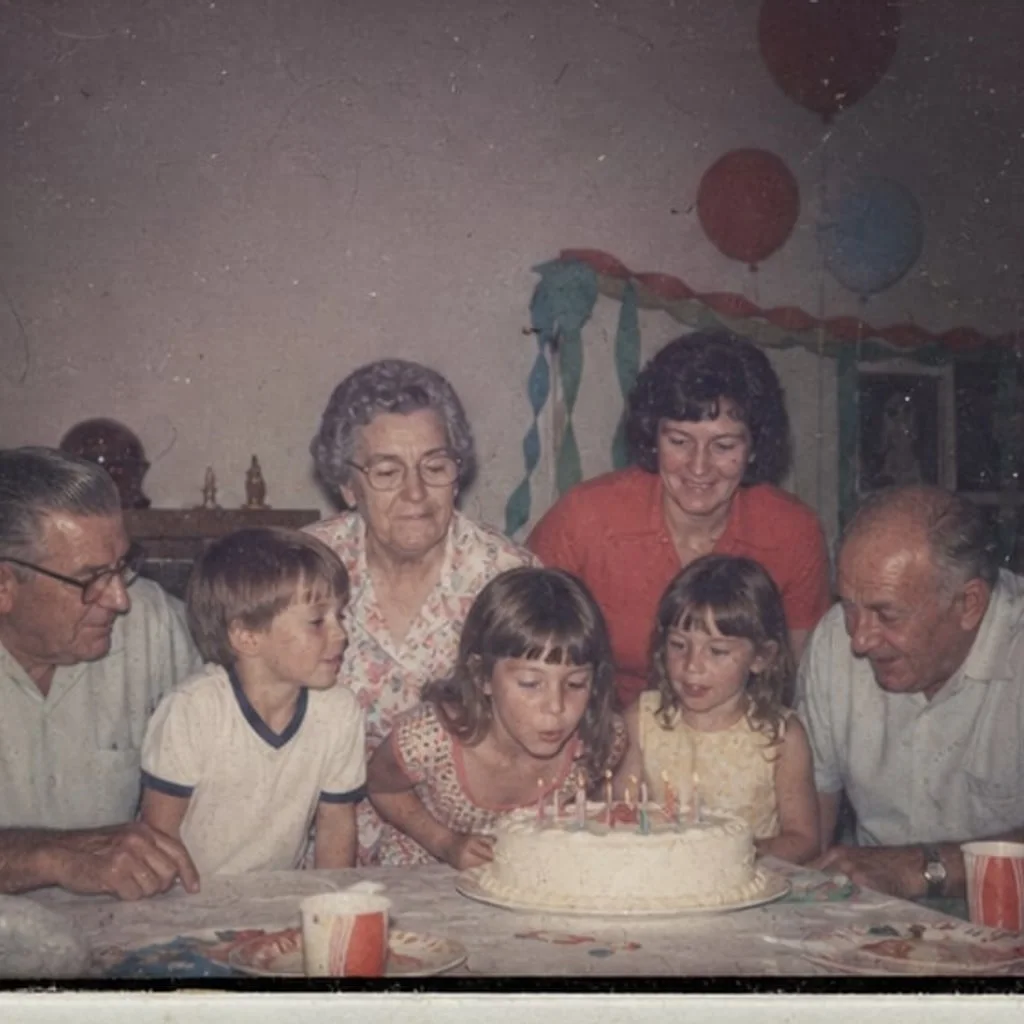
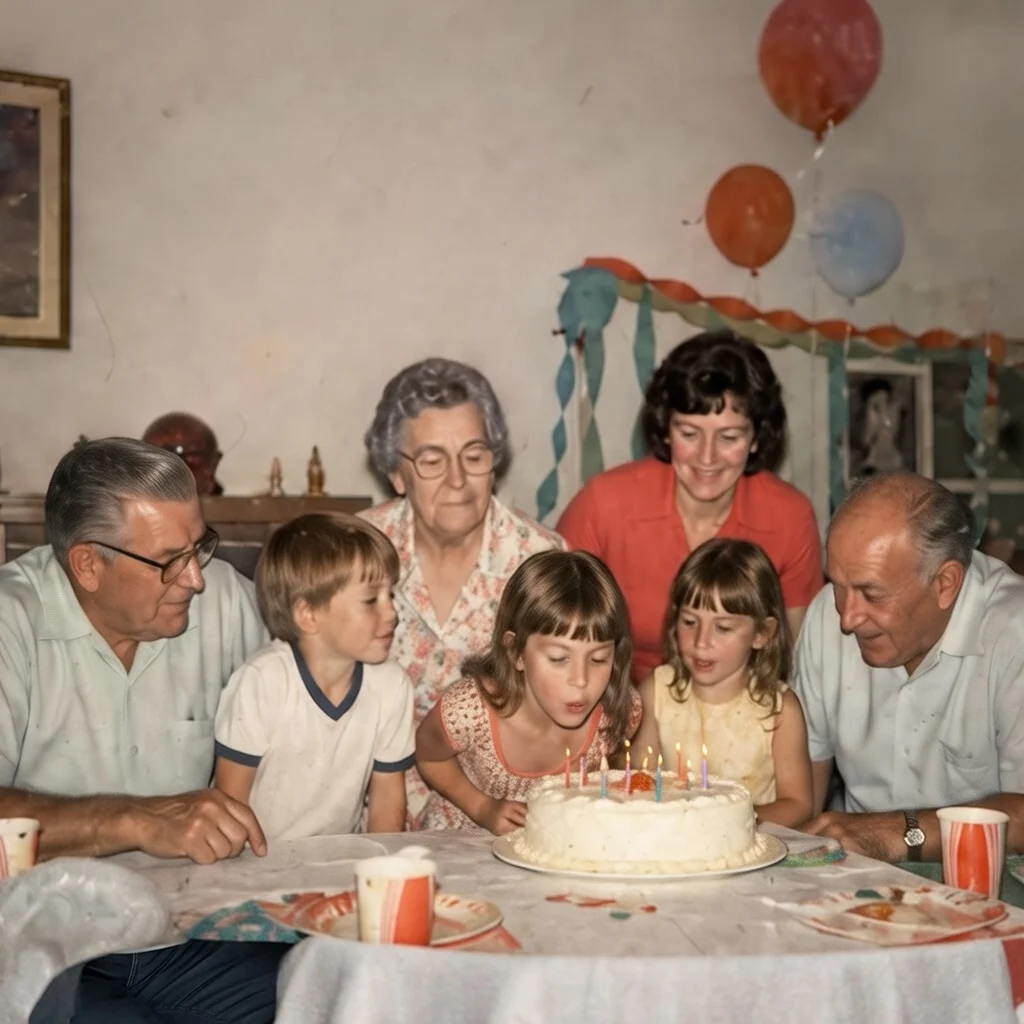
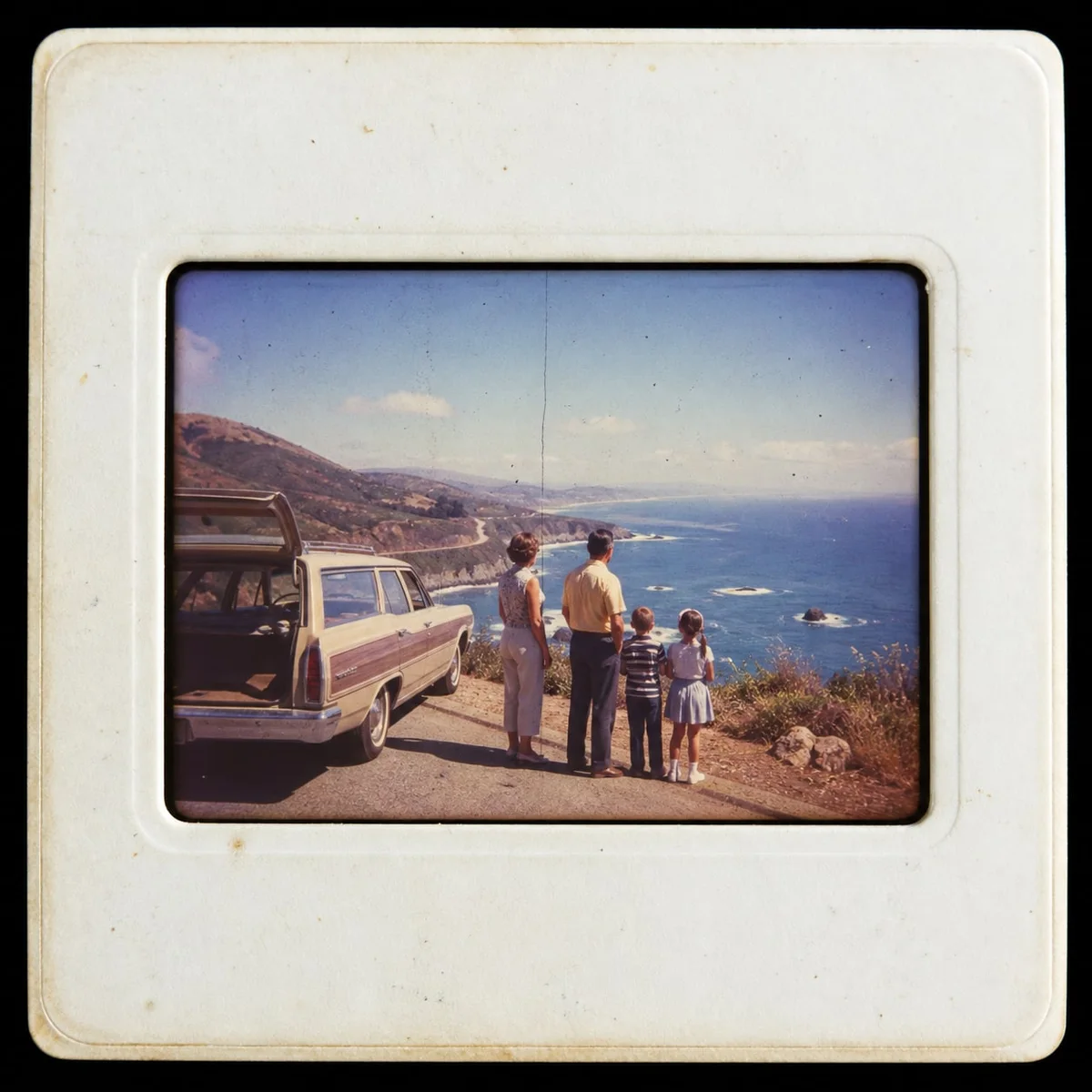
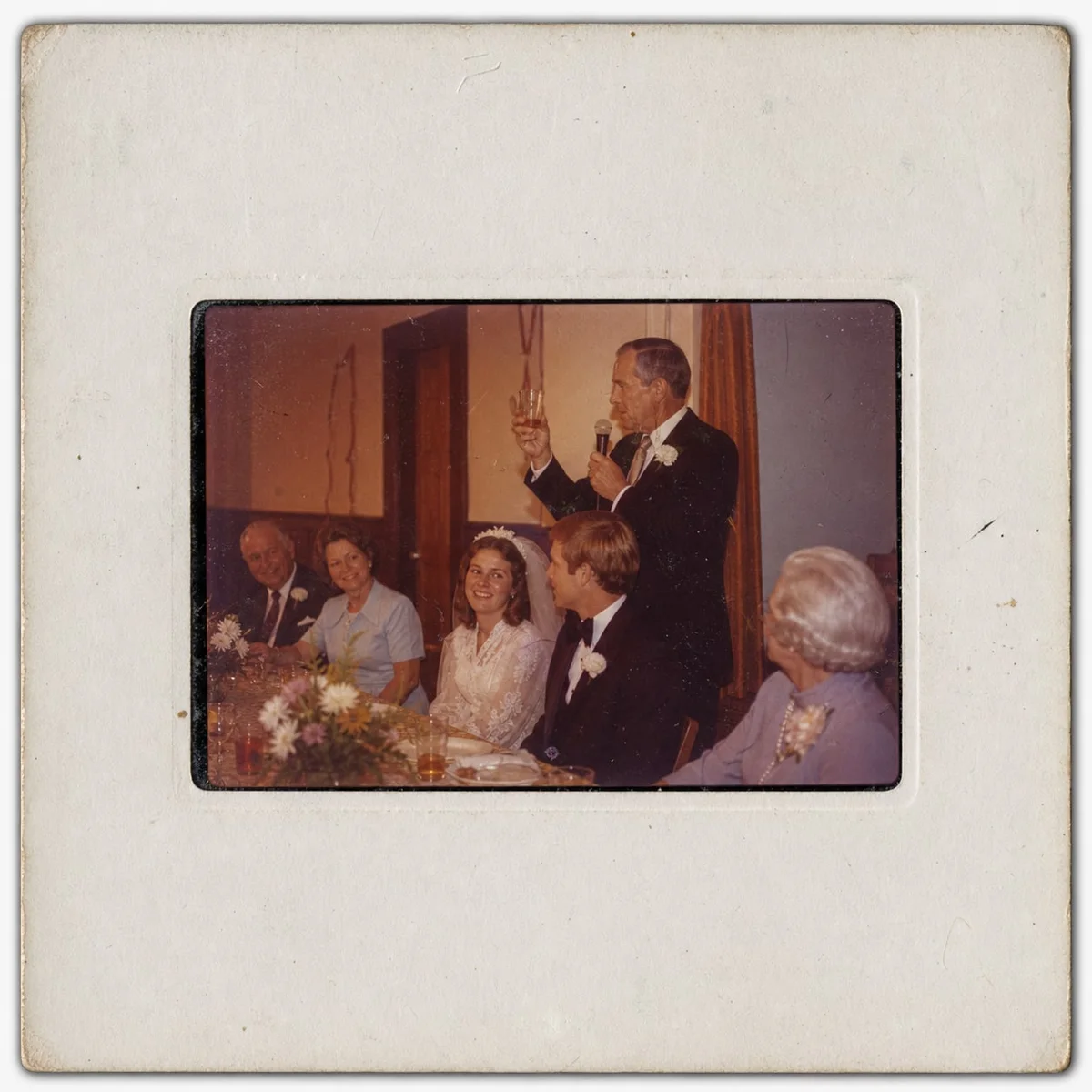
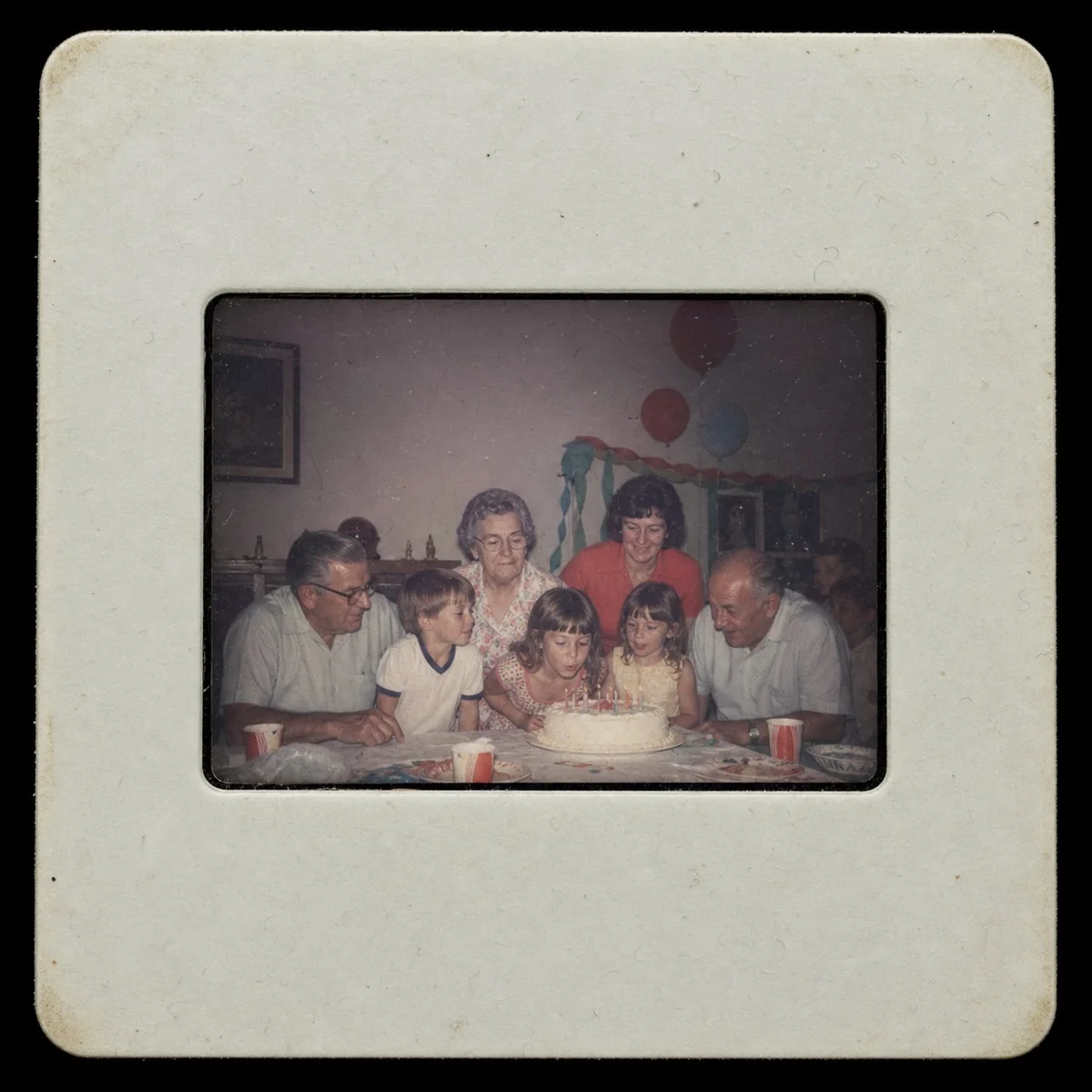
These illustrative examples start as generated positive slide scans and were restored with an automated restoration pass. The restored side is cropped to the photo, because that is what families usually want to save — test one of your own frames free to judge the current restoration on a real slide.
Family archive
Lift green slide haze, dust, and soft lake detail while keeping the 1970s color feel.
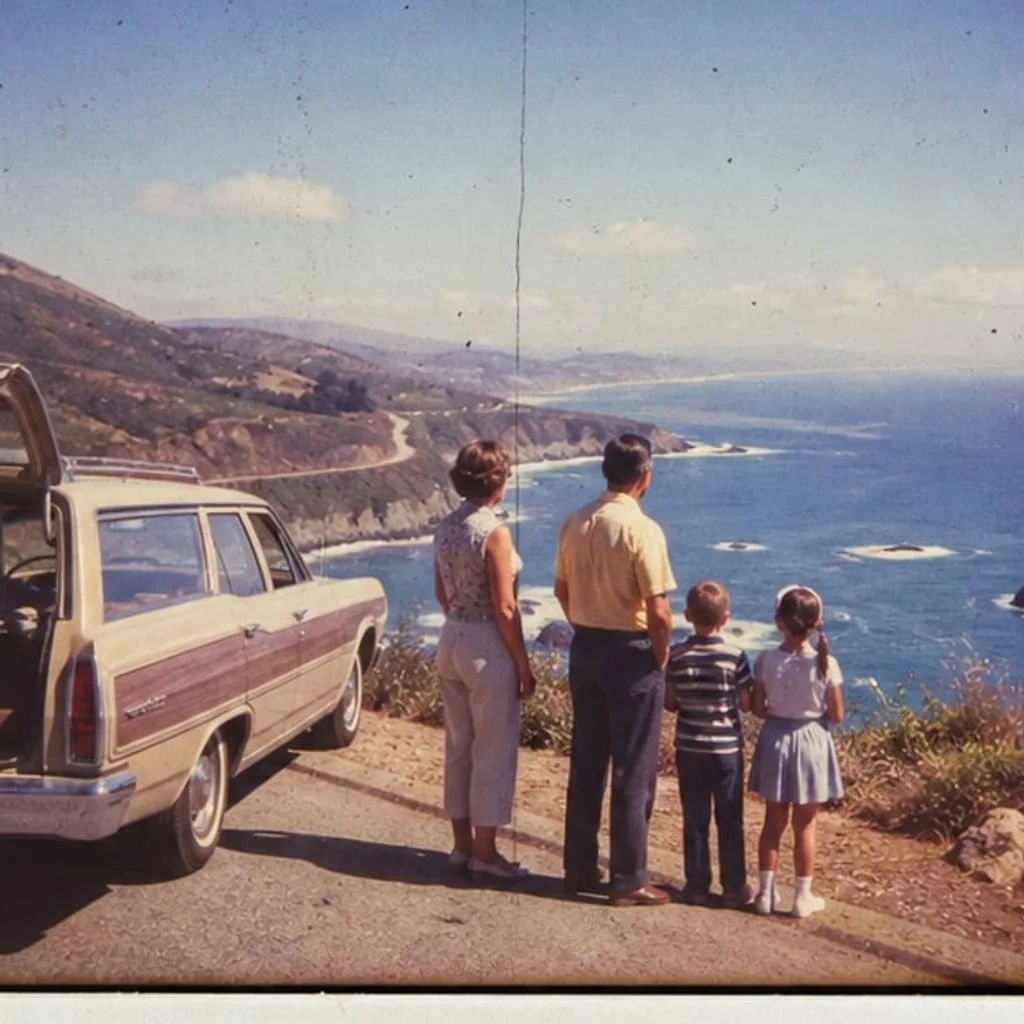
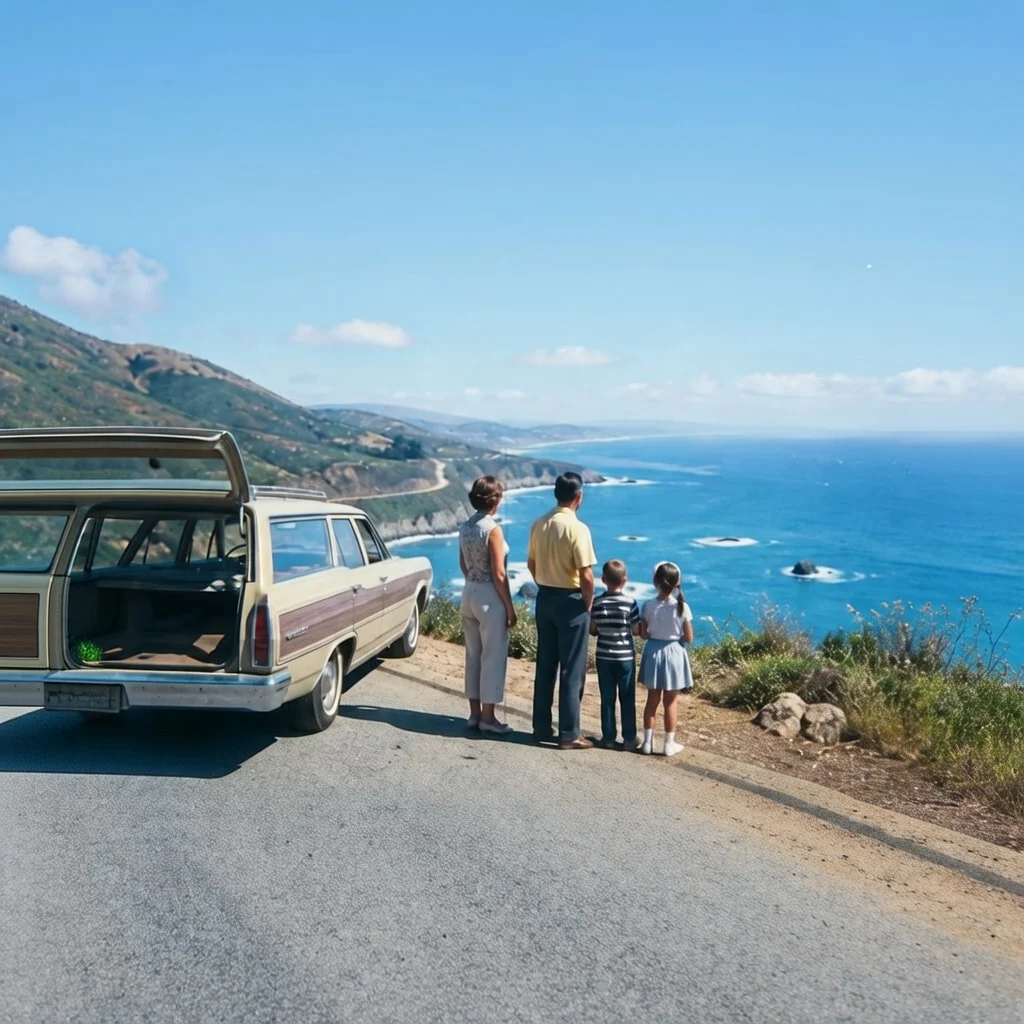
Travel memories
Recover visible sky and ocean contrast from a dusty, faded roadside transparency.
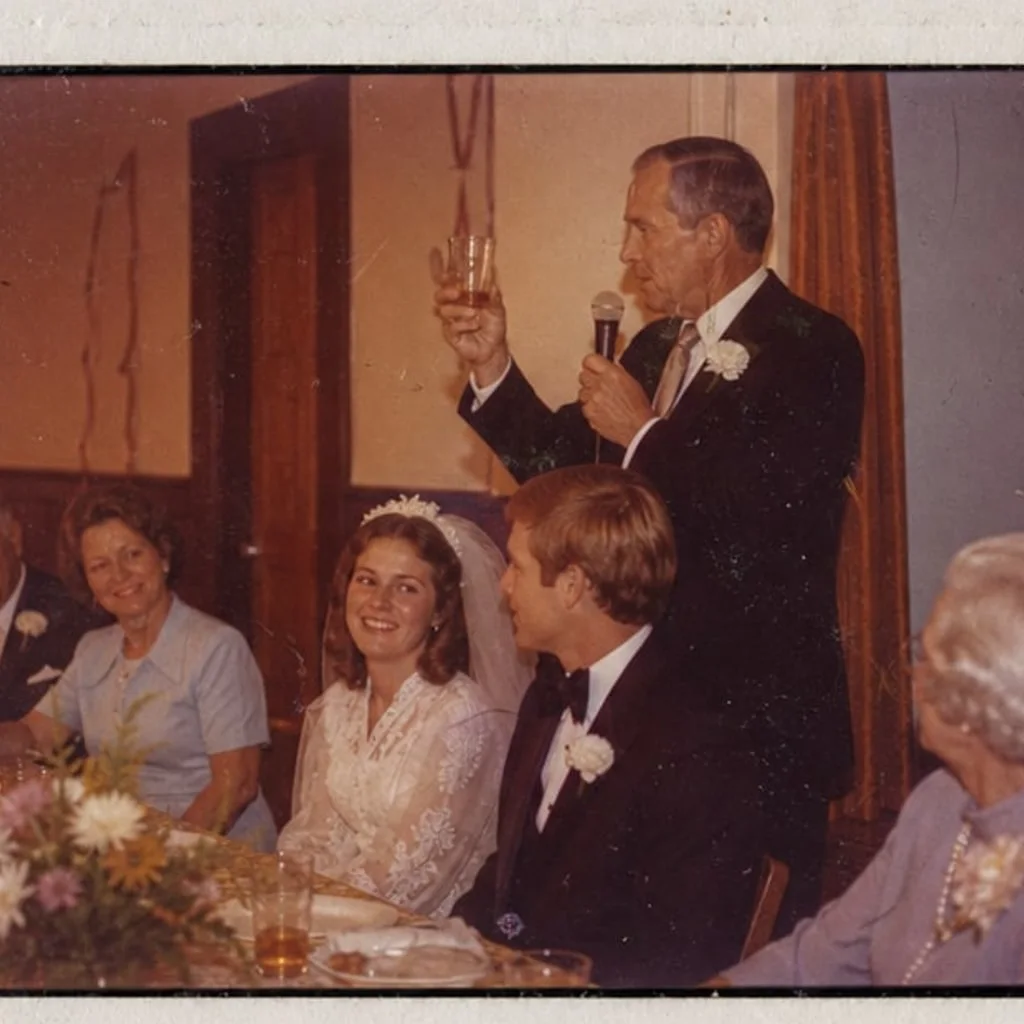
Celebration
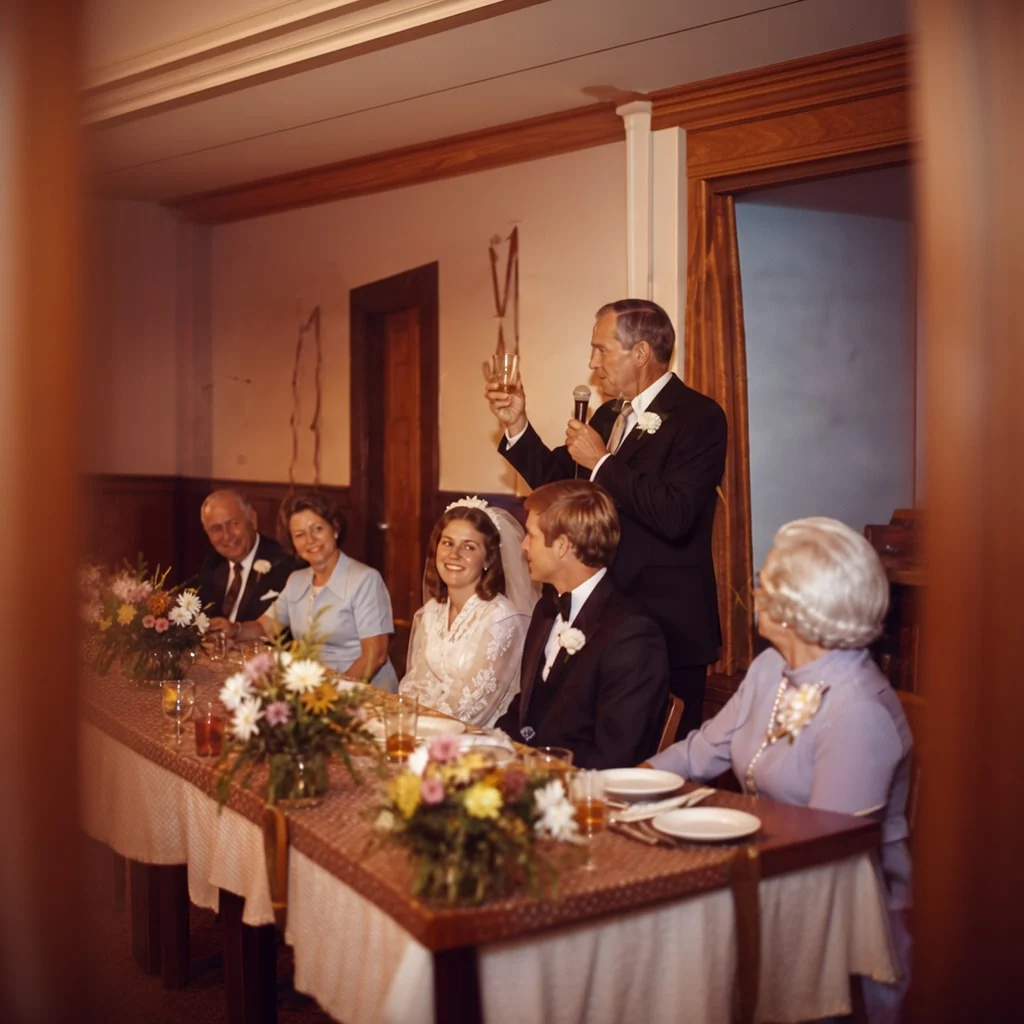
Calm tungsten cast and surface marks without turning a family slide into a modern filter.
Home movies feel
Brighten dim indoor slides so faces, cake, and decorations are easier to share.
Good fit
Not the right tool
Try one frame first
Start with a clear positive slide photo. If the restored result is worth saving, you can decide whether the rest of the archive needs a DIY setup, a local lab, or a mail-in scanning service.
FAQ
No. Use a film scanner, slide adapter, phone light-table setup, local lab, or mail-in scanning service to create the digital file first. PhotoScanRestore restores the image after capture.
This page is for positive 35mm slide photos. Film negatives need inversion and scanning-specific handling before restoration, so use the slides and negatives guide before uploading.
Use the cleanest scan or phone capture you have: evenly lit, in focus, not clipped, and preferably cropped to the image area. Dust and fade are fine; heavy mold or missing detail may need a specialist.
For thousands of slides, fragile originals, or museum-quality output, a lab or dedicated film scanner is the better first step. PhotoScanRestore is useful when you want to test or improve selected keepers.