
Guide
Phone vs Flatbed Scanner: What’s Best for Old Photos?
Compare phone scanning apps against traditional scanners on quality, speed, and cost so you can choose the right digitizing method.
Published Nov 13, 2025 · Updated Sep 17, 2026
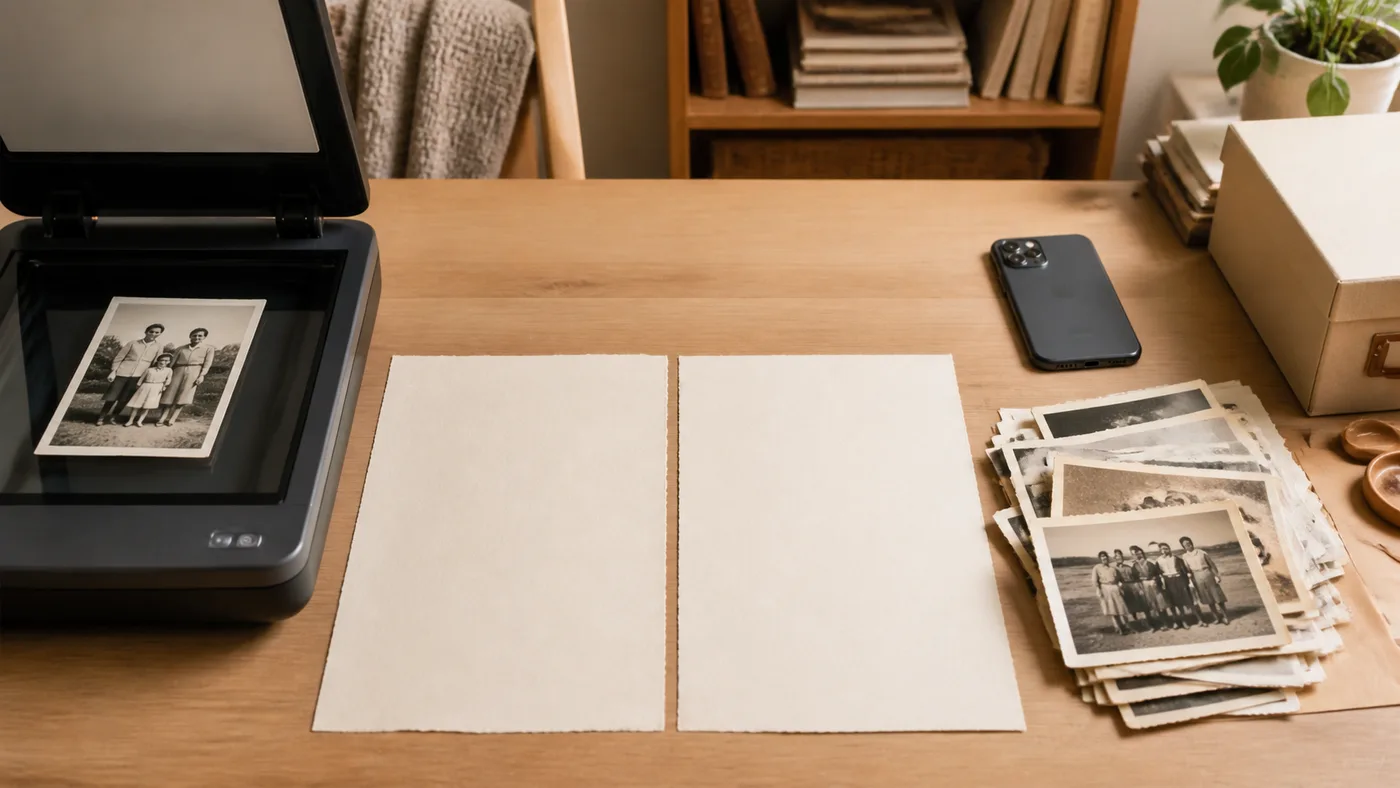
Not sure whether to dust off a scanner or rely on your phone? Use this head-to-head comparison to pick the best tool for your project.
| Criteria | Phone + App | Flatbed Scanner |
|---|---|---|
| Resolution | 12 MP ≈ 600 DPI on 4×6 prints; 48 MP phones hit 1200 DPI. | 600–1200 DPI natively; can oversample small prints. |
| Speed | Scan multiple photos at once; 200+ prints/hour. | Typically 1–2 photos per minute including software steps. |
| Setup | Works anywhere, no cables. | Requires computer + software. |
| Cost | You already own the phone; app subscriptions are low. | Need to buy/borrow a scanner ($100–$300). |
| Restoration | smart color, scratch, glare fixes built in. | Requires separate editing software. |
| Best for | Most family archives, quick sharing. | Ultra-high DPI needs, tiny originals, or film holders. |
When to Choose Your Phone
- You have hundreds of prints and limited time.
- The photos are standard sizes (3×5, 4×6, 5×7, 8×10).
- You value built-in restoration and private sharing.
- You want to keep everything in-house instead of mailing originals away.
When a Scanner Still Wins
- You’re archiving tiny wallet prints or negatives that need 2400+ DPI.
- Prints are extremely delicate and must lie flat under glass.
- You already own a quality scanner and enjoy fine-tuning settings manually.
In many cases, the ideal solution is hybrid: scan heirloom masterpieces on a flatbed, then use PhotoScanRestore for the other 95% of the shoebox.
Test the Phone Workflow FreeBack to Best Way to Scan Old Photos · Need glare help? See glossy photo tips.