
Guide
Best App to Restore Old Photos in 2026
Find the best app to restore old photos in 2026: iPhone, web, repair, scan, face enhancement, colorize, genealogy, and manual workflows.
Published Feb 19, 2026 · Updated Sep 17, 2026
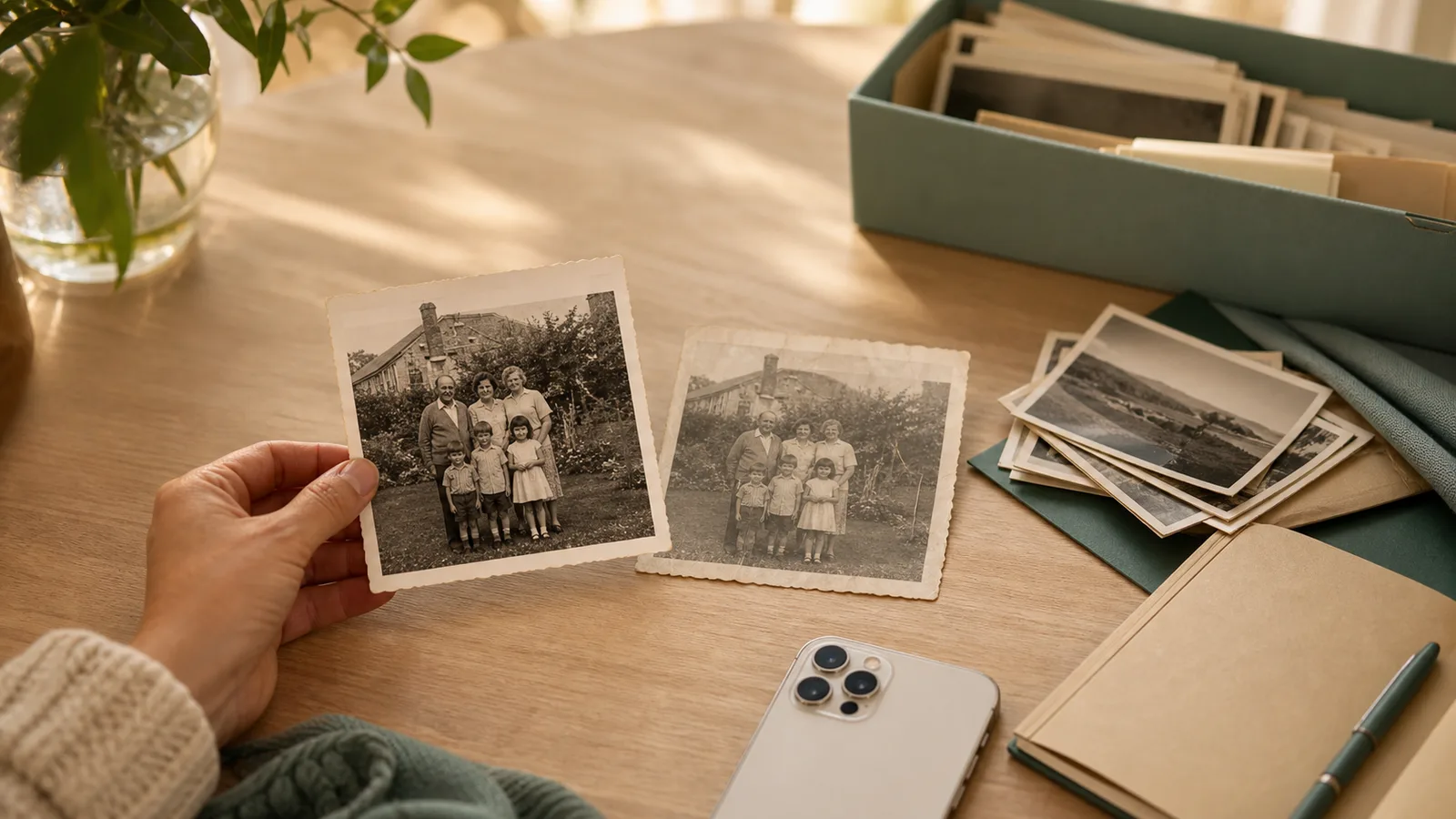
Quick answer: for most families, the best app is the one that matches the job. Use PhotoScanRestore when you already have a scan or phone photo and want to restore it. Use Photomyne or Reimagine when you need to scan whole albums quickly. Use Remini when the main problem is a blurry face.
If you are holding a faded photo of your mum, start with one picture. Scan it or photograph it clearly, restore that one first, then decide if you need a bigger app, a scanning tool, or a paid plan.
This guide compares the best apps to restore old photos in 2026 by real family-photo jobs: restoring damage, scanning prints, sharpening faces, colorizing black-and-white photos, organizing family history, and doing careful manual repair.
Methodology: last checked 14 May 2026 We reviewed current official app pages, store listings, help pages, pricing pages, and recent user complaints. Pricing changes often, so treat any price mention as a current signal, not a permanent promise. For final ranking, we use use-case fit rather than pretending one app wins every job.
Best apps by job
| If your main job is... | Best fit | Why |
|---|---|---|
| Restore a scanned family photo | PhotoScanRestore | Simple restore-first flow for faded, scratched, dusty, black-and-white, or soft old photos. |
| Scan lots of printed photos fast | Photomyne | Strong batch scanning, album scanning, auto-cropping, and family album tools. |
| Build a family history archive | MyHeritage / Reimagine | Scanning, restoration, colorization, names, dates, places, and genealogy tie-ins. |
| Make a blurry face clearer | Remini | Fast face enhancement and one-tap sharpening. |
| Scan printed photos for free | Google PhotoScan | Free glare-reduced scanning, but no serious restoration tools. |
| Repair a very difficult photo by hand | Adobe Photoshop | Most control, but it takes more time and skill. |
| Make a quick creative edit | Pixelup, YouCam Enhance, Picsart, or Canva | Broad creative editing, colorization, and enhancement features. |
Seeing one of your own photos come back is more useful than reading ten app descriptions.
1. PhotoScanRestore: best for restoring scanned family photos
PhotoScanRestore is the best fit when your main job is restoring a family photo after it has been scanned or photographed.
That is the important distinction. PhotoScanRestore is not trying to be the fastest bulk scanner. It is the restoration layer after capture: upload the old photo, preview the result, then decide whether it is worth keeping, downloading, printing, or sharing.
Use it for faded colours, light scratches, dust, low contrast, black-and-white photos, and faces that need gentle sharpening. It is available on the web and as a native iPhone app. Android users can restore in their mobile browser.
Best for: families who want a calm, simple way to restore the photos that matter most.
Watch out for: very damaged photos can still need manual repair. No app should promise to fix every tear, missing face, or badly blurred detail.
If you want the commercial page rather than the app roundup, use the photo restoration service. If you want the iPhone-first positioning, use the AI photo restoration app. Damage-led searches should go straight to old photo repair or water damaged photo restoration, because those pages answer the problem more directly than a general "best app" list.
2. Photomyne: best for scanning lots of prints quickly
Photomyne is one of the strongest choices when the job is scanning boxes of printed photos or whole album pages.
Its strength is speed. It can detect photo edges, crop images, scan several photos in one shot, and help organize a large batch. That makes it useful when you want to get a whole shoebox digitized before you pick the keepers.
The tradeoff is that Photomyne is scanning-first. Its restoration features can help, but it is not the deepest choice for faded, scratched, or emotionally important photos that need careful repair.
Best for: fast scanning and family album capture.
Good workflow: scan the big batch in Photomyne, export your favourites, then restore the keepers in PhotoScanRestore.
For a direct breakdown, read Photomyne vs PhotoScanRestore.
3. Remini: best for quick face enhancement
Remini is strong when you have a blurry portrait and want the face to look clearer fast.
That is a real use case. Many old family photos matter because of one person in the picture. If the face is soft, Remini can often make it sharper.
The risk is over-reconstruction. Some user reviews complain that eyes, skin, or facial details can look strange when the original photo is too unclear. That matters for family photos, because the goal is not just a sharper image. The goal is for the person to still look like themselves.
Best for: quick face enhancement on portraits.
Watch out for: group photos, backgrounds, and historic details may not get the same careful treatment as the face.
For more detail, see our Remini alternative and Remini vs PhotoScanRestore guides.
4. MyHeritage / Reimagine: best for genealogy projects
MyHeritage Reimagine is the strongest fit when the photo is part of a bigger family-history project.
It combines scanning, enhancement, colorization, repair, family-tree context, names, dates, places, and sharing. If you are already building a family tree, that ecosystem can make sense.
The downside is account and subscription complexity. It can be more than you need if you only want to fix five photos for a birthday, funeral slideshow, or framed print.
Best for: genealogy projects and family archive work.
Watch out for: Face enhancement is still an estimate. MyHeritage itself warns that enhanced details may not be perfectly accurate.
5. Google PhotoScan: best free scanning app
Google PhotoScan is useful when you need a free way to capture printed photos with less glare.
It helps with edge detection, perspective correction, and glare reduction. That makes it a good first step if you do not want to pay for a scanning app.
It is not a restoration app. It will not deeply repair fading, scratches, torn edges, or soft faces. Think of it as a capture tool, then use a restoration app for the keeper photos.
Best for: free scanning.
Good workflow: scan with Google PhotoScan, then try one restore free on the photos you care about most.
6. Adobe Photoshop: best for manual repair
Photoshop is the best option when a damaged photo needs careful human control.
It has restoration filters, scratch reduction, healing tools, color tools, and layer-based editing. In skilled hands, it can handle jobs that simple apps cannot.
The tradeoff is time. Photoshop is powerful, but it is not the easiest route for a family member who just wants to make one wedding photo look better tonight.
Best for: difficult repairs, professional control, and people comfortable with photo editing.
Watch out for: price, learning curve, and the time needed to get a natural result.
7. Pixelup, YouCam Enhance, Picsart, and Canva: useful extras
These apps and tools can help with quick enhancement, colorization, sharpening, object removal, and creative edits.
They are worth knowing about because many people already have one of them installed. They can be useful for casual improvements or social posts.
They are not always the calmest choice for preserving a parent or grandparent's photo. Some are broad creative editors, not family archive tools. Some user reviews mention strange eyes, changed faces, subscription confusion, or results that feel too edited.
Best for: casual edits, quick colorization, and creative experiments.
Watch out for: results can drift away from the original person or moment.
Already use Canva? Our Canva photo restoration guide separates what Canva officially offers from what still needs testing on your own family photo, so you can judge convenience and fidelity without a made-up score.
The safest family-photo workflow
For most families, the best workflow is simple:
- Capture the photo clearly with your phone, Google PhotoScan, Photomyne, Reimagine, or a flatbed scanner.
- Keep the original scan untouched.
- Restore one important photo first.
- Compare the restored version with the original.
- Only then decide whether you need a paid plan, a scanning subscription, or manual repair.
Do this before buying anything expensive. One real test photo tells you more than any app store rating.
Best app for old photo repair
If your search is closer to old photo repair than general enhancement, choose an app that handles the whole image, not only faces. Repair usually means fading, scratches, stains, dust, creases, soft detail, and sometimes torn edges in the same print.
Use PhotoScanRestore first when the damage is light to moderate and you want a quick, natural test. Use Photoshop or a professional restorer when the photo has missing eyes, missing faces, severe water damage, or a large tear through important detail. For the full repair workflow, read old photo repair.
What most "best app" lists get wrong
Many lists mix up three different jobs.
The first job is scanning. That means turning a printed photo into a digital file. Photomyne, Reimagine, and Google PhotoScan are strong here.
The second job is restoration. That means fixing fading, scratches, dust, colour, contrast, and soft detail. PhotoScanRestore, Remini, Reimagine, YouCam Enhance, FixMyPics, Photoshop, Picsart, and Canva all touch this in different ways.
The third job is recovery. That means recovering deleted image files from a phone, card, or hard drive. That is not what this guide is about.
If you are preserving family photos, keep the question practical: do you need to scan, restore, organize, or manually repair?
What to watch for before paying
Check these before you subscribe to any photo app:
- Can you see a preview on your own photo before paying?
- Can you download a full-size result?
- Does the app keep the original photo safe?
- Does it make faces look natural, or just sharper?
- Is the pricing clear after the trial?
- Can you export your photos if you stop paying?
- Does it work on your device today?
This matters because family photos are not test images. A strange eye, changed face, or hidden export limit can ruin the whole experience.
Our recommendation
If you want one honest answer, start with the photo itself.
If the photo is still on paper and you have hundreds to capture, use Photomyne or Reimagine for scanning speed. If you want a free scanning step, use Google PhotoScan.
If the photo is already scanned or photographed, try PhotoScanRestore with one photo free first. It is built for the restoration moment: the point where you want the old photo to look clean, natural, and worth keeping.
If the face is the only thing that matters, test Remini. If the photo is badly torn or missing parts, consider Photoshop or a human restorer.
For most family projects, the best answer is not one app forever. It is the right tool at the right step: scan clearly, restore the keepers, then save and share the memories.
Before paying for a bigger batch, estimate the project in the photo restoration cost calculator. It helps you compare the Monthly, Annual, and Done-For-You paths for the size of your family archive.
FAQ
What is the best app to restore old photos?
For most families with a scanned or photographed old print, PhotoScanRestore is the simplest restore-first option. If you need bulk scanning first, Photomyne or Reimagine may be better for that step.
Is Remini better than PhotoScanRestore?
Remini is strong for quick face enhancement. PhotoScanRestore is better suited to whole old family photos where you care about fading, scratches, colour, and a natural-looking result.
Is Photomyne a restoration app?
Photomyne is mainly a scanning and album app. It has enhancement features, but its biggest strength is scanning many printed photos quickly.
What is the best free app for old photo scanning?
Google PhotoScan is a good free scanning option. It helps reduce glare and capture printed photos, but you will still need a restoration tool for fading, scratches, or damaged photos.
Can automatic restoration change how someone looks?
Yes. Any automatic restoration tool can guess details when the original photo is unclear. Always compare the restored result with the original and keep an untouched copy.
Should I use Photoshop instead of an app?
Use Photoshop when the photo is badly damaged or you want detailed manual control. Use a simpler app first when you want a quick, calm test on one family photo.
Sources
- PhotoScanRestore restore and pricing pages, checked 28 May 2026: try one restore free, pricing.
- Photomyne App Store, Google Play, official site, and help pages, checked 14 May 2026: App Store listing, Photomyne site.
- Remini Google Play, App Store, and official site, checked 14 May 2026: Google Play listing, Remini site.
- MyHeritage Reimagine Google Play, App Store, and help pages, checked 14 May 2026: Google Play listing, Reimagine subscription help.
- Adobe Photoshop old photo restoration page and Photoshop pricing pages, checked 14 May 2026: Adobe old photo restoration guide.
- Google PhotoScan official page and app listings, checked 14 May 2026: Google PhotoScan.
- Pixelup, YouCam Enhance, Picsart, Canva, and FixMyPics official listings/pages, checked 14 May 2026: Pixelup Google Play, YouCam Enhance App Store, Picsart App Store, Canva photo restoration, FixMyPics App Store.