
Guide
How to Fix Blurry Old Photos and Enhance Faces with smart
Rescue soft, blurry family portraits - step-by-step instructions for sharpening faces and recovering lost detail using free smart tools.
Published Feb 19, 2026 · Updated Sep 26, 2026 · 7 min read
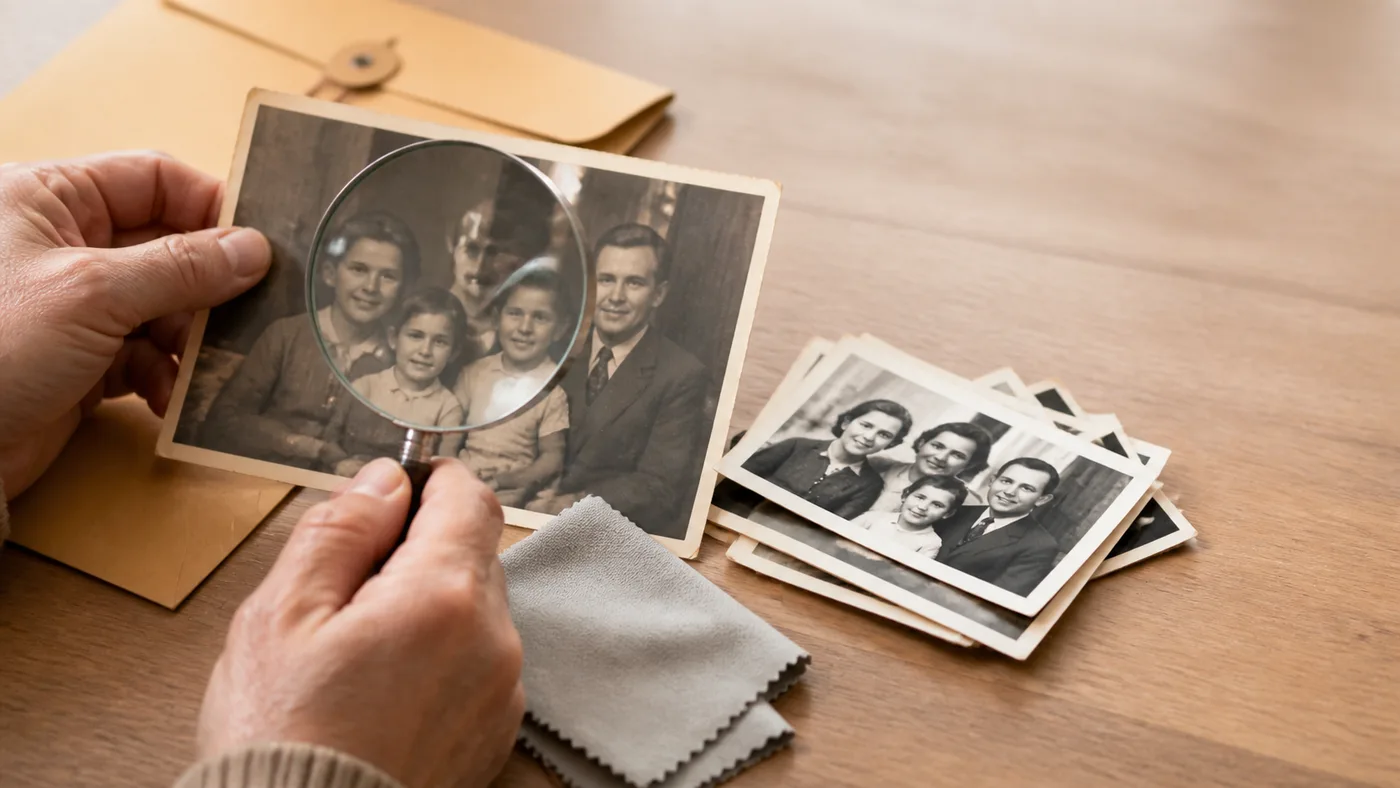
Everyone has one important family photo that is just a little too soft: a wedding portrait, a childhood photo, or the only image of someone you care about. smart can often make these images much clearer.
This guide explains what kinds of blur are fixable, what the limits are, and how to get the best output without making faces look fake.
Why old photos get blurry
Not all blur is the same, so restoration results vary:
Camera shake. Directional motion blur from hand movement. Moderate cases can improve a lot.
Out-of-focus capture. smart can often improve mild defocus but not extreme blur blobs.
Low historical resolution. smart can generate plausible detail, but it cannot recover data never captured.
Print degradation. Age-related softness often improves well.
Tiny faces in group photos. One of smart enhancement's strongest use cases.
If your file also has fading or scratches, combine this workflow with How to restore old damaged photos. If you are still comparing full app stacks, review Best Photomyne alternatives in 2026 before locking in a workflow. If you need a broader old-family-photo workflow, use the photo restoration service. If the main damage is not blur but cracks, stains, or tears, go to old photo repair.
Step-by-step: sharpen an old blurry photo
1) Start with a strong scan
Use a 600+ DPI flatbed scan if possible. For phone capture, use even lighting and precise focus. Our iPhone scanning guide helps you avoid avoidable blur.
2) Run the free Photo Unblur tool
Start with the free photo unblur tool. It works best on photos that are a little soft or out of focus. Heavy motion blur may not improve. Compare the result with the original before downloading, especially around faces.
For a soft portrait, the separate Face Enhancer offers a focused alternative. Check eyes, mouths, and skin texture against the original; keep the original if the result changes how someone looks.
3) Run full restoration for global quality
If the photo also has color fading, scratches, or low contrast, run full restoration after or alongside face enhancement.
4) Upscale for printing
If you need larger reprints, run Image Upscaler after sharpening. The upscale old photos guide explains when to enlarge and when to stop at a smaller, cleaner version.
5) Colorize if needed
For black-and-white portraits, add a final pass with Photo Colorizer after blur cleanup.
What to expect (realistically)
smart enhancement is reconstruction, not hidden-detail recovery.
- If faces are recognizable, results usually get much better
- If faces are complete blobs, results are less reliable
- Group-photo crops often improve dramatically
Run one strong pass and stop. Re-running enhancement repeatedly tends to add artifacts.
Tips for better face enhancement
- Crop close before processing so faces occupy more pixels
- Compare full restoration vs face-only enhancement outputs
- Keep an untouched original for reference
- Check likeness at full zoom before sharing
If your main comparison is tool choice, review Best Remini alternatives.
| Tool | Face-Specific | Full Image | Price | Best For |
|---|---|---|---|---|
| PhotoScanRestore Face Enhancer | ✅ Advanced | ✅ | Free preview | Old family portraits |
| Remini | ✅ Advanced | Basic | Free tier (limits); ~$9.99/mo | Selfies and portraits |
| Topaz Photo smart | ✅ Advanced | ✅ Advanced | ~$199 one-time | Professional quality |
| Upscayl | Basic | ✅ Upscaling | Free | Desktop batch processing |
| PicWish | ✅ | Basic | Free tier; ~$4.99/mo | Quick batch fixes |
Frequently Asked Questions
Can blurry old photos be fixed?
Yes, often significantly. smart face enhancement and restoration can sharpen soft details, especially for light to moderate blur. Extremely severe motion blur has more limited recovery.
What is the best free tool to fix blurry photos?
PhotoScanRestore Face Enhancer offers a free preview with strong portrait results. Upscayl is a strong free desktop option, and Remini offers a limited free tier.
Can smart really sharpen a blurry face?
smart does not recover hidden detail. It reconstructs plausible detail based on visible structure. Results are often convincing for moderately blurry portraits.
Should I fix blur before or after restoring the photo?
Usually restore first, then run face enhancement if needed. If a tool supports both in one flow, compare outputs and keep the most natural result.
Will smart enhancement change how the person looks?
It can. smart may subtly adjust facial proportions or smooth skin too much. Always compare the enhanced version with the original to confirm likeness.
Related guides
- Quick fix: Free photo unblur tool
- Compare enhancer apps: Best Remini alternatives in 2026
- Damage-first workflow: How to restore old damaged photos online
- Scanning-first alternatives: Best Photomyne alternatives in 2026
- Scanning context: Best photo scanning app
- Capture context: Scan old photos on iPhone
- Service path: Photo restoration service
- Repair path: Old photo repair
- Pricing context: Photomyne cost guide
- Free-tier context: Is Photomyne free?
- Broader restoration hub: Restore old photos
For full restoration beyond blur, start a free run at /demo/restore.
Remini, Topaz, Upscayl, and other product names are trademarks of their respective owners and are not affiliated with PhotoScanRestore.