
Guide
Best iPhone Scanning App to Digitize Old Photos (2026 Guide)
Compare top iPhone photo scanning apps, then restore your scans with PhotoScanRestore on iPhone - simple, private, and faithful.
Published Nov 13, 2025 · Updated Sep 2, 2026
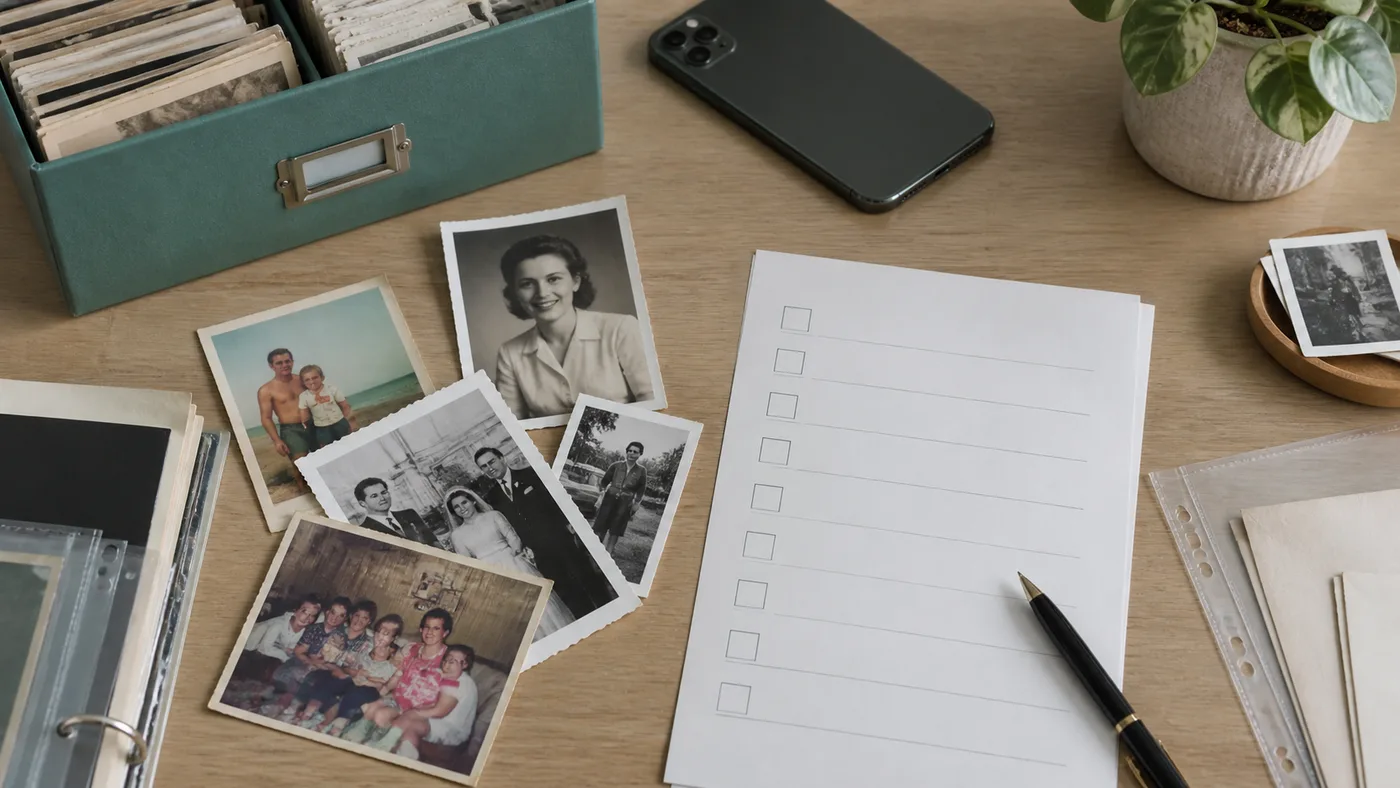
Your iPhone already has a very capable camera—pair it with the right scanning app and it becomes a simple way to save old family photos at home. This 2026 guide compares the most-mentioned iPhone photo scanning apps, highlights the criteria that matter, and explains where PhotoScanRestore fits: every scan saved untouched, with faithful restoration for the keepers you choose. (PhotoScanRestore is our own app — judge it yourself with the free web restore.)
Quick Links
- How to Scan with an iPhone
- iPhone vs Android for Scanning
- Lighting Tips to Kill Glare
- Save Scans to iCloud
- Restore Photos on iPhone
Why iPhone Cameras Shine for Scanning
Current iPhones (12, 13, 14, 15, and SE models) pack 12–48 MP sensors, advanced image stabilization, and the Apple Neural Engine—all perfect for capturing flat artwork. That means a good app can deliver scanner-like clarity, plus on-device processing to enhance colors and details instantly.
Criteria for “Best” iPhone Scanning App
- Image quality: Sharp focus, high resolution, and faithful color.
- Ease of use: Guided overlays, haptics, and accessibility features for every family member.
- Glare/perspective control: Tools that eliminate reflections and straighten skewed album pages.
- Restoration: Built-in enhancement tools to fix fading, scratches, and grain.
- Sharing & storage: Seamless exports to Photos, Files, iCloud, or private app albums.
- Value: Transparent pricing, free trials, and no surprise paywalls.
Top iPhone Photo Scanning Apps (2026)
1. PhotoScanRestore — Best Online Restorer After You Scan
- Honest workflow: Scan with any iPhone app (or use the Camera app), then upload here to restore.
- Clean-up after upload: Reduce glare, straighten, and repair damage as part of restoration.
- iPhone app now live: Restore from your iPhone, or keep using the browser workflow on iPad, Android, Mac, and PC.
- Private by default: Designed for family archives, not social-first sharing.
- Pricing: Free restore demo; simple Photo credit plans if you love the results.
2. Photomyne
Fast batch scanning and Photomyne’s multi-app ecosystem (SlideScan, FilmBox). Great for volume, but you’ll still need another tool for deep restoration, and the subscription auto-renews at ~$59.99/yr after the trial. See the full Photomyne comparison for details.
3. Google PhotoScan
Free, solid glare control via multi-exposure capture, and easy Google Photos backup. Downside: scanning each photo takes four shots, and there’s no restoration or private album features built in.
4. Pic Scanner Gold (iOS)
One-time ~$5.99 purchase, auto-crop multiple photos, basic edits. Ideal for budget users, but lacks smart enhancements or sharing workflows.
5. FamilySearch Memories
Perfect for genealogists: scan a photo, tag relatives, and attach stories to your family tree. Image quality depends heavily on your lighting, and there’s no automated restoration.
Why PhotoScanRestore Pairs Well With iPhone Scans
- Designed for memories, not documents. Simple language and clear steps for families.
- Works with what you already use. Scan with your favorite app, then restore in PhotoScanRestore.
- Fast uploads from iPhone. Pick a photo from Photos/Files and run a restore in a couple taps.
- Set expectations honestly. Results depend on input quality—good lighting and sharp focus matter.
FAQ for iPhone Users
Does it work on older iPhones? Yes—anything running iOS 16+ works, though newer cameras capture more detail.
What about iPad? Yes—PhotoScanRestore works in your browser on iPad too.
Can I share via Messages or AirDrop? Yes—download your restored file and share however you like.
Need Android too? Yes. PhotoScanRestore is available on iPhone, and the browser restore workflow still works across Android, iPad, Mac, and PC.
Ready to Digitize?
Grab your iPhone, scan one favorite photo with any scanning app (or just take a clear photo), then upload it to the free demo. You’ll see a before/after preview in under a minute—and know if the restore quality is right for your family archive.
Try a free restorePart of our scanning hub series. Also explore the general photo scanning app guide and the best way to scan old photos for other methods.