
Photomyne alternative
The Photomyne alternative that saves the album first.
Photomyne is built to capture a lot of photos quickly behind a subscription. PhotoScanRestore makes a different promise: every print you scan is saved, untouched, into a private collection for free — and you pay only when a photo deserves faithful restoration, keeping both versions.
Free to download · Originals never overwritten · You choose what to restore

Photomyne vs PhotoScanRestore at a glance
Both apps help you digitise old photos, but they make different trade-offs. Photomyne favours high-volume capture on a subscription; PhotoScanRestore is built around saving the album safely and restoring the keepers faithfully.
| Feature | Photomyne | PhotoScanRestore |
|---|---|---|
| Price model | Subscription-based plans | Saving scans is free; Photo credits only for the photos you restore |
| What happens to your scan | Processed for quick album sharing | Saved untouched first; restoration is a separate, chosen step with both versions kept |
| Restoration promise | Automatic enhancement | Faithful restoration — keep the person recognisable, free redo if it does not look like them |
Where fast scanning apps let families down
Speed is not the hard part of preserving an album. The hard part is trusting what happens to the photos afterwards.
The original gets processed away
Many apps enhance every capture automatically, so you never keep a clean record of the print as it actually is.
Everything costs the same
A subscription treats all 400 photos in the box alike — when only a handful deserve real restoration work.
Enhancement changes people
Heavy automatic filters can leave faces looking like strangers. Restoration should keep them recognisably themselves.
Save first. Restore by choice.
PhotoScanRestore separates the two jobs so nothing precious is lost along the way.
Every scan saved untouched
Scan a print in the iPhone app and it is saved to your private collection exactly as captured, before any repair begins. Saving never costs a credit.
Restoration only for the keepers
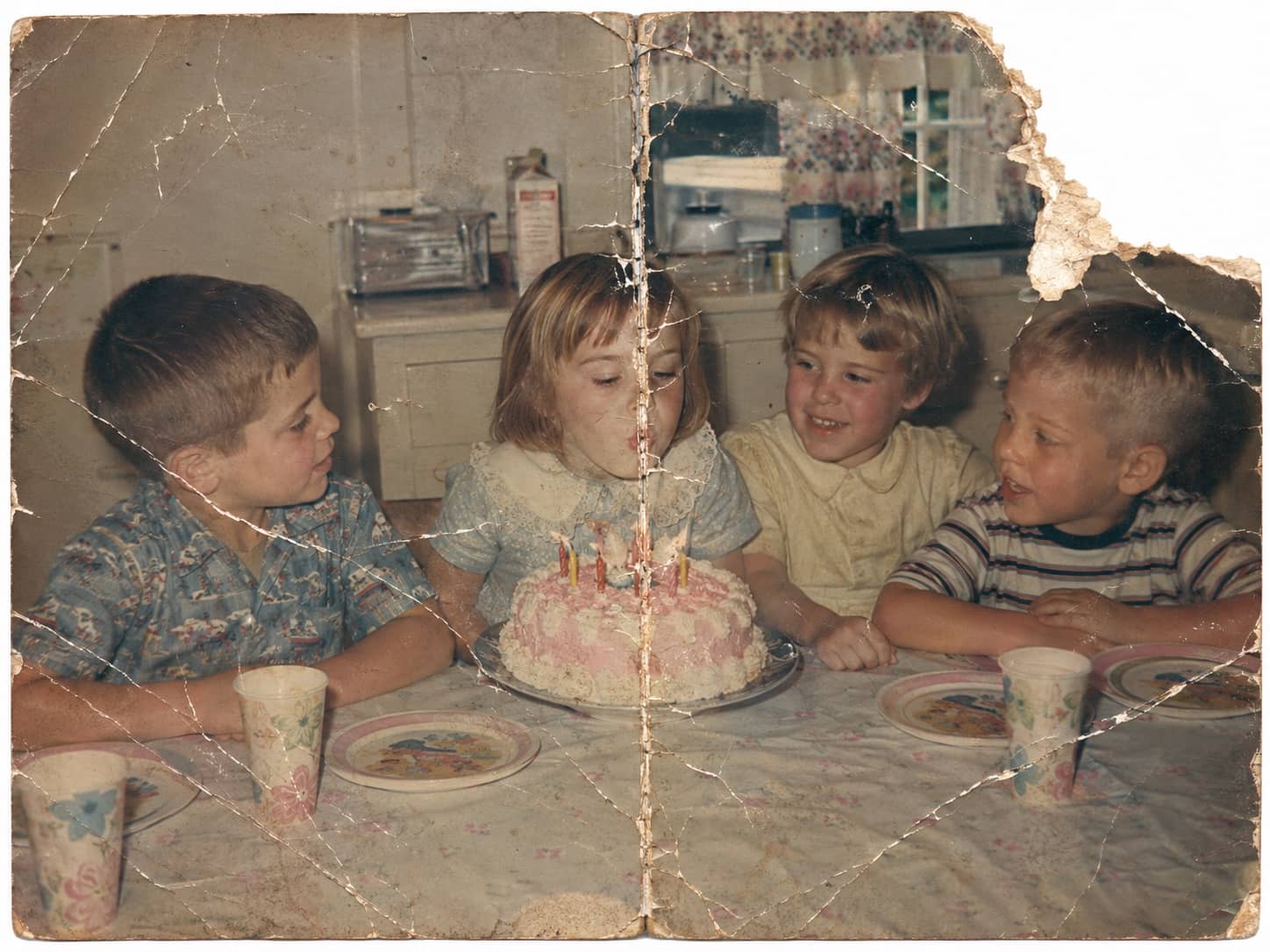
Pick the photos that carry the story. One Photo credit restores one chosen photo — repairing fading, tears, scratches, and colour where the original still holds the detail.
Faithful by design
Restoration aims to keep identity, clothing, and era intact, and you always keep both versions. If a result does not look like your relative, tell us and we will redo it free.
The box has waited long enough.
Save the album with the iPhone app, or judge the restoration quality first with one free photo on the web.
Photomyne alternative FAQs
- Is Photomyne free?
- Photomyne typically puts its full features behind a subscription. In PhotoScanRestore, scanning and saving your prints is free — you pay per restoration with Photo credits, and you can preview the restoration quality with one free photo on the web.
- Is there a free alternative to Photomyne?
- Yes. The PhotoScanRestore iPhone app is free to download, and saving your scanned prints into a private collection is free. Restoration is the only paid step, and one free web restore lets you judge the quality before spending anything.
- What makes PhotoScanRestore a good Photomyne alternative?
- The save-first model. Every print you scan is saved untouched before anything else happens, and restoration is a deliberate photo-by-photo choice — you keep both the original and the restored version. It suits families who care more about long-term preservation than fast social sharing.