
Guide
Remini Reviews: Is It Worth It for Old Photos?
A practical Remini review for family-photo restoration, not selfies or viral edits.
Published May 28, 2026 · Updated Sep 2, 2026 · 12 min read
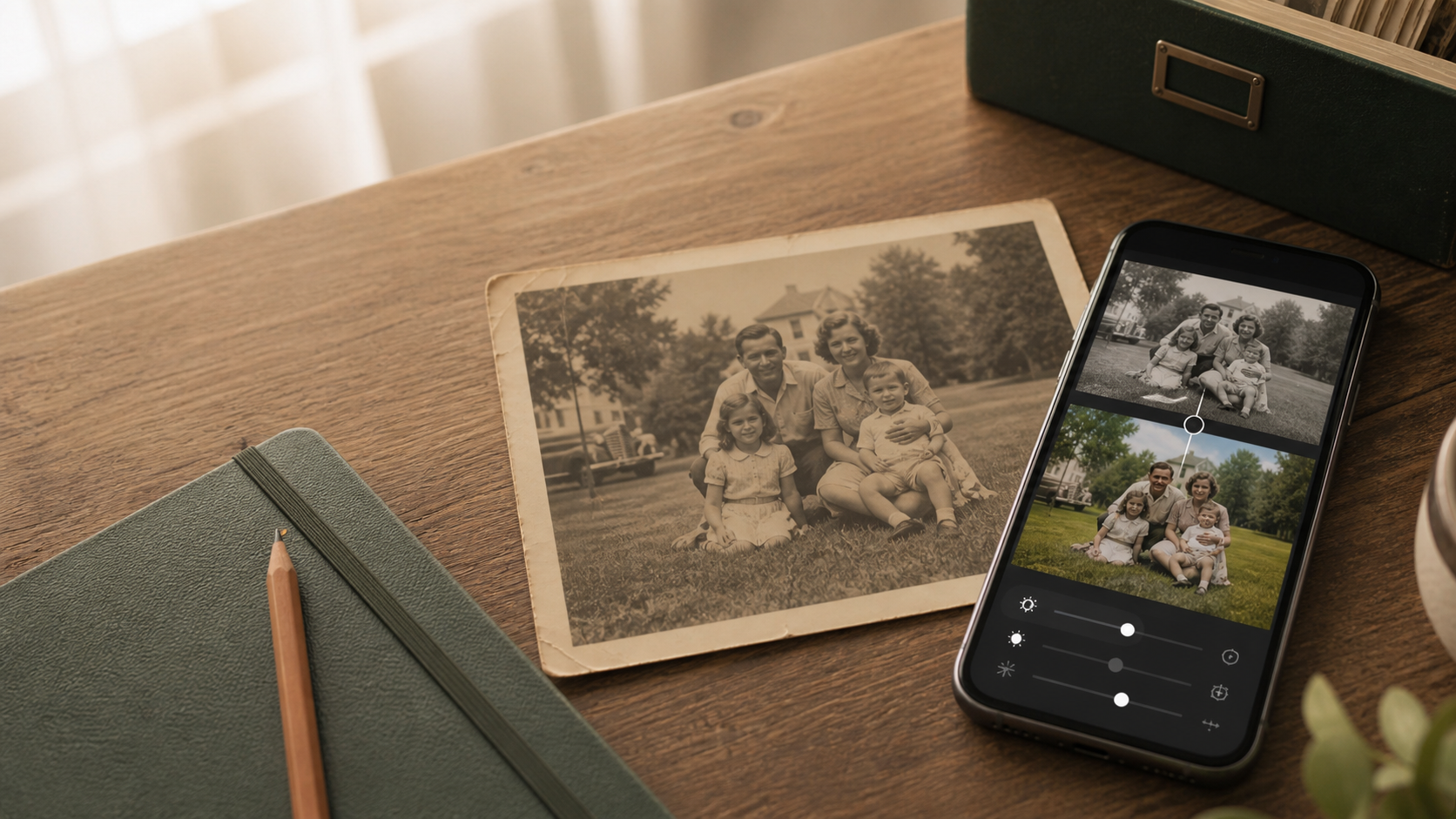
Remini is a popular photo enhancer because it can make faces look sharper quickly. That is a real strength. It can also be the wrong fit if the photo you care about is an old family print with fading, scratches, stains, torn edges, or a background that matters as much as the face.
This Remini review is written for that second person: someone with a family photo they want to restore, save, print, or send to relatives. If your goal is selfie polish, Remini may be a good first stop. If your goal is an old-photo keepsake, start by comparing what kind of restoration you actually need.
Quick verdict
Remini is strongest when the main job is sharpening or beautifying a face in a digital photo. It is less clearly suited to full old-photo restoration where the whole image matters: the clothes, room, background, paper damage, color cast, and the feeling of the original print.
| If you need... | Better first choice |
|---|---|
| Sharper faces in a blurry modern portrait | Remini |
| A quick mobile enhancer for selfies or social photos | Remini |
| Faded old-photo color brought back gently | PhotoScanRestore |
| Tears, scratches, stains, or worn print detail repaired | PhotoScanRestore |
| A one-photo test before paying for a family archive | PhotoScanRestore |
How we reviewed Remini
Last reviewed: 28 May 2026.
We reviewed Remini's current public product pages, App Store and Google Play listings, Help Center pricing/subscription pages, damaged-photo guidance, batch-enhancement guidance, and privacy policy. We did not run a fresh paid Remini order or publish a same-photo lab test in this guide, so we do not claim measured restoration results.
What we can say from public sources:
- Remini presents itself as an AI photo and video enhancer for sharpening, unblurring, restoring old photos, improving color, enhancing faces/backgrounds, enlarging images, and creating AI photos.
- App stores list Remini as free with in-app purchases; Google Play also lists ads.
- Remini's own Help Center says mobile subscription cost can vary by offer, duration, promotion, platform, and paywall shown to the user.
- Remini's Help Center says iOS subscriptions may be managed through Apple or through Remini's internal in-app paywall, while Android subscriptions are handled through Google Play.
- Remini's Help Center says scratched, stained, torn, or heavily damaged photos may interfere with enhancement and cause unsatisfying results.
- Remini's privacy policy says enhancement uploads and outputs are deleted after one day, and that images/videos are not used to train Remini's AI unless the user opts in.
Sources are linked at the end of this guide so you can verify the current wording yourself before subscribing.
What is Remini?
Remini is a mobile-led AI enhancer. Its public pages and app listings position it around clearer faces, sharper photos, old-photo enhancement, video enhancement, AI photo generation, and quick visual upgrades.
That breadth matters. Remini is not only an old-photo tool. It is also a selfie, portrait, profile-photo, and social-content tool. That is why some users love it and others feel the result is not right for old family photos.
What Remini is good at
Face sharpening
Remini became famous because it can take a soft, compressed, or blurry face and make it look clearer. For modern portraits, social photos, and headshots, that can be exactly what people want.
Fast mobile edits
Remini is app-first and built for quick enhancement. If your photo is already on your phone and the job is "make this look sharper now," the workflow is straightforward.
Social-style before and afters
Remini is designed around visible transformation. That can be satisfying when the output style matches your taste.
Light old-photo enhancement
Remini can help some old photos, especially when the main issue is softness, low resolution, or a blurry face. This guide does not argue that Remini is bad. It argues that old family photos are a different job from selfie enhancement.
What recent users praise
Public reviews are mixed, but not one-sided. Many users praise Remini because it is fast, easy, and can make faces look clearer. Some reviewers describe meaningful improvements to blurry or old photos, including family pictures.
That is why this comparison should stay honest. If someone wants quick face clarity and likes Remini's output style, Remini may be worth trying.
Common Remini complaints
The recurring complaints are less about whether Remini can ever improve a photo, and more about the experience around it:
- Ads and save friction in the free flow.
- Subscription, free-trial, cancellation, or refund confusion.
- Some tools or limits changing by plan, paywall, or app version.
- Faces looking too smoothed, beautified, or different from the original person.
- Background blur or other effects that may not match an old-family-photo goal.
- Results that struggle when the original has scratches, stains, tears, or heavy physical damage.
These are review themes, not controlled measurements. We would not say "Remini always does X" without testing the exact app version, plan, country, and photo set.
Where Remini can be the wrong fit for family photos
Old family photos are not only faces
In an old family photo, the background can matter. The kitchen, garden, wedding dress, handwriting, furniture, and the person standing at the edge of the frame are all part of the memory. A face-first enhancer may not treat the full image with the same care.
Some results can feel too polished
For old-photo restoration, sharper is not always better. If a restored face looks too new while the rest of the photo still looks old, the result can feel emotionally wrong even if it looks technically cleaner.
Pricing can be hard to compare from the outside
Remini's own Help Center says there is not one fixed mobile price list because offers can vary. That does not mean Remini is doing anything unusual; many apps use changing paywalls. It does mean you should check the exact in-app offer before deciding.
It is not a family archive workflow
If you need to scan a box of prints, restore a handful of keepers, save them privately, and share them with relatives, Remini may be only one tool in the chain rather than the full workflow.
Heavy damage can interfere with enhancement
Remini's own Help Center says scratched, stained, torn, or heavily damaged media can interfere with the app's ability to enhance details and may cause unsatisfying results. It also says AI cannot reconstruct features that are fully covered.
That is the key old-photo caveat. If the family photo is mostly soft, Remini may help. If it is physically damaged, stained, torn, or emotionally sensitive, use a restoration workflow that is honest about limits.
Remini pricing, free trials, ads, and subscriptions
Remini does not publish one fixed price that applies to every user. Its Help Center says the cost may vary by the offer available when you start using it, plan duration, promotions, and the paywall shown in the app.
That makes this the safest subscription checklist:
- Check whether you are choosing weekly, monthly, yearly, or another billing duration.
- Check whether a free trial is included before confirming.
- Check whether the tools you want are included in that plan.
- Check whether feature limits still apply.
- Check whether you must cancel through Apple, Google Play, or Remini's internal checkout.
Remini's Help Center also says free trials are not always available, may be used only once, and may not include all tools. It also says some limits can apply to subscribed users, and some limits may reset later or require an additional fee.
The practical point: do not rely on a blog's old price screenshot. Read the paywall in front of you before subscribing.
Remini privacy: what happens to uploaded photos?
Privacy is another area where the guide needs to be factual, not alarmist.
Remini's privacy policy says it processes uploaded and generated images/videos, metadata extracted from images, and face data. It says face data may be considered biometric data in some jurisdictions, and that Remini does not use face data to identify or authenticate people.
For standard enhancement, the policy says uploaded and enhanced images/videos are deleted after one day, and face data used for enhancement is deleted immediately after processing. For AI-generation features, the policy gives longer retention windows.
Remini also says it does not sell, trade, or claim ownership of images/videos, and that images/videos are not used to train its AI technologies unless the user explicitly opts in.
The fair privacy advice is simple: Remini publishes deletion and training statements, but you are still uploading family photos and face data to a third-party app. If the image is sensitive, read the current privacy policy before uploading.
Remini vs PhotoScanRestore
| Question | Remini | PhotoScanRestore |
|---|---|---|
| Best use case | Face enhancement and quick photo polish | Old family photo restoration |
| Strongest output | Sharper faces, modern-photo enhancement | Whole-photo repair, fading, tears, stains, color |
| Old-photo risk | May over-smooth or reconstruct faces; heavy damage can interfere | Better fit for preserving the whole family-photo feel |
| First restore | Check the current in-app offer | One restore free |
| Pricing model | Varies by paywall, platform, duration, and offer | Free preview, Monthly, Annual, Done-For-You |
| Batch or archive path | Mobile batch enhancement is not currently supported in Remini's Help Center | Restore one photo first, then use credits or membership for larger projects |
| Browser path | App-first; availability can vary by flow | Browser restore plus iPhone app |
| Best for family archives | Useful for some portraits | Built around old-photo keepsakes |
The honest answer is not "always choose us." If you have a modern blurry selfie, Remini may be the better tool. If you have the only good photo of your grandparents, a faded wedding print, or a torn birthday-table photo, try a full old-photo restore first.
When we recommend Remini instead
Consider Remini if:
- your photo is a selfie, headshot, or modern blurry portrait;
- you mainly care about fast face clarity;
- you like stronger AI polish or social-ready edits;
- you are comfortable checking the subscription/paywall carefully;
- the original is not historically or emotionally sensitive.
When PhotoScanRestore is the better fit
Try PhotoScanRestore first when:
- the photo is an old family print;
- fading, scratches, stains, torn edges, soft scanning, or color loss are the real problem;
- the room, clothes, background, and paper feel matter;
- the face needs to stay true to the original person;
- you want to test one meaningful photo before paying for a bigger archive path.
Is Remini worth it?
Remini can be worth it if you regularly enhance portraits and like its output style. It is less obviously worth it if you have one or two old family photos and do not want another subscription.
Before paying, ask:
- Do I need face sharpening only, or full-photo restoration?
- Is this a modern digital photo or an old physical print?
- Do I need a one-off result or a recurring enhancer subscription?
- Does the exact paywall offer shown to me match my budget?
- Will the result still feel like the person and the original photo?
How to prepare an old photo before using any AI enhancer
Whichever tool you use, the input matters.
- Clean the glass or phone camera lens.
- Use soft daylight and avoid glare.
- Keep the phone or scanner parallel to the print.
- Capture the whole photo first; crop later.
- Save the original scan untouched.
- Try enhancement on a copy, not the only digital file.
For capture advice, see scan old photos on iPhone and best way to scan old photos.
Final recommendation
Remini is worth trying for quick AI enhancement, especially faces. It is not always the best tool for meaningful old family photos, where preservation matters as much as sharpness.
For damaged, faded, stained, scratched, or torn family photos, PhotoScanRestore is the more relevant first step. Start with the one picture your family actually cares about, then decide whether the result earns a paid credit pack or membership.
For deeper comparisons, read Remini alternatives, Remini vs PhotoScanRestore, and Remini cost.
FAQ
Is Remini worth it in 2026?
Remini can be worth it if you want quick face enhancement, sharper selfies, or a fast improvement to a blurry portrait. It may be less suitable if you need careful old-photo restoration, damage repair, or preservation of the original family-photo look.
Is Remini good for old photos?
Remini can help some old photos, especially when the face is soft or blurry. For full old-photo restoration, including fading, scratches, stains, tears, and natural family-photo tone, a restoration-focused tool may be a better first test.
Is Remini free?
Remini is listed as free with in-app purchases, and Google Play lists ads. The exact free limits, trials, and subscription offers can change, so check the paywall shown inside the app before paying.
How much does Remini cost?
Remini says mobile subscription cost can vary by offer, plan duration, promotion, and what appears on your paywall. Apple's listing also shows example weekly in-app purchases. Treat any third-party price list as a snapshot, not a guarantee.
Does Remini have a free trial?
Sometimes, but not always. Remini's Help Center says free trials may not be available to every user, may be available only once, and may not include every tool.
Why do people complain about Remini subscriptions?
Public reviews include complaints about weekly charges, annual renewals, free trials, cancellation, and refund frustration. Remini also uses different billing channels depending on whether the subscription started through Apple, Google Play, or an internal checkout.
Does Remini store my photos?
Remini says standard enhancement uploads and outputs are deleted after one day, while AI-generation features have longer retention windows. Users should check the current privacy policy before uploading sensitive family photos.
Does Remini use my photos to train AI?
Remini's privacy policy says images and videos are not used to train its AI technologies unless the user explicitly opts in. Avoid claims that go beyond the current policy.
Is Remini better than PhotoScanRestore?
Remini is better for quick face enhancement and modern-photo polish. PhotoScanRestore is a better fit when the job is restoring an old family photo as a whole image.
Can Remini fix scratches, stains, and torn photos?
Remini markets old-photo restoration, but its Help Center says scratches, stains, torn photos, and heavy damage can interfere with enhancement and may produce unsatisfying results.
Can AI restoration change someone's face?
Yes. AI enhancement may reconstruct missing or unclear details. That can make a face look sharper, but it can also make a relative look slightly different from the original photo.
Can I use Remini and PhotoScanRestore together?
Yes. Some people scan or restore a photo first, then use a face enhancer only if one portrait needs extra help. For many family photos, one natural full-image restore is enough.
What is the best Remini alternative for old photos?
For old family photos with fading, scratches, tears, stains, and color loss, PhotoScanRestore is the more focused alternative. If you mainly want selfies or headshots enhanced, compare face-enhancement apps instead.
Sources checked
- Remini AI Photo Enhancer, checked 28 May 2026.
- Remini old-photo restorer page, checked 28 May 2026.
- Remini App Store listing, checked 28 May 2026.
- Remini Google Play listing, checked 28 May 2026.
- Remini Help Center: subscription cost, checked 28 May 2026.
- Remini Help Center: subscription channels and options, checked 28 May 2026.
- Remini Help Center: free trial guidance, checked 28 May 2026.
- Remini Help Center: damaged-photo enhancement limits, checked 28 May 2026.
- Remini Help Center: batch enhancement, checked 28 May 2026.
- Remini privacy policy, checked 28 May 2026.
Remini is a trademark of its respective owner. PhotoScanRestore is not affiliated with Remini or Bending Spoons.